Getting your website noticed in search results starts with mastering title tag and meta description optimization. These small but powerful elements serve as your first impression to potential visitors, making meta description optimization essential for any successful SEO strategy.
What Are Title Tags and Meta Descriptions?
Understanding Title Tags in SEO
A title tag is the clickable headline that appears in search engine results pages (SERPs). It’s the blue text that users see when your page shows up in Google search results. Title tag optimization in SEO involves creating titles that both search engines and users find valuable.
Here’s what a title tag looks like in HTML:
<title>Your Page Title Goes Here</title>
What Are Meta Descriptions?
Meta descriptions are short summaries that appear below the title tag in search results. While they don’t directly impact rankings, they significantly influence click-through rates. A well-crafted meta description acts like a mini advertisement for your page.
Meta description example in HTML:
<meta name=”description” content=”Your page description goes here”>
Why Title Tag and Meta Description Optimization Matters
Impact on Search Engine Rankings
Search engines use title tags as a primary ranking factor. When you optimize your title tags properly, you’re telling search engines exactly what your page is about. This clarity helps your content rank for relevant keywords.
Click-Through Rate Improvement
Why meta description is important becomes clear when you consider user behavior. A compelling meta description can increase your click-through rate by up to 30%, even if you’re not ranking in the top position.
User Experience Enhancement
Well-optimized titles and descriptions set proper expectations. When users click on your result and find exactly what they expected, it reduces bounce rates and increases engagement.
Understanding Title Tag Optimization in SEO
Primary Keyword Placement
Place your most important keyword near the beginning of your title tag. This gives it more weight with search engines and makes it more visible to users scanning results.
Brand Integration
Including your brand name in title tags helps with recognition and trust. For most pages, place the brand at the end of the title, separated by a pipe (|) or dash (-).
Creating Urgency and Appeal
Effective title tags often include elements that create urgency or highlight benefits:
- Numbers (5 Tips, 10 Ways, 2024 Guide)
- Action words (Learn, Discover, Find)
- Benefits (Free, Easy, Quick)
Meta Description Optimization Best Practices
What Is Meta Tag Optimization in SEO?
Meta tag optimization involves creating descriptions that accurately represent your content while encouraging clicks. This includes using relevant keywords naturally and creating compelling copy that stands out in search results.
Key Elements of Effective Meta Descriptions
- Relevance: Match the content on your page
- Keywords: Include target keywords naturally
- Call-to-action: Encourage users to click
- Uniqueness: Make each description different
- Value proposition: Clearly state what users will gain
Should Every Page Have a Meta Description?
Yes, every page should have a unique meta description. Pages without meta descriptions allow search engines to create their own snippets, which may not effectively represent your content or encourage clicks.
Ideal Length for Title Tags and Meta Descriptions
What Is the Ideal Length for Title Tags for Optimal SEO?
The recommended character limit for title tags is 50-60 characters (approximately 600 pixels). This ensures your entire title displays in search results across different devices.
Title length guidelines:
- Desktop: Up to 60 characters
- Mobile: Up to 50 characters
- Keep important keywords within the first 50 characters
Meta Description Character Limit
How long should a meta description be for SEO? The ideal meta description length is 150-160 characters. Google typically displays up to 160 characters on desktop and about 130 characters on mobile.
Does meta description length matter? Yes, but context matters more. A 140-character description that’s compelling and relevant will outperform a 160-character description that’s generic or misleading.
Examples of Effective Title Tags and Meta Descriptions
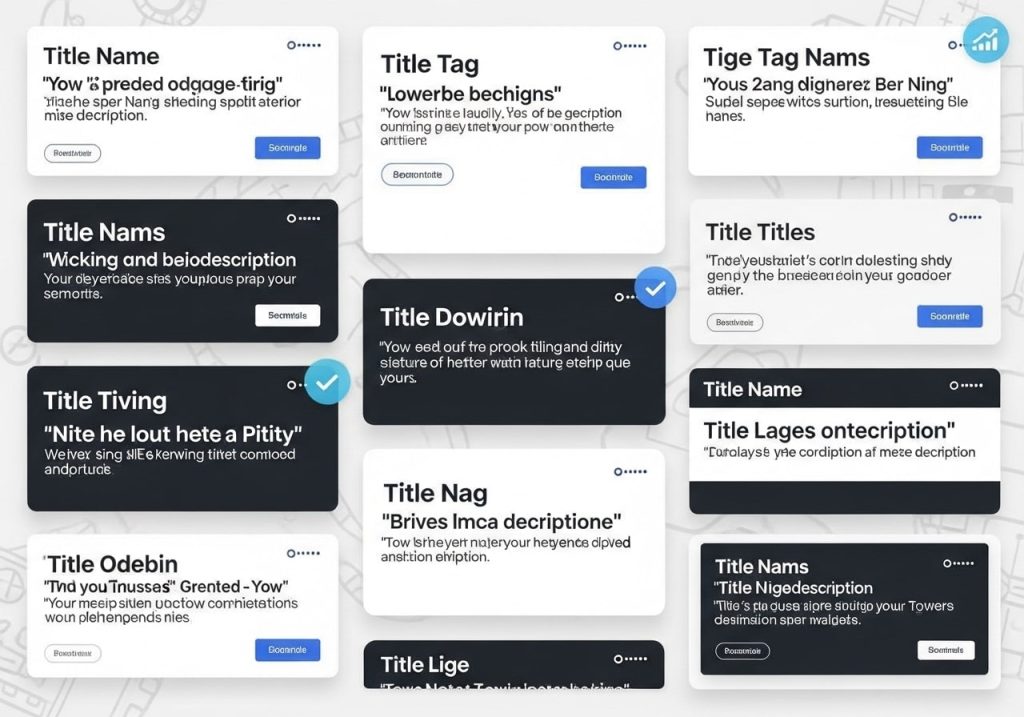
Title and Meta Description Examples
E-commerce Product Page:
- Title: “Wireless Bluetooth Headphones – Premium Sound | AudioTech”
- Meta Description: “Experience crystal-clear audio with our wireless Bluetooth headphones. 30-hour battery life, noise cancellation, and premium comfort. Free shipping available.”
Blog Post Example:
- Title: “10 Easy Dinner Recipes for Busy Weeknights | Quick Cooking”
- Meta Description: “Discover 10 simple dinner recipes that take 30 minutes or less. Perfect for busy families who want delicious, healthy meals without the hassle.”
Service Page Example:
- Title: “Professional Web Design Services | Custom Websites | DesignPro”
- Meta Description: “Get a stunning, mobile-responsive website that converts visitors into customers. Our web design services include SEO optimization and ongoing support.
How to Create SEO-Friendly Title Tags
How to Write SEO Title Tags?
- Start with keyword research: Identify the primary keyword for each page.
- Include your target keyword: Place it naturally within the first 50 characters.
- Make it descriptive: Clearly explain what the page offers.
- Add your brand: Include your company name for recognition.
- Avoid keyword stuffing: Use keywords naturally, not excessively.
What Is the Best Title Format for SEO?
The most effective title tag formats include:
- Primary Keyword | Brand Name
- Primary Keyword – Secondary Keyword | Brand
- Number + Primary Keyword + Benefit | Brand
- How to + Action + Primary Keyword | Brand
Which Tag Is Most Important for SEO?
The title tag is considered the most important meta tag for SEO. It has the strongest impact on rankings and is the first thing users see in search results.
Writing Compelling Meta Descriptions
How to Write a Good Meta Title and Description?
For Title Tags:
- Include your primary keyword.
- Keep it under 60 characters.
- Make it unique for each page.
- Write for humans, not just search engines.
- Include your brand when space allows
For Meta Descriptions:
- Summarize the page content accurately
- Include a clear call-to-action
- Use active voice
- Include relevant keywords naturally
- Make each description unique
What Is a Good Meta Description?
A good meta description should:
- Answer the user’s search query
- Provide a clear value proposition
- Include relevant keywords
- Encourage clicks with compelling language
- Accurately represent the page content
Meta description example for a local business:
“Need reliable plumbing services in Denver? Our licensed plumbers offer 24/7 emergency repairs, drain cleaning, and water heater installation. Call now for a free quote!”
Common Mistakes to Avoid
Title Tag Mistakes
- Keyword stuffing: Don’t cram multiple keywords unnaturally
- Duplicate titles: Each page needs a unique title
- Generic titles: Avoid vague titles like “Home” or “Products”
- Missing keywords: Don’t forget to include your target keyword
- Ignoring length: Does title length affect SEO? Yes, titles that are too long get cut off
Meta Description Mistakes
- Duplicate descriptions: Each page needs its own description
- Missing calls-to-action: Don’t forget to encourage clicks
- Keyword stuffing: Use keywords naturally
- Inaccurate descriptions: Ensure descriptions match page content
- Ignoring character limits: Stay within the 150-160 character range
Tools for Testing and Optimization

Free SEO Tools
- Google Search Console: Monitor how your titles and descriptions appear in search results
- SERP Preview Tools: See how your titles and descriptions will look in search results
- Google PageSpeed Insights: Check overall page optimization
- Yoast SEO Plugin: WordPress plugin for optimizing meta tags
Advanced Tools
- SEMrush: Comprehensive SEO analysis and optimization suggestions
- Ahrefs: Keyword research and competitor analysis
- Screaming Frog: Technical SEO audit tool
- Moz Pro: SEO toolset with title and description optimization features
Measuring Success
Key Metrics to Track
- Click-through rate (CTR): Monitor improvements after optimization
- Search rankings: Track keyword position changes
- Organic traffic: Measure overall traffic increases
- Bounce rate: Lower bounce rates indicate better user experience
- Conversion rate: Ultimate measure of optimization success
Are Meta Descriptions Still Important?
Absolutely. While meta descriptions don’t directly impact rankings, they significantly influence click-through rates. A well-optimized meta description can be the difference between a user clicking your result or your competitor’s.
Advanced Optimization Strategies
Schema Markup Integration
Adding structured data can enhance your search results with rich snippets, making your listings more attractive and informative.
Mobile Optimization
With mobile-first indexing, ensure your titles and descriptions work well on smaller screens. Keep titles shorter and descriptions concise for mobile users.
Local SEO Considerations
For local businesses, include location-specific keywords in your titles and descriptions. This helps with local search visibility and attracts nearby customers.
Testing and Iteration
A/B Testing Your Meta Tags
Consider testing different versions of your titles and descriptions to see which perform better. Monitor click-through rates and make data-driven decisions.
Regular Updates
Meta title and description optimization isn’t a one-time task. Regularly review and update your meta tags based on:
- Keyword performance changes
- Seasonal trends
- Competitor analysis
- New product or service offerings
Mastering title tag and meta description optimization takes time and practice, but the results are worth the effort. By following these guidelines and continuously monitoring your performance, you’ll see improved search rankings, higher click-through rates, and more qualified traffic to your website. Start optimizing your meta tags today and watch your search visibility grow.
Remember to keep your optimization efforts focused on providing value to users while making it easy for search engines to understand your content. The best SEO strategies always balance technical optimization with genuine user value.
FAQs
What are title tags and meta descriptions?
Title tags are the clickable headlines you see in search results – they appear as blue links when someone searches for something on Google. Meta descriptions are the short text snippets below the title that give people a preview of what your page is about. Both show up in search results and help people decide whether to click on your website.
How long should my title tags be?
Keep your title tags between 50-60 characters. Google usually cuts off titles that are longer than this, showing “…” at the end instead. You want your full title to show up in search results, so staying within this limit helps ensure people can read your complete message.
What’s the ideal length for meta descriptions?
Aim for 150-160 characters for your meta descriptions. Google typically shows about this much text in search results. If you go over, your description might get cut off, which could leave out important information that might convince someone to visit your site.
Should I include my target keywords in title tags?
Yes, but do it naturally. Put your main keyword near the beginning of your title tag if possible, since Google gives more weight to words that appear earlier. Just make sure it reads like normal human language – don’t stuff keywords in there just to have them.
Do meta descriptions directly affect my search rankings?
Meta descriptions don’t directly boost your rankings in Google’s algorithm, but they’re still really important. A well-written meta description can get more people to click on your result, which sends positive signals to Google about your page’s quality and relevance.
Can I use the same title tag for multiple pages?
No, every page should have a unique title tag. Duplicate titles confuse search engines and make it harder for them to understand what each page is about. Unique titles also help users find exactly what they’re looking for when browsing your site.
What should I avoid when writing title tags?
Don’t stuff too many keywords together, use ALL CAPS (it looks spammy), or create misleading titles that don’t match your page content. Also avoid using special characters unless they add real value, and don’t make every title tag identical across your website.
How do I write meta descriptions that get more clicks?
Write them like mini advertisements for your page. Include your main keyword, explain what benefit visitors will get, and add a call to action when it makes sense. Think about what would make you want to click – maybe mention a specific solution, number, or unique angle your page offers.
Should I include my brand name in every title tag?
If you have a well-known brand, adding it to your title tags can help with recognition and clicks. Put it at the end of the title, separated by a dash or pipe symbol. For newer or less-known brands, you might want to focus more space on keywords and benefits instead.
How often should I update my title tags and meta descriptions?
Review and update them whenever you refresh your content or if you notice your click-through rates are low. You can also test different versions to see which ones perform better. If your rankings drop for certain pages, refreshing these elements with better keywords or more compelling language might help.