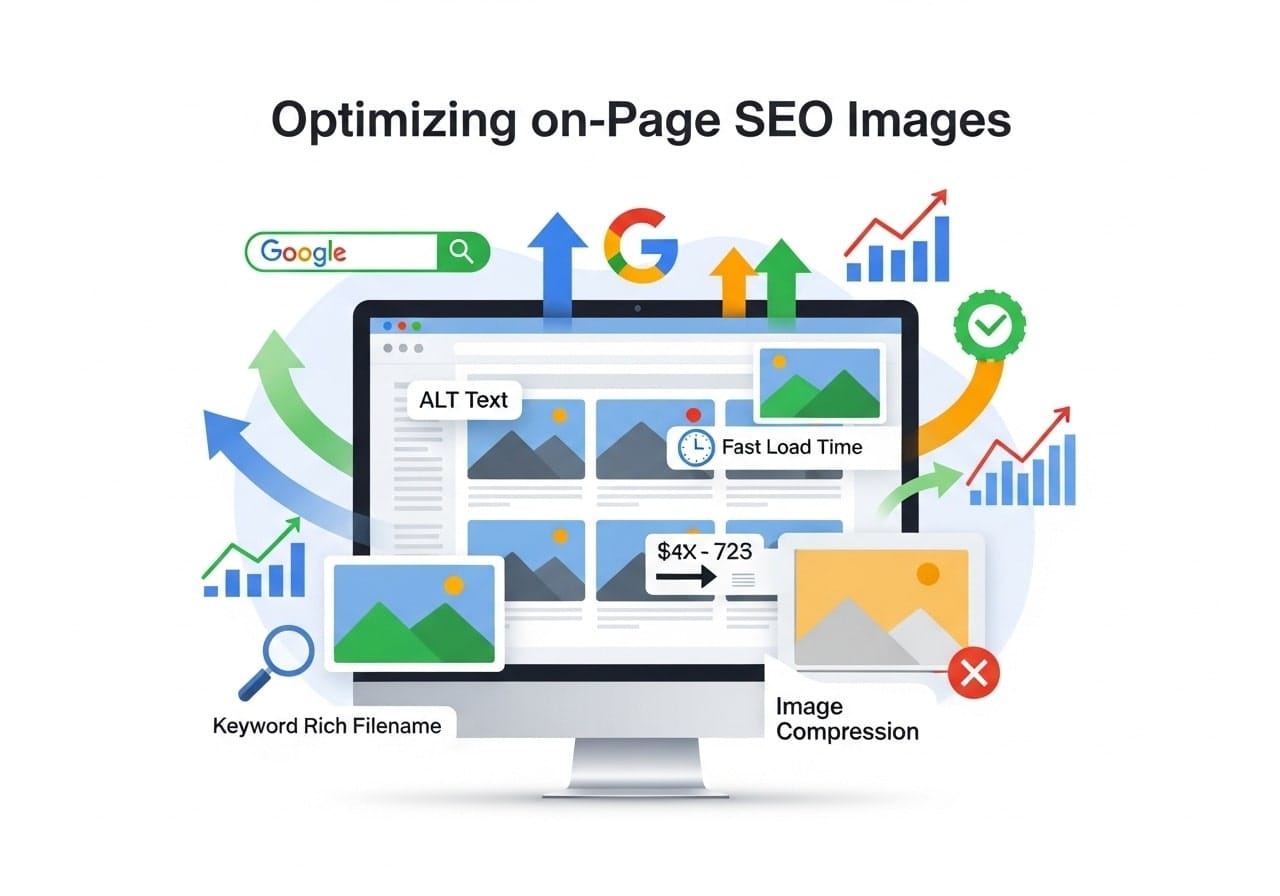
Getting your on page SEO images right can make a huge difference in how well your website performs in search results. When you properly optimize images for SEO, you’re not just making your site look better – you’re giving search engines exactly what they need to understand and rank your content higher.
What is On Page SEO Images?
On page SEO images refers to the practice of optimizing every image on your website so search engines can easily find, understand, and display them in search results. This includes everything from choosing the right file names to adding proper descriptions that help both search engines and people with disabilities understand what your images show.
When we talk about SEO optimization images, we’re looking at a complete approach that covers technical aspects like file size and format, as well as descriptive elements like alt text and captions. The goal is simple: make your images work harder for your website’s visibility.
Think of SEO optimized images as your silent sales team. They work around the clock to bring visitors to your site through image search results, and they help keep people on your pages longer when they load quickly and provide value.
Why On Page SEO Image Matters
Images play a bigger role in SEO than most people realize. Google processes billions of image searches every day, and many of these searches lead people to websites they might never have found otherwise.
What is image optimization in SEO? It’s the process of preparing your images so they contribute positively to your website’s search engine rankings. This means faster loading times, better user experience, and more opportunities for your content to appear in search results.
Here’s why image SEO deserves your attention:
- Traffic Growth: Properly optimized images can bring significant traffic through Google Images and visual search features
- Better User Experience: Fast-loading, relevant images keep visitors engaged and reduce bounce rates
- Accessibility: Good image SEO practices make your site more accessible to users with visual impairments
- Page Speed: Optimized images load faster, which is a known ranking factor for Google
- Featured Snippets: Images often appear in featured snippets and rich results, giving you more visibility
The importance of image SEO has grown significantly with the rise of visual search and mobile browsing. More people are using their phones to search with images, and Google’s getting better at understanding visual content.
Essential Elements of SEO Optimized Images
Creating truly effective SEO for image optimization best practices involves several key components working together. Let’s break down each essential element:
File Format Selection
Which image type is best for SEO? The answer depends on your specific needs:
- JPEG: Best for photographs and images with lots of colors. Offers good compression while maintaining quality
- PNG: Perfect for images with transparency, logos, and graphics with sharp edges
- WebP: Google’s modern format that provides excellent compression. Supported by most browsers now
- SVG: Ideal for simple graphics and icons as they scale perfectly and have tiny file sizes
File Size and Compression
Your SEO image size directly impacts how fast your pages load. Large image files slow down your website, which hurts your search rankings. Here are the guidelines:
- Keep most images under 100KB when possible
- Never exceed 1MB unless absolutely necessary
- Use compression tools to reduce file size without losing quality
- Consider using responsive images that serve different sizes to different devices
Image Dimensions
SEO image width and height should match how you’re displaying the image on your page. Don’t upload a 2000px wide image if you’re only showing it at 400px wide. This wastes bandwidth and slows down your site.
Common best practices for dimensions:
- Blog post featured images: 1200px x 630px works well for social sharing
- In-content images: 800px wide is usually sufficient
- Thumbnails: 300px x 300px or smaller
- Always maintain aspect ratio to avoid distortion
Best Practices for On Page SEO Image Names
SEO for image names is often overlooked, but it’s one of the easiest ways to improve your image SEO. Your image filename is one of the first things search engines look at to understand what your image shows.
Effective Naming Strategies
Instead of using generic names like “IMG_1234.jpg” or “photo1.png”, create descriptive filenames that include your keywords naturally:
- Bad: DSC_0045.jpg
- Good: chocolate-chip-cookies-recipe.jpg
- Bad: image-final-version-2.png
- Good: small-kitchen-storage-ideas.png
Filename Best Practices
- Use hyphens (-) to separate words, not underscores or spaces
- Keep filenames under 60 characters when possible
- Include your main keyword if it fits naturally
- Be specific and descriptive
- Use lowercase letters
- Avoid special characters and symbols
Remember that your image filename should make sense even without seeing the image. This helps search engines understand your content better and can improve your rankings for relevant searches.
Mastering Alt Tags for Images
SEO for image h1 alt tags is actually a bit of a misconception – alt tags don’t go on H1 headings, they go on images themselves. Alt text (alternative text) is probably the most important aspect of image SEO.
What Makes Great Alt Text
Alt text serves two main purposes: helping search engines understand your images and providing descriptions for people who use screen readers. Here’s how to write effective alt text:
Good alt text examples:
- “Golden retriever puppy playing with tennis ball in sunny backyard”
- “Homemade pizza with pepperoni and mushrooms on wooden cutting board”
- “Business team meeting around conference table discussing charts”
Avoid these alt text mistakes:
- “Image of…” or “Picture of…” (screen readers already announce it’s an image)
- Keyword stuffing
- Leaving alt text empty (unless the image is purely decorative)
- Being too vague (“dog” instead of “golden retriever puppy”)
Alt Text Guidelines
- Keep it under 125 characters (screen readers may cut off longer descriptions)
- Be specific and descriptive
- Include keywords naturally when relevant
- Don’t repeat the same alt text for multiple images
- For decorative images, use empty alt text (alt=””)
Choosing the Right SEO Image Size and Format
Getting your SEO image resolution right involves balancing quality with performance. Higher resolution images look better but can slow down your website if they’re too large.
Resolution Guidelines
- 72-96 DPI: Perfect for web use. Higher DPI is usually unnecessary and creates larger files
- Retina displays: Consider serving 2x resolution images for high-DPI screens, but compress them well
- Print quality: Only use 300 DPI if users will download images for printing
Responsive Image Implementation
Modern websites need images that work well on everything from phones to desktop computers. Use responsive image techniques:
<img src=”image-800w.jpg”
srcset=”image-400w.jpg 400w,
image-800w.jpg 800w,
image-1200w.jpg 1200w”
sizes=”(max-width: 600px) 100vw, 50vw”
alt=”Description of image”>
This code tells browsers to choose the most appropriate image size based on the user’s screen and connection speed.
Image SEO Tools to Help You
There are many image SEO tool options available, ranging from free solutions to premium platforms. Here are some reliable tools to help optimize your images:
Free Image SEO Tools
Image SEO tool free options that work well:
- Google PageSpeed Insights: Shows how your images affect page loading speed
- TinyPNG/TinyJPG: Compresses images without losing quality
- Squoosh (by Google): Advanced compression with real-time preview
- ImageOptim: Desktop tool for Mac users to optimize images
- GIMP: Free alternative to Photoshop for image editing and optimization
Paid Tools and Services
- Cloudinary: Automatic image optimization and delivery
- Kraken.io: Professional image compression service
- ShortPixel: WordPress plugin and web service for image optimization
- Imagify: Another popular WordPress optimization plugin
Built-in CMS Tools
Most content management systems now include image optimization features:
- WordPress: Many themes automatically resize images, plus plugins like Smush and EWWW Image Optimizer
- Shopify: Built-in image compression and responsive image generation
- Squarespace: Automatic image optimization for all uploaded images
How to Get Your Images in Google Search Results
Getting your images to show up in Google search results requires following specific image SEO best practices and understanding how Google’s image search works.
Technical Requirements
How do I get my images to show up in Google search? Start with these technical basics:
- Sitemap inclusion: Add images to your XML sitemap or create a dedicated image sitemap
- Crawlable URLs: Make sure your images aren’t blocked by robots.txt
- Fast loading: Optimize file sizes so images load quickly
- Mobile-friendly: Ensure images display well on mobile devices
- Structured data: Use schema markup when appropriate
Content Context Matters
Google looks at the content around your images to understand what they show. This means:
- Place images near relevant text that describes them
- Use descriptive captions when helpful
- Make sure your page title and headings relate to your images
- Include images in content that matches search intent
Image Placement Strategy
Where you put images on your page affects their SEO performance:
- Above the fold: Important images should be visible without scrolling
- Within content: Break up text with relevant, helpful images
- Logical flow: Images should support your content’s narrative
- Featured images: Use compelling featured images for blog posts and pages
Common Image SEO Mistakes to Avoid
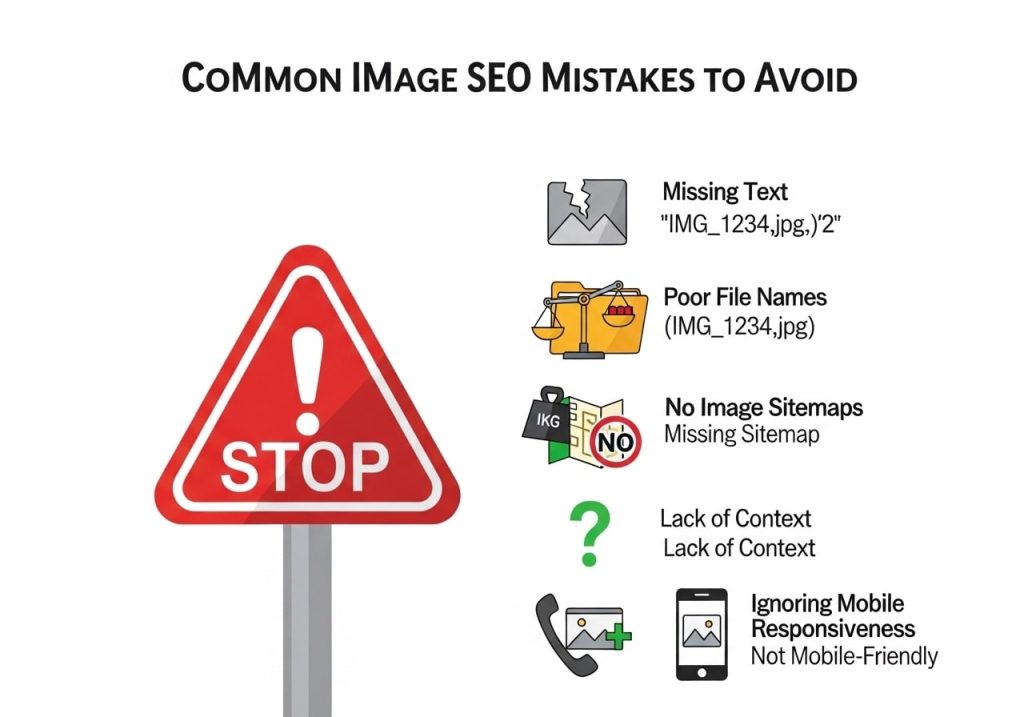
Even when you understand the basics of SEO for pictures, it’s easy to make mistakes that hurt your performance. Here are the most common problems to watch out for:
Technical Mistakes
- Forgetting alt text: Every meaningful image needs descriptive alt text
- Using generic filenames: “image1.jpg“ tells search engines nothing about your content
- Ignoring file sizes: Large images that slow down your site hurt SEO
- Wrong formats: Using PNG for photos or JPEG for graphics with transparency
- Missing captions: When captions would be helpful, don’t skip them
Content Mistakes
- Irrelevant images: Stock photos that don’t match your content
- Poor quality: Blurry, pixelated, or unprofessional images
- Copyright issues: Using images without proper rights or attribution
- Keyword stuffing: Cramming keywords unnaturally into alt text and filenames
- Inconsistent branding: Images that don’t match your site’s style and brand
Strategy Mistakes
Many website owners optimize individual images but miss the bigger picture. Make sure you:
- Have a consistent approach across all images
- Regular audit and update old images
- Monitor image performance in search results
- Test different image types and formats
- Keep up with changing best practices
Advanced Image SEO Techniques
Once you’ve mastered the basics, there are advanced strategies that can give you an edge in search results.
Structured Data for Images
Adding structured data helps search engines understand your images better. This is especially important for:
- Product images (use Product schema)
- Recipe images (use Recipe schema)
- Article images (use Article schema)
- Local business images (use LocalBusiness schema)
Image Sitemaps
While not always necessary, dedicated image sitemaps can help ensure all your images get crawled and indexed. This is particularly useful for:
- E-commerce sites with many product images
- Photography websites
- Sites with image galleries
- Any site where images are crucial for traffic
Social Media Optimization
Your SEO optimized images should also work well when shared on social media:
- Use Open Graph tags for Facebook sharing
- Add Twitter Card metadata for Twitter
- Consider Pinterest-friendly vertical images for relevant content
- Test how your images appear when shared
Measuring Your Image SEO Success
You can’t improve what you don’t measure. Here’s how to track your image SEO performance:
Google Analytics
Set up goals and events to track:
- Traffic from Google Images
- Time spent on pages with optimized images
- Conversion rates from image traffic
- Page speed improvements after optimization
Google Search Console
Monitor your image search performance:
- Click-through rates for image searches
- Impressions for image-related queries
- Average position in image search results
- Any crawl errors related to images
Third-Party Tools
Consider using tools like:
- SEMrush: Track image search rankings
- Ahrefs: Monitor backlinks to your images
- GTmetrix: Measure page speed impact of images
- Screaming Frog: Audit alt text and image optimization across your site
Image SEO isn’t just about making your pictures look good – it’s about creating a better experience for your visitors while giving search engines the information they need to send you more traffic. When you follow these image SEO best practices, you’re building a foundation for long-term search success.
Start with the basics: proper file names, alt text, and file size optimization. Once you have those down, you can explore more advanced techniques like structured data and image sitemaps. Remember that good image SEO is an ongoing process, not a one-time task.
Ready to improve your website’s image SEO? Start by auditing your current images and implementing these strategies one step at a time. Your search rankings – and your visitors – will thank you for the effort.
What questions do you have about optimizing your on page SEO images? Share your experiences and challenges in the comments below, and let’s help each other create better, more search-friendly websites.
FAQs
What is image SEO and why does it matter for my website?
Image SEO means making your pictures search-engine friendly so Google can understand and rank them better. When you do this right, your images show up in Google image searches, which brings more visitors to your website. Good image SEO also helps your overall page rank higher in regular Google searches.
What’s the best file format for SEO – JPEG, PNG, or WebP?
JPEG works great for photos and detailed images. PNG is perfect for logos, graphics, and images that need transparent backgrounds. WebP is the newest format that gives you smaller file sizes with great quality, and Google loves it. If your website supports WebP, go with that. Otherwise, JPEG for photos and PNG for graphics is your best bet.
How do I write good alt text for my images?
Write alt text like you’re describing the image to someone who can’t see it. Keep it short (under 125 characters), be specific, and include your main keyword naturally if it fits. For example, instead of “dog,” write “golden retriever playing fetch in a park.” Don’t stuff keywords or write “image of” or “picture of” – just describe what’s actually in the image.
What’s the ideal image file size for faster loading?
Keep your images under 100KB when possible, and definitely under 500KB. Large images slow down your website, and Google doesn’t like slow sites. You can compress images using free tools like TinyPNG or built-in WordPress plugins. The goal is to find the sweet spot between good quality and fast loading.
Should I include keywords in my image file names?
Yes, rename your images before uploading them. Instead of “IMG_1234.jpg,” use descriptive names with keywords like “chocolate-chip-cookies-recipe.jpg.” Use hyphens to separate words, keep it short, and make sure the filename actually describes what’s in the image. This helps Google understand your image content better.
Do I need to add captions to all my images?
You don’t need captions for every image, but they can help with SEO when used properly. Add captions for images that need explanation or context, like charts, graphs, or before-and-after photos. Keep captions short and helpful for your readers. Only add them when they actually improve the user experience.
What are image sitemaps and do I need one?
An image sitemap is a file that tells Google about all the images on your website. Most SEO plugins like Yoast or RankMath create these automatically for you. If you have a lot of images or they’re important for your business (like in an online store), having an image sitemap helps Google find and index your images faster.
How does lazy loading affect my image SEO?
Lazy loading means images only load when someone scrolls down to see them. This makes your page load faster, which Google likes. Most modern websites use lazy loading by default, and it doesn’t hurt your SEO as long as it’s set up correctly. Just make sure your most important images (like your main product photo) load right away.
Should I use the same image on multiple pages?
It’s better to use unique images for each page when possible. If you must use the same image on different pages, make sure each page has different alt text and context around the image. This helps Google understand why the image belongs on each specific page and avoids confusion.
How can I check if my image SEO is working?
Use Google Search Console to see which of your images appear in search results and how often people click on them. You can also do a Google Images search for your main keywords to see if your images show up. Tools like GTmetrix or PageSpeed Insights will tell you if your images are slowing down your website.