When someone searches online, they have a specific goal in mind. Understanding local search intent is crucial for any business that wants to connect with customers in their area. This knowledge helps you create content that matches what people are actually looking for when they search for local businesses and services.
What is Local Search Intent?
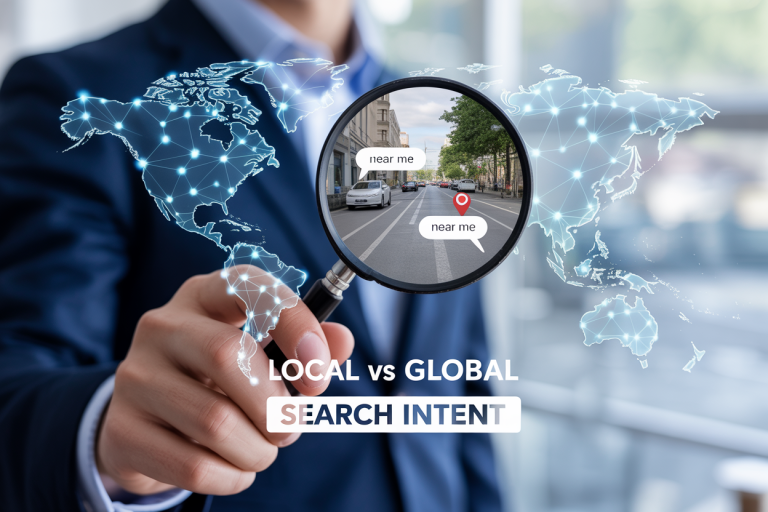
Understanding local search intent means figuring out what people want when they search for something in their area. When someone types “pizza near me” or “dentist in Chicago,” they’re showing clear local intent. They don’t just want information about pizza or dentists in general – they want to find specific options they can actually visit or contact.
What does a local search tell you? Local searches reveal that the person is ready to take action. They might want to visit a store, make an appointment, or call a business. This makes local searches incredibly valuable for businesses because these searches often become customers quickly.
Research shows that how many searches have local intent is quite significant. About 46% of all Google searches have local intent, meaning nearly half of all searches are from people looking for something in their area. This makes local SEO extremely important for businesses.
Types of Local Search Intent
Local searches come in several different forms, each with its own purpose:
Immediate Action Searches
These are searches where people want to do something right now:
- “coffee shop open now”
- “24 hour pharmacy near me”
- “emergency dentist”
Research and Compare Searches
These searches happen when people are researching local options:
- “best restaurants downtown”
- “car dealerships reviews”
- “compare gyms in my area”
Specific Business Searches
When people search for particular businesses:
- “Starbucks locations”
- “Target store hours”
- “McDonald’s menu prices”
How Local Search Intent Works
How does local search work? Search engines use several signals to understand when someone has local intent. They look at the words people use, their location, and the type of business or service being searched for.
Search engines automatically show local results when they detect local intent. This happens even when people don’t include location words in their search. For example, searching for “hair salon” will show local results because search engines know people typically want hair salons they can actually visit.
The search engine considers:
- Your current location (if you’ve allowed location access)
- Location-specific words in your search
- The type of business (some businesses are naturally local)
- Your search history and preferences
Local Search Intent vs Personal Search
What is the difference between a personal search and a local search? Personal searches are about individual interests or needs that don’t require a specific location. For example, searching for “how to tie a tie” is personal but not local. Local searches specifically need location-based results.
Here are the key differences:
Personal Search Examples:
- “how to lose weight”
- “best movies 2024”
- “DIY home projects”
Local Search Examples:
- “gyms near me”
- “movie theaters”
- “hardware store”
The main difference is that local searches require the person to physically go somewhere or contact a local business, while personal searches are often about getting information or entertainment.
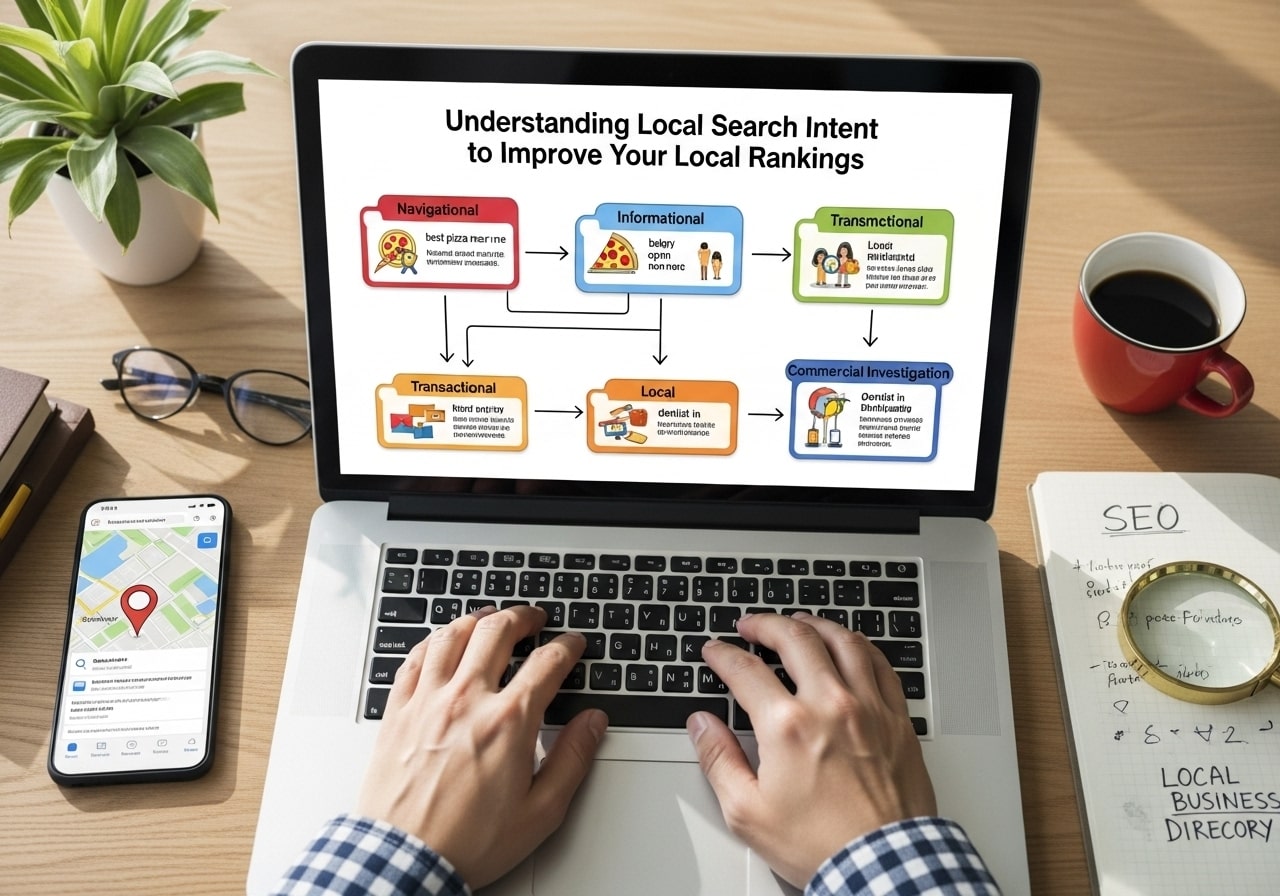
The Four Main Types of Search Intent
What are the four types of search intent? Understanding these helps you better serve local customers:
1. Informational Search Intent
People want to learn something or get information.
What is an example of informational search intent? Local examples include:
- “what time do banks close”
- “how to get to downtown”
- “parking rules in [city]”
2. Navigational Search Intent
People are looking for a specific website or business location.
Navigational search intent examples:
- “Wells Fargo login”
- “Target website”
- “City Hall address”
3. Commercial Search Intent
People are researching before making a purchase decision.
Commercial search intent examples:
- “best pizza places near me”
- “compare car insurance rates”
- “reviews for local dentists”
4. Transactional Search Intent
People are ready to buy or take action.
What is an example of a transactional search intent? Local examples:
- “buy flowers for delivery”
- “book restaurant reservation”
- schedule car repair appointment
SERP Features and Local Search Intent
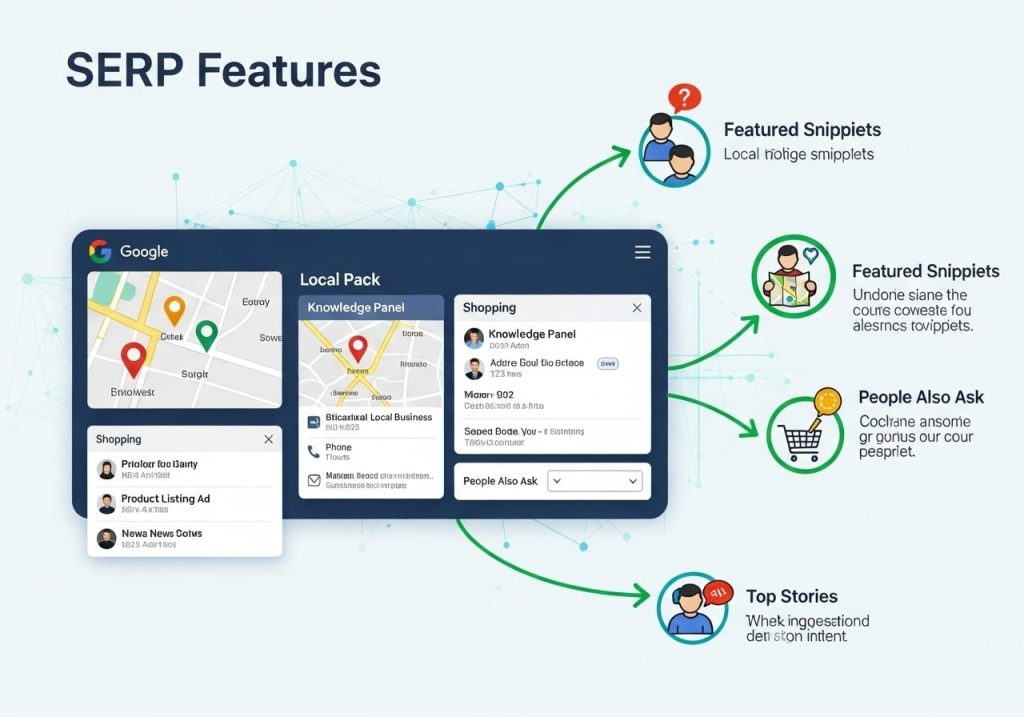
SERP features and search intent work together to show users the most helpful results. When search engines detect local intent, they display special features like:
Local Pack
Shows three local businesses with ratings, addresses, and phone numbers.
Map Results
Displays businesses on a map so people can see locations and get directions.
Knowledge Panel
Shows detailed information about a specific business, including hours, photos, and reviews.
Local Ads
Paid advertisements from local businesses appear at the top of search results.
These features appear because search engines understand that people with local intent want quick access to addresses, phone numbers, hours, and directions.
How to Determine Search Intent
How do you determine search intent? Here are practical ways to figure out what people want when they search:
Look at the Search Results
Search for your target keywords and see what appears:
- Are there local pack results?
- Do you see maps?
- What types of websites rank?
Analyze the Language
Pay attention to the words people use:
- “Near me” clearly shows local intent
- “Best” often indicates commercial intent
- “How to” usually means informational intent
- “Buy” or “order” shows transactional intent
Use Common Sense
Think about the search from a user’s perspective:
- Would someone need to visit a physical location?
- Is this something that varies by location?
- Does the service require local expertise?
How to Optimize for Local Search Intent
How do you optimize search intent? Here’s how to match what local searchers want:
Create Location-Specific Content
Write content that addresses local needs:
- Local guides and resources
- Area-specific problems and solutions
- Community event information
- Local news and updates
Use Local Keywords
Include location-based terms in your content:
- City and neighborhood names
- Local landmarks
- Regional terminology
- “Near [location]” phrases
Optimize Your Google Business Profile
Make sure your business information is complete and accurate:
- Correct address and phone number
- Accurate business hours
- High-quality photos
- Regular posts and updates
Get Local Reviews
Encourage customers to leave reviews:
- Ask satisfied customers to review your business
- Respond to all reviews professionally
- Use reviews to improve your service
Build Local Links
Get links from other local businesses and organizations:
- Partner with other local businesses
- Sponsor local events
- Join local business associations
- Get listed in local directories
High Intent Keywords for Local Businesses
What are high intent keywords? These are search terms that show people are ready to take action. For local businesses, high intent keywords often include:
Service + Location Keywords
- “plumber in [city]”
- “car repair [neighborhood]”
- “dentist near [landmark]”
Immediate Need Keywords
- “emergency [service]”
- “same day [service]”
- “[service] open now”
Action-Oriented Keywords
- “schedule [service]”
- “book appointment”
- “call [service type]”
Is search intent the same as keyword intent? Yes, these terms are used interchangeably. Both refer to what the person wants to accomplish with their search.
Search Intent Examples for Local Businesses
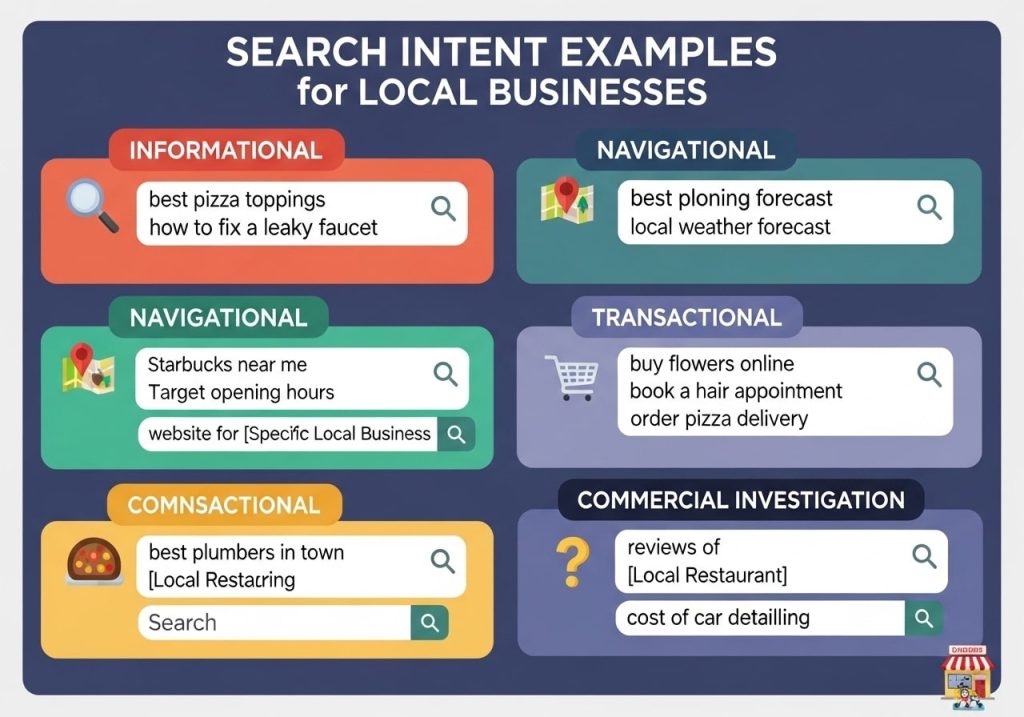
Let’s look at real examples of how different search intents work for local businesses:
Restaurant Examples
- Informational: “what time does [restaurant] close”
- Commercial: “best Italian restaurants downtown”
- Navigational: “[restaurant name] menu”
- Transactional: “order pizza delivery”
Healthcare Examples
- Informational: “symptoms of flu”
- Commercial: “family doctors accepting new patients”
- Navigational: “[doctor name] office”
- Transactional: “schedule physical exam”
Retail Examples
- Informational: “store hours Black Friday”
- Commercial: “compare electronics stores”
- Navigational: “[store name] location”
- Transactional: “buy laptop in store“
Tools for Understanding Local Search Intent
Several tools can help you understand what your local customers are searching for:
Free Tools
- Google Keyword Planner: Shows search volume and related terms
- Google Trends: Reveals seasonal patterns and trending topics
- Google Search Console: Shows what searches bring people to your site
- Answer the Public: Displays questions people ask about topics
Paid Tools
- SEMrush: Provides detailed keyword analysis and competitor research
- Ahrefs: Shows keyword difficulty and search volume
- Moz: Offers local SEO tracking and keyword research
How to Use These Tools
- Start with your main services or products
- Add location modifiers to your keywords
- Look for question-based searches
- Check seasonal trends for your industry
- Monitor what works for competitors
Matching Content to Search Intent
How to match search intent? Create different types of content for different intents:
Informational Intent
- Blog posts answering common questions
- How-to guides
- Local area information
- FAQ pages
Commercial Intent
- Service comparison pages
- “Best of” lists
- Customer testimonials
- Case studies
Transactional Intent
- Service booking pages
- Contact forms
- Online ordering systems
- Clear calls-to-action
Navigational Intent
- Easy-to-find contact information
- Clear business hours
- Location and directions
- Staff information
Understanding local search intent helps you connect with customers who are actively looking for your services. When you match your content to what people are actually searching for, you’re more likely to show up in search results and attract customers who are ready to buy.
Ready to improve your local search presence? Start by researching what your customers are searching for, then create content that directly addresses their needs. Remember that local searchers often want quick answers and easy ways to contact or visit your business, so make sure your website provides exactly that.
FAQs
What is local search intent?
Local search intent refers to when someone searches for something with the goal of finding a business, service, or information in their specific area. For example, searching for “pizza delivery near me” or “dentist in downtown Chicago” shows local intent because the person wants results close to their location.
How do I know if a search has local intent?
Look for these clues in search queries: location words like “near me,” “in [city name],” or specific neighborhoods; business-related terms like “hours,” “phone number,” or “directions”; and action words like “buy,” “visit,” or “book appointment.” Google also shows map results and local business listings when it detects local intent.
What are the main types of local search intent?
There are three main types: navigational (looking for a specific business like “Starbucks downtown”), transactional (ready to buy or visit like “book massage appointment”), and informational (seeking local information like “best restaurants in my area” or “library hours”).
How can understanding local intent help my business rank better?
When you understand what local customers are actually looking for, you can create content and optimize your website to match those needs. This means Google is more likely to show your business when people search for relevant local services, leading to better visibility and more customers.
What content should I create based on local search intent?
Create content that directly answers local questions your customers ask. This includes location pages for each area you serve, blog posts about local events or topics, service pages that mention your service areas, and FAQ sections addressing common local concerns.
How do I research what my local customers are searching for?
Use Google’s autocomplete feature by typing your service + your city and see what suggestions come up. Check “People also ask” sections in search results, look at your Google Business Profile insights to see what search terms bring people to you, and ask your current customers what they searched for when they found you.
Should I include my city name in every page title and heading?
Not necessarily. While location is important, focus on natural placement where it makes sense. Include your city in your main service pages, contact page, and about page, but don’t force it into every single page if it doesn’t fit naturally with the content.
How do I optimize for “near me” searches?
Make sure your Google Business Profile is complete and accurate, include your address and service areas clearly on your website, create content about local topics and events, encourage customer reviews that mention your location, and use structured data markup to help search engines understand your location information.
What’s the difference between local intent and regular search intent?
Regular search intent might be looking for general information that could come from anywhere, like “how to change a tire.” Local intent specifically wants results from their geographic area, like “tire repair shop” or “24-hour mechanic.” Local searches often lead to immediate action like visiting or calling a business.
How can I track if my local search optimization is working?
Monitor your Google Business Profile insights to see how many people found you through search, track your rankings for local keywords using tools like Google Search Console, watch for increases in phone calls and website visits from your local area, and pay attention to new customer inquiries that mention they found you online.