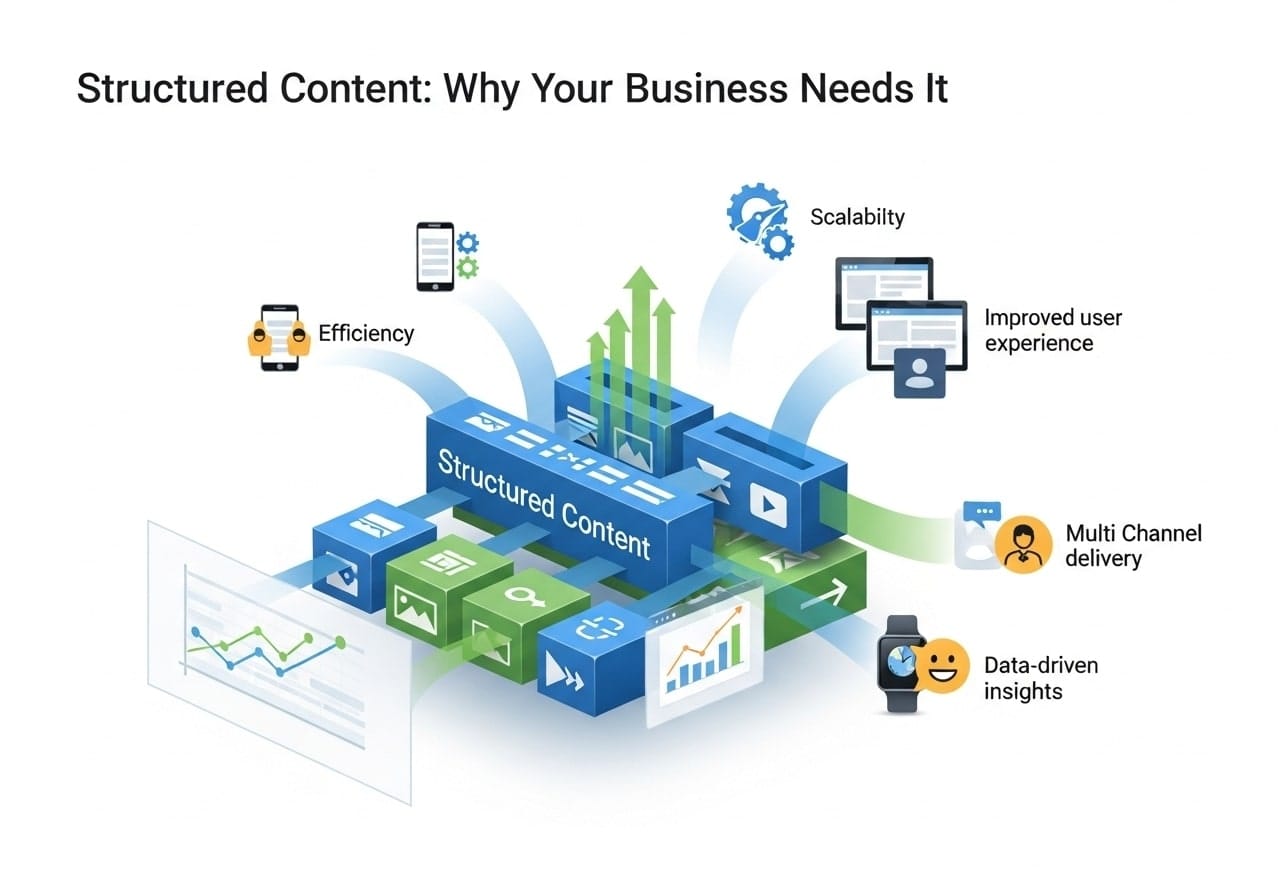
Structured content is organized information that follows a specific format or template, making it easier to create, manage, and reuse across different platforms. Unlike traditional content creation where text, images, and other elements are mixed together, structured content separates the actual content from how it looks when published.
Think of structured content like a well-organized filing cabinet. Each piece of information has its designated place, making it simple to find, update, and use whenever needed. This approach to content structuring helps businesses maintain consistency while saving time and resources.
When you use structured content, you’re essentially creating building blocks of information that can be assembled in different ways depending on where and how you want to present them. This method has become essential for businesses that need to publish content across multiple channels, from websites to mobile apps to print materials.
What is the Difference Between Structured and Unstructured Content?
The main difference between structured and unstructured content lies in how information is organized and stored.
Structured content features:
- Organized in predefined fields and formats
- Consistent templates and layouts
- Easy to search and filter
- Reusable across different platforms
- Machine-readable and processable
Unstructured content characteristics:
- Free-form text and mixed media
- No standardized format
- Difficult to automatically process
- Limited reusability
- Requires manual organization
For example, a traditional blog post where the author writes everything in one document with embedded images represents unstructured content. In contrast, the same blog post created with separate fields for title, author, publication date, body text, and image metadata represents content structuring.
Examples of Structured Content Formats
Database Records
Customer information stored in specific fields like name, email, phone number, and address represents a classic example of structured content. Each piece of data has its designated place and follows a consistent format.
Product Catalogs
E-commerce websites use structured content for product listings, with separate fields for:
- Product name
- Description
- Price
- Images
- Specifications
- Customer reviews
News Articles
Modern news websites often structure their articles with distinct elements:
- Headline
- Byline
- Publication date
- Lead paragraph
- Body sections
- Related links
- Tags and categories
Documentation
Technical documentation benefits greatly from structured content, organizing information into:
- Step-by-step procedures
- Prerequisites
- Required materials
- Troubleshooting sections
- Related resources
How to Create a Content Structure
Creating effective content structure requires careful planning and systematic implementation. Here’s a step-by-step approach:
Step 1: Analyze Your Content Types
Start by identifying the different types of content your organization creates. Common types include blog posts, product descriptions, case studies, and marketing materials. Each content type will need its own structure.
Step 2: Define Content Fields
For each content type, determine what information you need to capture. A blog post might include fields for title, author, publication date, excerpt, body text, featured image, and tags.
Step 3: Establish Relationships
Consider how different pieces of content relate to each other. Articles might connect to authors, products might link to categories, and case studies could reference specific services.
Step 4: Create Templates
Develop standardized templates for each content type. These templates ensure consistency and make it easier for team members to create new content following the established structure.
Step 5: Implement Governance Rules
Set up guidelines for how content should be created, reviewed, and published. This includes defining required fields, formatting standards, and approval processes.
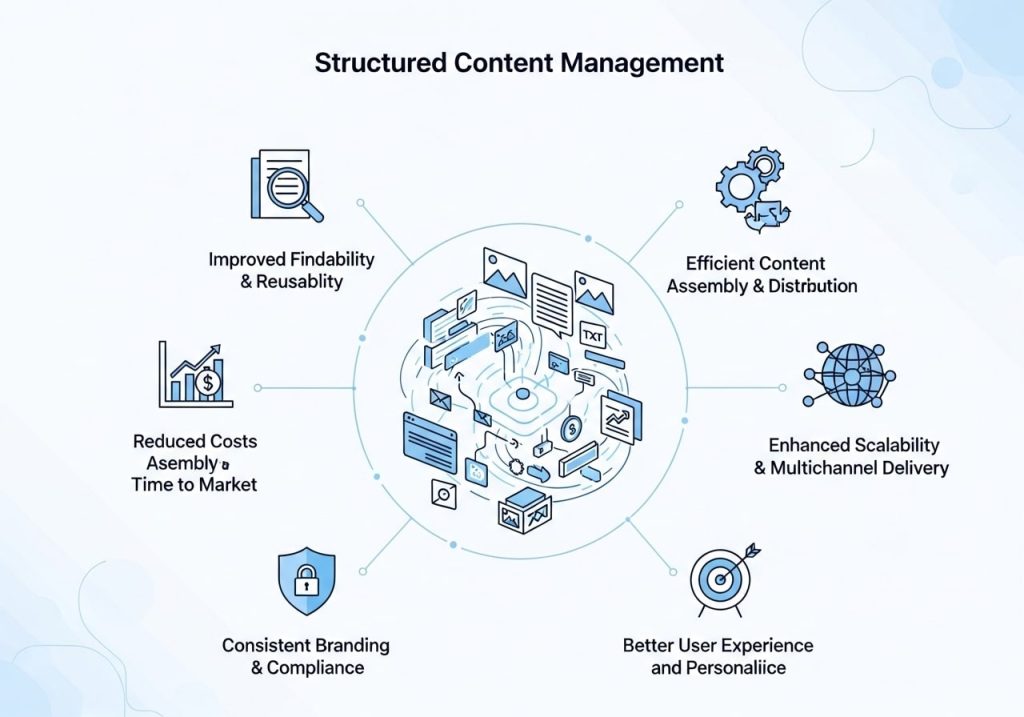
Benefits of Structured Content Management
Improved Efficiency
Structured content management significantly reduces the time needed to create and publish content. Writers can focus on the actual content rather than formatting and layout decisions, while designers can work on templates that automatically format the content correctly.
Better Consistency
When content follows a structured approach, it maintains consistent quality and appearance across all channels. This consistency helps build brand recognition and improves user experience.
Enhanced Reusability
Structured content can be easily repurposed for different channels. A product description created once can appear on the website, in print catalogs, on mobile apps, and in email campaigns without additional formatting work.
Easier Maintenance
Updates become much simpler with content structuring. Changing a product price or specification in one place automatically updates it everywhere that information appears.
Better SEO Performance
Search engines prefer well-structured content because it’s easier to understand and index. Content structuring often includes metadata and semantic markup that helps improve search rankings.
Scalability
As organizations grow, structured content systems can handle increased volume without proportional increases in management overhead. New team members can quickly learn to work within established structures.
Structured Content Authoring Tools
Content Management Systems (CMS)
Modern CMS platforms like WordPress, Drupal, and Contentful offer built-in support for structured content authoring. These systems allow you to create custom fields and content types that match your specific needs.
Headless CMS Solutions
Headless content management systems separate content creation from presentation, making them ideal for content structuring. Popular options include:
- Strapi
- Sanity
- Ghost
- Contentstack
Documentation Platforms
For technical content, specialized structured content authoring tools include:
- GitBook
- Notion
- Confluence
- MindTouch
Design Systems
Tools like Figma and Sketch help create structured design components that work alongside content structures, ensuring visual consistency across all materials.
Building a Structured Content Management System
A structured content management system requires careful planning and the right technology foundation. Here are the key components:
Content Models
Define clear content models that specify what fields each content type should include, what data types those fields accept, and how they relate to other content.
Workflow Management
Implement approval workflows that ensure content goes through appropriate review processes before publication. This might include editorial review, legal approval, and final publication approval.
Version Control
Track changes to content over time, allowing teams to see what changed, when, and who made the changes. This becomes crucial for maintaining content quality and accountability.
Integration Capabilities
Ensure your system can connect with other tools your organization uses, such as marketing automation platforms, analytics tools, and social media management systems.
User Permissions
Set up appropriate access controls so team members can only edit content they’re responsible for, while still allowing collaboration where needed.
Choosing the Right Structured Content Platform

Selecting a structured content platform depends on your organization’s specific needs, technical capabilities, and budget. Consider these factors:
Ease of Use
The platform should be intuitive for non-technical team members while still offering advanced features for developers and content strategists.
Customization Options
Look for platforms that allow you to create custom content types and fields without requiring extensive programming knowledge.
Integration Support
Ensure the platform can connect with your existing tools and systems through APIs or built-in integrations.
Scalability
Choose a solution that can grow with your organization, handling increased content volume and more complex requirements over time.
Support and Documentation
Strong vendor support and comprehensive documentation make implementation and ongoing management much easier.
Semantic Structured Content Explained
Semantic structured content adds meaning and context to your structured data, making it even more valuable for both users and machines. This approach involves:
Schema Markup
Adding structured data markup to your content helps search engines understand what your content represents. This can improve search visibility and enable rich snippets in search results.
Taxonomies and Ontologies
Create organized classification systems that define relationships between different concepts in your content domain.
Linked Data
Connect your content to external knowledge bases and standards, increasing its discoverability and usefulness.
Metadata Standards
Use industry-standard metadata schemas to ensure your content can be easily shared and understood by other systems.
How to Structure a Content Strategy
Structuring a content strategy requires aligning your content approach with business goals while implementing systematic processes:
Audience Analysis
Understand who consumes your content and how they prefer to access and interact with information. This insight drives structural decisions.
Content Auditing
Review existing content to identify what’s working well and what could benefit from better structure. Look for opportunities to consolidate, update, or reorganize content.
Channel Planning
Determine where your content will be published and ensure your structure supports all necessary channels, from websites to social media to email campaigns.
Performance Measurement
Establish metrics for measuring content success and ensure your structured approach supports data collection for these metrics.
Team Training
Provide training so team members understand how to work within your structured content system effectively.
Best Practices for Content Structuring
Start Simple
Begin with basic content structures and add complexity gradually as your team becomes comfortable with the approach.
Focus on User Needs
Structure content based on how your audience wants to consume it, not just how it’s convenient for your organization to create it.
Plan for Change
Design flexible structures that can evolve as your content needs change over time.
Document Everything
Maintain clear documentation about your content structures, including field definitions, relationship rules, and usage guidelines.
Test Regularly
Continuously evaluate how well your structured content approach is working and make adjustments based on user feedback and performance data.
Encourage Collaboration
Structured content works best when it’s a collaborative effort involving writers, designers, developers, and strategists working together.
The adoption of structured content represents a fundamental shift toward more efficient, scalable, and effective content management. Organizations that embrace this approach position themselves to better serve their audiences while reducing the overhead associated with content creation and maintenance. By implementing content structuring practices, businesses can create more consistent experiences, improve their content’s performance, and build a sustainable foundation for future growth.
Ready to transform your content management approach? Start by auditing your current content, identifying opportunities for better structure, and gradually implementing the practices outlined in this guide. Your future self will thank you for the investment in structured content systems.
FAQs
What exactly is structured content?
Structured content is information that’s organized in a consistent, predictable way. Instead of throwing text together randomly, you arrange it using specific formats, tags, and rules. Think of it like organizing files in labeled folders on your computer – everything has its place and follows the same system.
How is structured content different from regular content?
Regular content is like a messy desk where information is scattered everywhere. Structured content is like a well-organized filing cabinet. With structured content, you use consistent headings, tags, and formats that make it easy for both people and computers to find and understand your information.
What are some common examples of structured content?
You see structured content everywhere – product catalogs with consistent details like price, description, and specifications; blog posts with standard headings and categories; contact forms with specific fields; and even social media posts with hashtags and location tags. News articles with headlines, bylines, and publication dates are another great example.
Why should my business care about organizing content this way?
When your content follows a clear structure, your website works better, customers find what they need faster, and search engines can better understand your site. This means more people discover your business online, and the people who do visit have a better experience browsing your content.
Will structured content help my website show up better in search results?
Yes, absolutely. Search engines love organized content because they can easily understand what your pages are about. When you use proper headings, descriptions, and tags, search engines can match your content with what people are looking for. This often leads to better rankings and more website visitors.
Is structured content hard to create and maintain?
Not really. Once you set up a system, creating structured content becomes a habit. Many website platforms and content management systems make this easier with templates and forms that guide you. The key is starting with a simple, consistent approach and sticking to it.
Can structured content work for small businesses too?
Definitely. Small businesses often benefit the most because structured content helps them compete with larger companies online. When your content is well-organized, customers can quickly find your services, contact information, and what makes you different from competitors.
What tools can help me create structured content?
Most modern website builders like WordPress, Squarespace, and Wix have built-in features for structured content. You can also use simple tools like spreadsheets to plan your content structure, or content management systems that guide you through creating organized posts and pages.
How do I know if my current content needs better structure?
Ask yourself: Can visitors easily find what they’re looking for on your website? Do your product pages look consistent? Can you quickly update similar information across multiple pages? If you answered no to any of these, better content structure could help your business.
Where should I start with organizing my business content?
Begin with your most important pages – your homepage, about page, and main service or product pages. Create a simple template with consistent headings, descriptions, and contact information. Once you have a system that works, apply it to the rest of your content gradually.