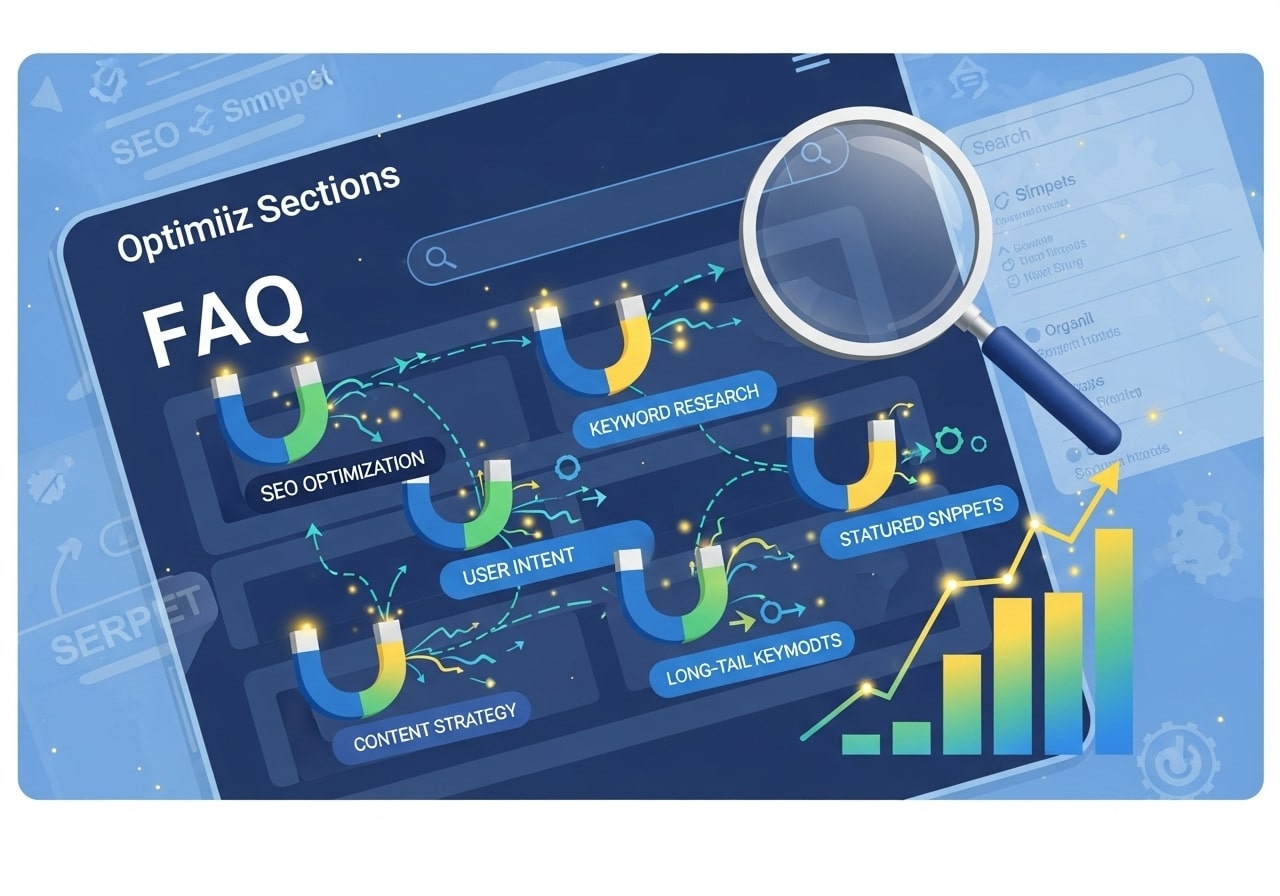
Your website’s FAQ section isn’t just a place to answer customer questions – it’s a powerful SEO tool waiting to be optimized. Learning how to optimize FAQ section for SEO can transform your frequently asked questions into search engine magnets that drive organic traffic and improve user experience. With proper FAQ optimization, you can capture valuable long-tail keywords, earn rich snippets, and provide immediate value to your visitors.
Understanding FAQ SEO and Why It Matters
FAQ SEO refers to the practice of optimizing your frequently asked questions section to improve search engine visibility and user experience. When done correctly, SEO for FAQ pages helps your content appear in search results for specific queries your audience is asking.
Why FAQ Optimization Matters for Your Website
The question “does FAQ help SEO” comes up frequently, and the answer is a resounding yes. Here’s why FAQ sections are SEO goldmines:
- Long-tail keyword opportunities: FAQ sections naturally target specific, conversational queries
- Featured snippet potential: Well-structured FAQs often appear in position zero
- Improved user experience: Quick answers reduce bounce rates and increase engagement
- Voice search optimization: FAQs align perfectly with how people ask voice assistants questions
The Connection Between FAQ and Search Intent
Search engines prioritize content that matches user intent. FAQ sections excel at addressing informational queries, making them perfect for capturing traffic from people in the research phase of their customer journey.
Best Practices for FAQ Optimization
Implementing best practices for FAQ optimization starts with understanding how search engines and users interact with your content.
Structure Your FAQ Questions Strategically
Your FAQ structure directly impacts both SEO performance and user experience. Follow these SEO FAQ best practices:
Use natural, conversational language: Write questions as real people would ask them. Instead of “Product specifications,” use “What are the technical specifications of this product?”
Include target keywords: Naturally incorporate relevant keywords into both questions and answers. If you’re targeting “shipping policy,” your question might be “What is your shipping policy for international orders?”
Organize by topic: Group related questions together to create logical content clusters that search engines can understand.
Content Quality and Depth
Quality content forms the foundation of effective SEO FAQ optimization. Each answer should:
- Provide complete, helpful information
- Use clear, simple language
- Include relevant internal links to related pages
- Address follow-up questions users might have
Example of a well-optimized FAQ entry:
Q: How long does shipping take for domestic orders?
A: Domestic orders typically arrive within 3-5 business days via standard shipping. For faster delivery, we offer expedited 2-day shipping and next-day delivery options. You can track your order status in real-time through your account dashboard. For more details about our shipping options and rates, visit our shipping information page.
Technical SEO for FAQ Pages
Technical optimization ensures search engines can properly crawl, index, and display your FAQ content.
HTML Structure and Headings
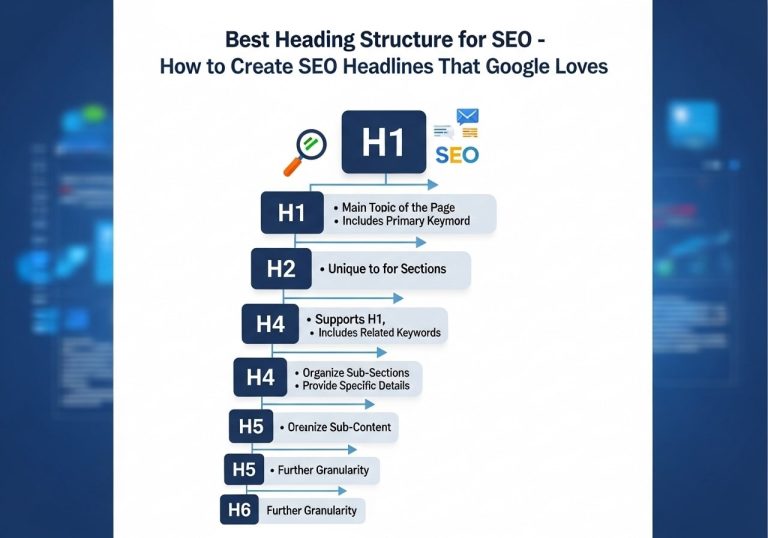
Proper HTML structure is crucial for FAQ page SEO. Use heading tags (H2, H3) to organize your content hierarchically:
<h2>Shipping Questions</h2>
<h3>How long does shipping take?</h3>
<p>Answer content here…</p>
<h3>Do you ship internationally?</h3>
<p>Answer content here…</p>
Internal Linking Strategy
Strategic internal linking within your FAQ section helps distribute page authority and guides users to relevant content. Link to:
- Product pages when mentioning specific items
- Policy pages for detailed information
- Related blog posts for additional context
- Other FAQ sections for comprehensive coverage
Mobile Optimization
With mobile-first indexing, ensure your FAQ section works perfectly on all devices. Consider:
- Collapsible FAQ sections to save screen space
- Touch-friendly expand/collapse buttons
- Fast loading times
- Readable font sizes without zooming
FAQ Rich Results and Schema Markup
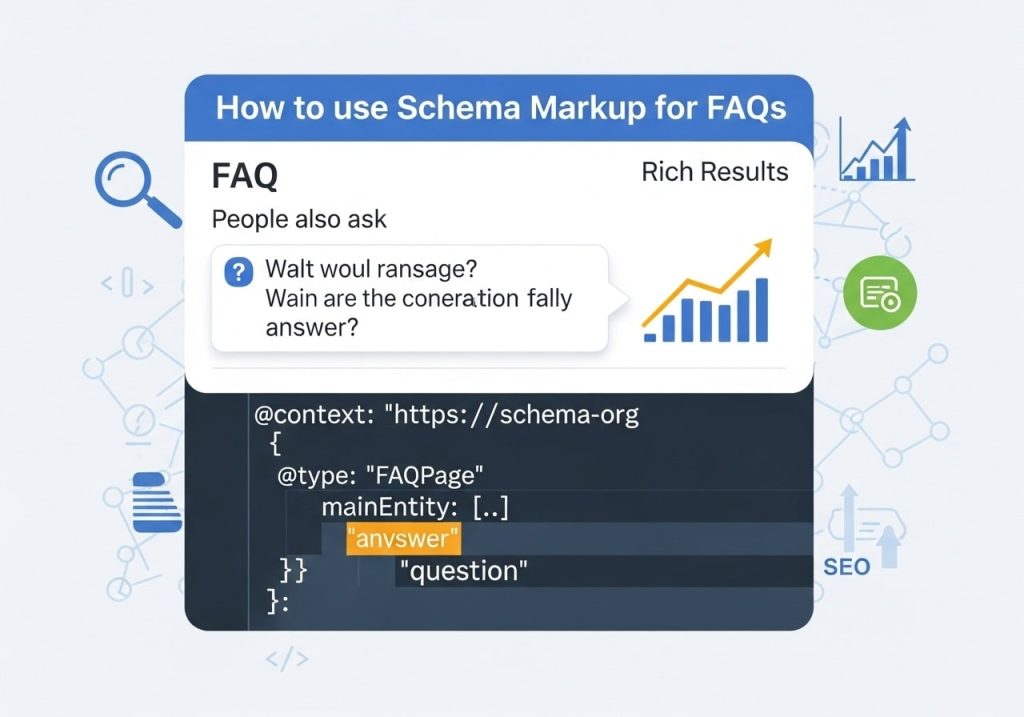
FAQ rich results can significantly increase your search visibility by displaying your questions and answers directly in search results.
Implementing FAQ Schema Markup
FAQ schema markup tells search engines that your content is structured as frequently asked questions. This increases your chances of earning FAQ rich results.
Here’s a basic example of FAQ schema markup:
{

  "@context": "https://schema.org",

  "@type": "FAQPage",

  "mainEntity": [{

    "@type": "Question",

    "name": "What is your return policy?",

    "acceptedAnswer": {

      "@type": "Answer",

      "text": "We offer a 30-day return policy for all unused items in original packaging. Returns are processed within 5-7 business days of receipt."

    }

  }]

}
Schema Markup Best Practices
To maximize your chances of earning rich results:
- Include complete answers within the schema markup
- Ensure markup matches visible content exactly
- Test your markup using Google’s Rich Results Test tool
- Monitor performance through Google Search Console
FAQ Content Strategy and Keyword Research
Effective FAQ for SEO starts with understanding what questions your audience actually asks.
Research Methods for FAQ Content
Customer service data: Analyze support tickets, chat logs, and phone inquiries to identify common questions.
Search console queries: Use Google Search Console to find question-based queries driving traffic to your site.
Competitor analysis: Review competitor FAQ sections and identify gaps in your own content.
Social media monitoring: Track questions and discussions on social platforms related to your industry.
Long-tail Keyword Integration
FAQ sections excel at targeting long-tail keywords. These specific, conversational queries often have:
- Lower competition
- Higher conversion rates
- Better match with voice search patterns
- Clearer user intent
Content Expansion Opportunities
Use your FAQ section to create content for other areas of your website:
- Turn detailed FAQ answers into full blog posts
- Create video content addressing popular questions
- Develop downloadable resources based on FAQ topics
- Build email marketing campaigns around common concerns
UX FAQ Pages Design Considerations
UX FAQ pages must balance SEO optimization with user experience. Poor design can hurt both search rankings and user satisfaction.
Layout and Organization Principles
Searchable interface: Include a search function for FAQ sections with many questions. This helps users find answers quickly and reduces bounce rates.
Categorization: Organize questions into logical categories like “Billing,” “Shipping,” and “Returns.” This structure helps both users and search engines understand your content organization.
Progressive disclosure: Use expandable sections to show questions upfront while keeping the page scannable. This approach works well for both desktop and mobile users.
Visual Design Elements
- Clear typography: Use readable fonts and appropriate sizing
- Sufficient white space: Prevent content from feeling cramped
- Visual hierarchy: Make questions stand out from answers
- Consistent formatting: Maintain uniform styling throughout
Accessibility Considerations
Ensure your FAQ section is accessible to all users:
- Proper heading structure for screen readers
- Keyboard navigation support
- Sufficient color contrast
- Alternative text for any images or icons
Platform-Specific FAQ Optimization
Different platforms require tailored approaches to optimize FAQ sections effectively.
FAQ on Wix platforms should focus on:
- Using Wix’s built-in FAQ app for better integration
- Optimizing page titles and meta descriptions
- Implementing proper URL structure
- Adding FAQ schema through Wix’s SEO tools
FAQ Webflow
For FAQ Webflow sites:
- Utilize Webflow’s CMS for dynamic FAQ management
- Implement custom interactions for better user experience
- Add structured data through custom code
- Optimize for Core Web Vitals performance
WordPress FAQ Optimization
WordPress sites benefit from:
- FAQ-specific plugins for schema markup
- Custom post types for better organization
- Integration with existing SEO plugins
- Automated internal linking opportunities
Ecommerce FAQ Optimization

Ecommerce FAQ sections serve unique purposes and require specialized optimization strategies.
Product-Specific FAQ Sections
Create FAQ sections for individual products or product categories:
- Address common concerns about sizing, compatibility, or usage
- Include specification-related questions
- Cover warranty and support information
- Link to related products or accessories
Customer Journey Optimization
Align FAQ content with different stages of the customer journey:
Awareness stage: Educational questions about product categories or industry topics
Consideration stage: Comparison questions and feature explanations
Purchase stage: Shipping, payment, and policy questions
Post-purchase stage: Setup, troubleshooting, and support questions
Conversion-Focused FAQ Content
Design FAQ answers to address objections and encourage purchases:
- Include customer testimonials in answers
- Add trust signals like security badges or guarantees
- Provide clear calls-to-action within answers
- Link to product pages or checkout processes
FAQ Guidelines for Better Performance
Following established FAQ guidelines ensures your optimization efforts produce results.
Content Quality Standards
Accuracy: Regularly review and update FAQ content to ensure information remains current and accurate.
Completeness: Provide thorough answers that fully address the question without requiring users to look elsewhere.
Clarity: Use simple, direct language that your target audience can easily understand.
Update and Maintenance Schedule
- Weekly reviews: Check for new questions from customer service
- Monthly audits: Review performance metrics and user feedback
- Quarterly updates: Refresh content and add new questions
- Annual overhauls: Restructure organization and improve design
Performance Monitoring
Track these metrics to measure FAQ optimization success:
- Organic traffic to FAQ pages
- Featured snippet appearances
- User engagement metrics (time on page, bounce rate)
- Conversion rates from FAQ traffic
- Search console impressions and clicks
Measuring FAQ SEO Success
Successful SEO for FAQ requires ongoing measurement and optimization.
Key Performance Indicators
Search visibility metrics:
- Keyword rankings for question-based queries
- Featured snippet appearances
- Overall organic traffic growth
User engagement metrics:
- Average time on FAQ pages
- Bounce rate improvements
- Internal link click-through rates
Business impact metrics:
- Conversion rates from FAQ traffic
- Reduced support ticket volume
- Improved customer satisfaction scores
Optimization Iterations
Use performance data to continuously improve your FAQ section:
- Expand popular questions into more detailed answers
- Add new questions based on emerging trends
- Optimize underperforming content
- Test different layouts and designs
Learning how to optimize FAQ section for SEO transforms a simple support tool into a powerful traffic driver. By implementing these best practices for FAQ optimization, you’ll create content that serves both search engines and users effectively. Remember that successful FAQ SEO requires ongoing attention, regular updates, and continuous optimization based on performance data. Start implementing these strategies today, and watch your FAQ section become a valuable source of organic traffic and customer satisfaction.
Your FAQ section represents an opportunity to capture valuable search traffic while providing immediate value to your visitors. Focus on creating comprehensive, well-structured content that addresses real user needs, and the SEO benefits will follow naturally.
FAQs
What is FAQ SEO optimization?
FAQ SEO optimization is the process of creating and formatting your frequently asked questions page to help search engines better understand and rank your content. This includes using relevant keywords, proper formatting, and answering questions people actually search for online.
Why should I optimize my FAQ section for search engines?
Optimizing your FAQ section helps your website appear in search results when people ask questions related to your business. This brings more visitors to your site and can improve your overall search rankings since you’re providing helpful answers to common questions.
How do I find the right questions to include in my FAQ section?
Start by looking at customer emails, support tickets, and social media comments to see what people ask most often. You can also use tools like Google’s “People also ask” feature and keyword research tools to discover questions people search for in your industry.
What makes a good FAQ answer for SEO?
A good FAQ answer should be clear, complete, and typically between 40-300 words. Include relevant keywords naturally, answer the question directly, and provide enough detail to be helpful. Make sure your answers sound natural and focus on helping the reader.
Should I use structured data markup for my FAQ section?
Yes, using FAQ structured data markup helps search engines understand your content better. This can make your FAQs appear in search results with special formatting, which often leads to more clicks and better visibility.
How long should each FAQ answer be?
Most FAQ answers work best when they’re between 50-200 words. This gives you enough space to provide a complete answer while keeping it easy to read. Very short answers might not rank well, while very long ones can overwhelm readers.
Can FAQ pages help with voice search optimization?
Yes, FAQ pages are great for voice search because people often ask complete questions when speaking to devices like Alexa or Google Assistant. When you answer questions in a conversational way, you’re more likely to match how people search with voice.
How often should I update my FAQ section?
Review and update your FAQ section every 3-6 months, or whenever you notice new questions coming up frequently. Add new questions based on customer feedback and remove ones that are no longer relevant to keep your content fresh and useful.
Where should I place my FAQ section on my website?
You can create a dedicated FAQ page in your main navigation, add FAQ sections to relevant product or service pages, or include them in your footer. The key is making them easy to find and placing them where customers naturally look for answers.
How do I measure if my FAQ SEO optimization is working?
Track your FAQ page views, time spent on page, and search rankings for question-based keywords. You can also monitor how many people find your site through FAQ-related searches using Google Analytics and Google Search Console.