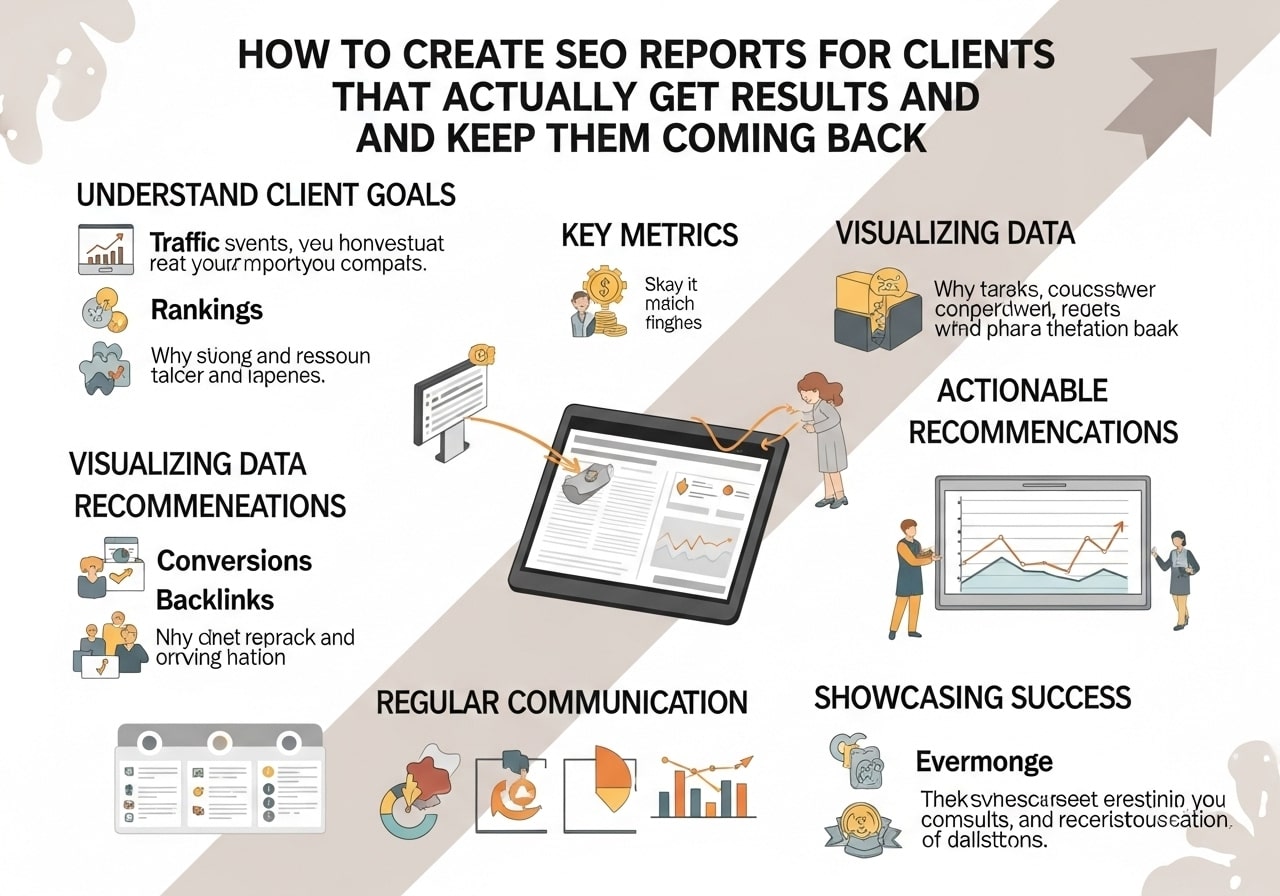
Creating professional SEO reports for clients is one of the most important skills you need as an SEO professional. Whether you’re running an agency or working as a freelancer, knowing how to create SEO reports for clients can make the difference between keeping clients happy and losing them to competitors who communicate better.
A well-crafted SEO client report shows your value, builds trust, and helps clients understand what you’re doing for their business. Let’s walk through everything you need to know about creating reports that impress your clients and keep them engaged.
What Should an SEO Report Include
When learning how to create an SEO report, the first question is always what to include. Your client SEO report should tell a clear story about performance, progress, and next steps.
Essential Elements of Every SEO Report
Performance Metrics
- Organic traffic changes
- Keyword ranking improvements
- Click-through rates from search results
- Conversion data from organic traffic
- Page load speed improvements
Visual Data Presentation
- Charts showing traffic trends over time
- Before and after ranking comparisons
- Month-over-month growth percentages
- Goal completion rates
Work Completed This Period
- On-page optimizations made
- Content created or updated
- Technical issues fixed
- Link building activities
- Local SEO improvements (if applicable)
Competitive Analysis
- How your client ranks compared to competitors
- Market share changes
- New competitor activities
- Opportunities identified
Making Data Meaningful for Clients
Remember that most clients don’t live and breathe SEO like you do. When you create SEO report content, translate technical metrics into business impact. Instead of just saying “organic traffic increased 25%,” explain what that means: “Your website brought in 500 more potential customers this month compared to last month.”
Best SEO Reporting Tools and Software
Choosing the right SEO reporting software for clients can save you hours each month and make your reports look more professional. Here are the top options to consider:
All-in-One SEO Reporting Platforms
SEMrush
SEMrush offers comprehensive reporting features that make it easy to create SEO reports for clients. Their white-label reports include keyword tracking, site audits, and competitor analysis all in one place.
Ahrefs
Known for their excellent backlink data, Ahrefs also provides solid reporting tools. Their rank tracking and site audit features create detailed reports automatically.
Moz Pro
Moz Pro combines keyword tracking, site crawls, and link analysis into client-friendly reports. Their reporting dashboard is particularly good for agencies managing multiple clients.
Specialized SEO Reporting Solutions
AgencyAnalytics
This platform focuses specifically on client reporting. It connects to multiple data sources and creates beautiful, branded reports automatically.
DashThis
Perfect for agencies that need to pull data from many different tools. DashThis creates unified dashboards that combine SEO data with social media, PPC, and other marketing metrics.
Whatagraph
Offers drag-and-drop report building with great visual templates. Their automated SEO reporting features can save significant time.
Free and Budget-Friendly Options
Google Analytics and Search Console
These free tools from Google provide the foundation for any SEO report. While they require more manual work to create polished reports, they offer the most accurate data about your client’s website performance.
Google Data Studio
This free visualization tool connects to Analytics and Search Console to create interactive dashboards. With some setup work, you can build impressive SEO reporting dashboards at no cost.
How to Create Branded SEO Reports for Clients
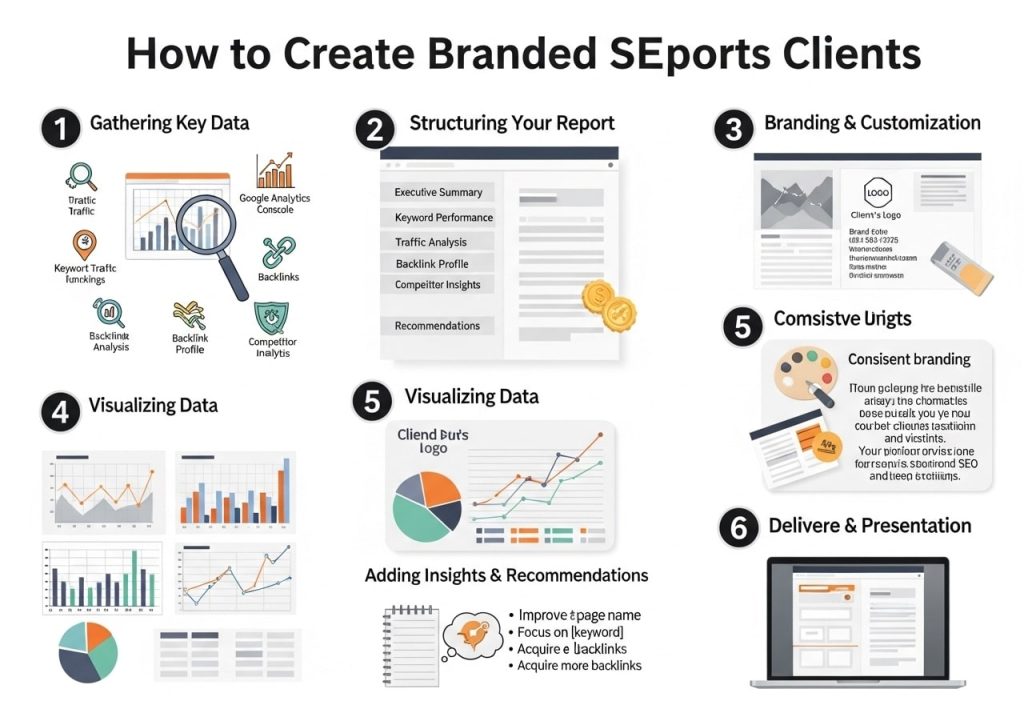
Learning how to create branded SEO reports for clients helps you look more professional and reinforces your brand with every report you send.
Brand Consistency Elements
Visual Identity
- Use your agency colors throughout the report
- Include your logo on every page
- Choose fonts that match your brand style
- Maintain consistent spacing and layout
Professional Presentation
- Create a standard report template
- Use high-quality charts and graphs
- Include your contact information
- Add a professional cover page
White-Label Reporting Solutions
Most best SEO reporting tools offer white-label options that let you customize reports with your branding. This removes any mention of the tool provider and makes it look like you built everything in-house.
Setting Up White-Label Reports
- Upload your logo and brand colors to the reporting platform
- Create custom report templates for different client types
- Set up automated delivery with your branding
- Test reports before sending to ensure everything looks correct
SEO Report Examples and Templates
Having good SEO report examples to work from speeds up your report creation process and ensures you don’t miss important information.
Monthly Performance Report Template
Executive Summary Section
Start every report with a brief overview that busy executives can read quickly:
- Key wins from this month
- Important metrics at a glance
- Priority recommendations
Traffic and Rankings Deep Dive
- Organic traffic trends with explanations
- Top performing pages
- Keyword ranking improvements
- Notable ranking losses and why they happened
Technical SEO Status
- Site health score
- Pages with technical issues
- Core Web Vitals performance
- Mobile usability problems
Quarterly Strategy Report Template
Every quarter, create a bigger-picture report that covers:
- Progress toward annual goals
- Market position changes
- Upcoming algorithm updates and preparations
- Strategy adjustments based on performance data
SEO Report Example Structure
1. Cover Page (Branded)
2. Executive Summary (1 page)
3. Traffic Overview (2-3 pages)
4. Keyword Performance (2-3 pages)
5. Technical SEO Health (1-2 pages)
6. Content Performance (1-2 pages)
7. Local SEO Results (if applicable, 1-2 pages)
8. Competitive Analysis (1-2 pages)
9. Work Completed (1-2 pages)
10. Next Month’s Plan (1 page)
11. Contact Information
Creating PDF SEO Reports for Clients
Knowing how to create PDF SEO reports for clients ensures your reports look the same on every device and can’t be accidentally edited.
PDF Report Best Practices
Design Considerations
- Use readable fonts (minimum 11pt size)
- Ensure charts and graphs are high resolution
- Include page numbers
- Create clickable table of contents for longer reports
Content Organization
- Put the most important information first
- Use headers and subheaders to break up text
- Include white space to avoid cluttered pages
- Add data source citations for credibility
Tools for PDF Report Creation
Canva
Great for creating visually appealing reports with templates specifically designed for business reporting.
Microsoft Word or Google Docs
Simple options that work well for text-heavy reports. Both export to PDF easily.
InDesign or Similar Design Software
Professional tools for agencies that create many reports and want maximum design control.
Automated SEO Reporting Solutions

Automated SEO reporting can save you hours each month and reduce the chance of human error in your reports.
Setting Up Automated Reports
Data Connection
- Connect your reporting tool to Google Analytics
- Link Google Search Console for search performance data
- Import keyword ranking data from your SEO tool
- Set up goal tracking for conversions
Report Scheduling
- Choose delivery frequency (monthly is most common)
- Set delivery dates that give you time to review before client meetings
- Create different report versions for different stakeholders
- Include automated email summaries with key highlights
Benefits of Automation
Time Savings
Automated reports can reduce report creation time from hours to minutes each month.
Consistency
Every report follows the same format and includes the same data points, making it easier for clients to follow trends over time.
Error Reduction
Automated data pulling reduces copy-paste errors and ensures you’re always using the most current data.
Local SEO Reporting Tools
If you work with local businesses, local SEO reporting tools help you track location-specific metrics that matter most to these clients.
Local SEO Metrics to Track
Google My Business Performance
- Total views of business listing
- Actions taken (calls, website visits, direction requests)
- Customer reviews and ratings
- Photo views and engagement
Local Search Rankings
- Rankings for location-specific keywords
- Map pack appearances
- Local competitor analysis
- Citation consistency across directories
Best Local SEO Reporting Tools
BrightLocal
Specialized tool for local SEO with excellent reporting features for Google My Business and local rankings.
Whitespark
Offers local rank tracking and citation building with solid reporting capabilities.
Local Falcon
Provides detailed local ranking reports that show how your client ranks from different locations around their city.
Building an Effective SEO Reporting Dashboard
An SEO reporting dashboard gives clients real-time access to their SEO performance data between your formal reports.
Dashboard Design Principles
Keep It Simple
Show the most important metrics prominently and hide less critical data in secondary views.
Use Visual Hierarchy
Put the most important information at the top and use size, color, and spacing to guide attention.
Make It Actionable
Include context and explanations, not just raw numbers.
Key Dashboard Elements
Real-Time Metrics
- Current organic traffic levels
- Recent ranking changes
- New keywords appearing in top 10
- Technical issues detected
Trend Analysis
- Traffic growth over time
- Ranking improvement trends
- Conversion rate changes
- Seasonal pattern recognition
Alert System
Set up notifications for significant changes like:
- Major ranking drops
- Traffic spikes or drops
- Technical errors detected
- New competitor activities
Creating excellent SEO reports for clients takes practice, but following these guidelines will help you build trust with clients and demonstrate the value of your SEO work. Remember that the best reports don’t just show data – they tell the story of your client’s SEO success and provide clear next steps for continued growth.
Start with a simple template and gradually add more sophisticated elements as you get comfortable with the process. Your clients will appreciate the transparency and professionalism that comes with well-crafted SEO reports, and you’ll find it easier to retain clients and grow your business when they can clearly see the results of your efforts.
Ready to create better SEO reports? Start by choosing one of the reporting tools mentioned above and create your first branded template. Your clients will notice the difference immediately.
FAQs
What makes an SEO report truly effective for clients?
An effective SEO report focuses on business outcomes, not just numbers. Show how your SEO work connects to their revenue, leads, or sales. Include clear before-and-after comparisons, explain what the data means in simple terms, and always tie your findings back to their business goals. Skip the technical jargon and focus on what actually matters to their bottom line.
How often should I send SEO reports to my clients?
Monthly reports work best for most clients. This gives enough time to see meaningful changes without overwhelming them with data. For new campaigns or major website changes, you might want to send bi-weekly updates for the first few months. Weekly reports usually create too much noise, while quarterly reports leave clients feeling disconnected from the process.
What key metrics should every client SEO report include?
Focus on organic traffic growth, keyword ranking improvements, conversion rates from organic search, and the actual business value generated. Include click-through rates, page load speeds, and any technical issues you’ve fixed. Always show month-over-month and year-over-year comparisons to give context to the numbers.
How do I explain technical SEO issues to non-technical clients?
Use simple analogies and avoid technical terms. Instead of saying “improve crawlability,” explain that you’re making it easier for Google to find and understand their pages. Replace “meta descriptions” with “the preview text people see in search results.” Always explain why each issue matters to their business and what fixing it will accomplish.
What’s the best way to present SEO data visually?
Use clean, easy-to-read charts and graphs. Line graphs work great for showing traffic trends over time. Bar charts help compare different time periods or pages. Use colors consistently and include brief explanations next to each visual. Avoid cluttered dashboards and stick to the most important data points that tell a clear story.
How do I handle months when SEO results are disappointing?
Be honest and transparent about what happened. Explain any external factors like Google algorithm updates, seasonal changes, or increased competition. Focus on the positive actions you took and what you learned. Always present a clear plan for improvement and set realistic expectations for the coming month.
Should I include competitor analysis in my SEO reports?
Yes, but keep it focused and relevant. Show where your client stands compared to their main competitors for important keywords. Highlight opportunities where competitors are winning and explain your strategy to compete. Don’t overwhelm the report with competitor data – just include insights that can drive action.
How do I show ROI from SEO efforts in my reports?
Connect organic traffic increases to actual conversions and revenue. If they got 500 more visitors that converted at 2%, that’s 10 new customers. Multiply that by their average customer value. Compare the cost of your SEO services to the revenue generated from organic search. Use their Google Analytics and conversion tracking data to make these connections clear.
What common mistakes should I avoid in SEO reporting?
Don’t dump raw data without explanation. Avoid using too many technical terms or acronyms. Never promise overnight results or make unrealistic projections. Don’t focus only on vanity metrics like total keywords tracked. Always provide context for changes in rankings or traffic, and don’t ignore negative trends – address them head-on with solutions.
How can I make my SEO reports more engaging for clients?
Start each report with a brief summary of wins and key takeaways. Include screenshots of improved search results or featured snippets you’ve earned. Add short video explanations for complex topics. Create action items for the client and explain how they can help improve results. End with clear next steps and what to expect in the coming month.