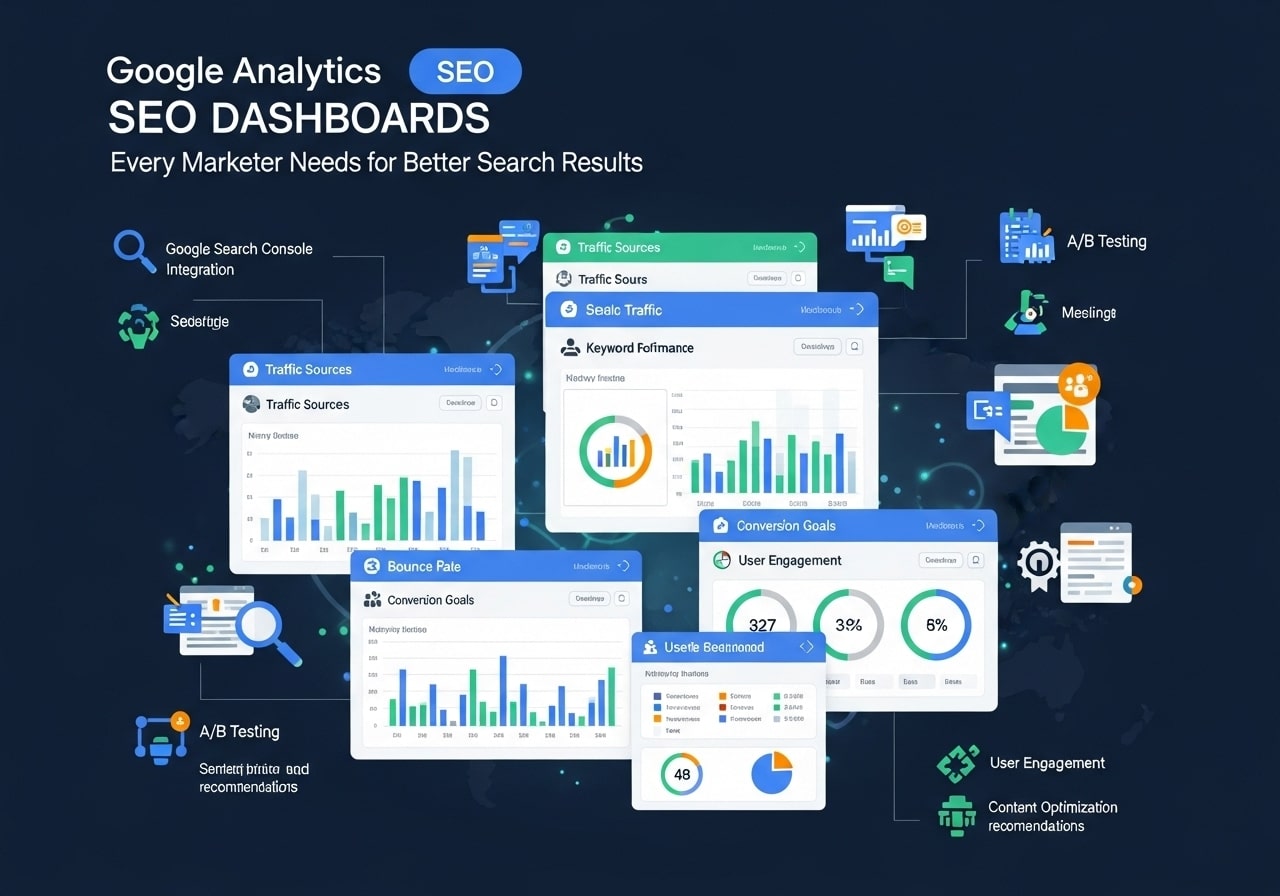
Google Analytics SEO dashboards have become the backbone of modern digital marketing, helping businesses track their search performance and make data-driven decisions. Whether you’re a small business owner or managing SEO for enterprise clients, understanding how to create and use a Google Analytics dashboard can transform your approach to search engine optimization.
What Are Google Analytics SEO Dashboards?
A Google Analytics SEO dashboard is a customized view that displays the most important search-related metrics for your website in one convenient location. Instead of digging through multiple reports, you can see your organic traffic, keyword performance, conversion rates, and other crucial SEO metrics at a glance.
These dashboards pull data directly from Google Analytics and present it in an easy-to-understand format. You can create different types of dashboards depending on your needs:
- Executive dashboards showing high-level KPIs
- Technical SEO dashboards focusing on site performance
- Content performance dashboards tracking page-level metrics
- Conversion tracking dashboards measuring SEO ROI
The beauty of Google Analytics dashboards lies in their flexibility. You can customize them to show exactly what matters most to your business, whether that’s organic traffic growth, keyword rankings, or conversion rates from search traffic.
Why SEO Google Analytics Dashboards Matter
Using Google Analytics for SEO reporting saves countless hours and provides insights that would be impossible to gather manually. Here’s why every SEO professional needs a well-designed dashboard:
Time Efficiency
Rather than pulling data from multiple sources and creating reports from scratch, your dashboard automatically updates with fresh data. This means you can spend more time analyzing trends and less time gathering information.
Better Decision Making
When all your SEO metrics are visible in one place, patterns become clearer. You can quickly identify which pages are performing well, what traffic sources drive the most conversions, and where you need to focus your optimization efforts.
Improved Client Communication
If you’re working with clients or reporting to stakeholders, Google Analytics dashboard examples show professional, easy-to-understand visualizations that make your results clear and compelling.
Performance Tracking
Your dashboard becomes a historical record of your SEO performance, making it easy to track progress over time and demonstrate the value of your optimization efforts.
Essential Components of SEO Analytics Dashboards
A comprehensive SEO analytics dashboard should include several key components to give you a complete picture of your search performance:
Organic Traffic Metrics
- Total organic sessions over time
- New vs. returning organic visitors
- Organic traffic by device (desktop, mobile, tablet)
- Geographic distribution of organic traffic
Content Performance
- Top performing pages by organic traffic
- Pages with the highest bounce rates
- Average time on page for organic traffic
- Page load speed metrics
Conversion Tracking
- Goal completions from organic traffic
- E-commerce revenue from search visitors
- Conversion rates by traffic source
- Assisted conversions from organic search
Technical SEO Indicators
- Site speed scores
- Core Web Vitals metrics
- Mobile usability data
- Index coverage status
Google Analytics Dashboard Examples for SEO
Let’s explore some practical Google Analytics dashboard examples that you can adapt for your own needs:
Basic SEO Performance Dashboard
This starter dashboard includes:
- Organic traffic trend (last 3 months)
- Top 10 landing pages from organic search
- Organic traffic by device category
- Goal conversion rate for organic traffic
- Average session duration for organic visitors
Advanced SEO Analytics Dashboard
For more experienced users, consider including:
- SEO Google Analytics integration with Search Console data
- Year-over-year organic traffic comparison
- Organic traffic segmented by brand vs. non-brand keywords
- Content performance matrix (traffic vs. engagement)
- Technical SEO health indicators
E-commerce SEO Dashboard
Online retailers should focus on:
- Organic revenue and transaction data
- Product page performance metrics
- Shopping behavior from organic traffic
- Multi-channel funnel analysis
- Customer lifetime value from organic visitors
How to Create Your First Google Analytics SEO Dashboard
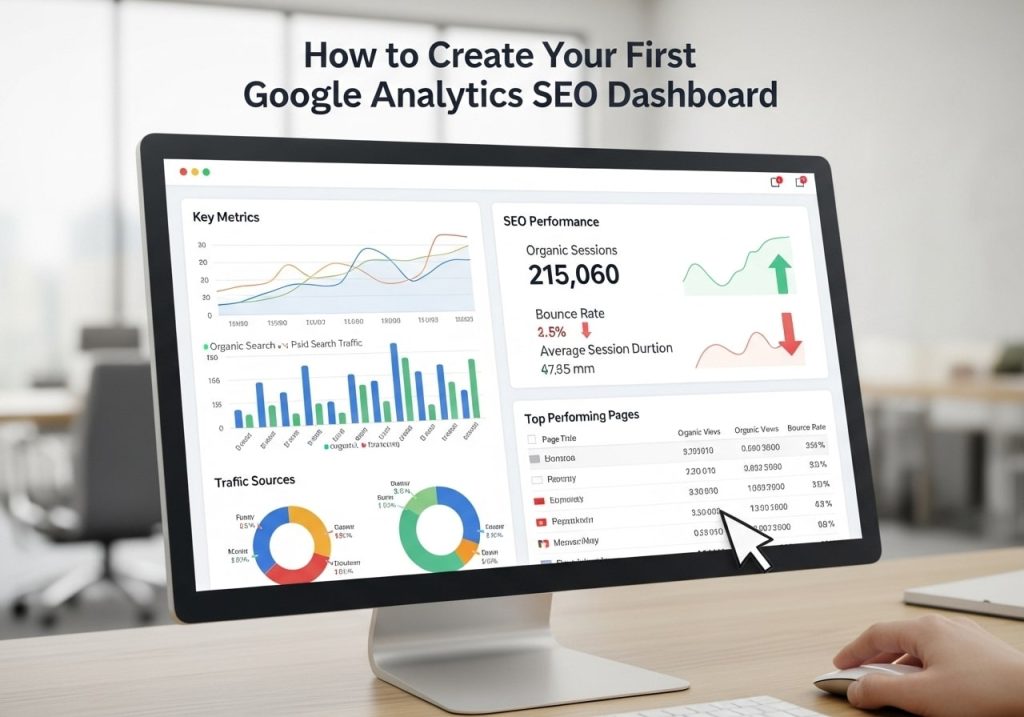
Creating your first Google Analytics SEO dashboard is simpler than you might think. Here’s a step-by-step guide:
Step 1: Define Your Goals
Before building your dashboard, clearly define what you want to measure. Common SEO goals include:
- Increasing organic traffic
- Improving conversion rates
- Reducing bounce rates
- Growing brand awareness
Step 2: Access Dashboard Creation
In Google Analytics, navigate to “Customization” and then “Dashboards.” Click “Create” and choose between a blank dashboard or using a template.
Step 3: Add Essential Widgets
Start with these basic widgets:
- Timeline widget showing organic sessions over time
- Table widget displaying top organic landing pages
- Pie chart showing organic traffic by device
- Metric widget displaying organic conversion rate
Step 4: Customize Your Filters
Use segments and filters to focus specifically on organic traffic. Create a custom segment for organic traffic and apply it to all your widgets.
Step 5: Set Up Automated Reports
Configure your dashboard to send automated reports to key stakeholders. This ensures everyone stays informed about SEO performance without manual intervention.
Google Analytics 4 SEO Dashboard Setup
The transition to Google Analytics 4 has changed how we approach SEO dashboards. Here’s what you need to know about creating a GA4 SEO dashboard:
Key Differences in GA4
- Event-based tracking instead of session-based
- Enhanced measurement for better insights
- Machine learning insights built into reports
- Cross-platform tracking capabilities
Setting Up Your GA4 SEO Dashboard
- Configure enhanced measurement to track scroll depth, outbound clicks, and site search.
- Create custom events for important SEO actions
- Set up conversion goals specific to organic traffic
- Use the Explore reports for deeper analysis
GA4 SEO Metrics to Track
- Organic sessions and users
- Engagement rate for organic traffic
- Event completions from organic visitors
- Revenue from organic traffic (for e-commerce sites)
- Page views and unique page views
Advanced SEO Dashboard Features
Once you’re comfortable with basic dashboards, consider these advanced features:
Custom Dimensions and Metrics
Create custom dimensions to track:
- Content categories or topics
- Author performance for content sites
- Campaign attribution for organic traffic
- User journey stages
Calculated Metrics
Develop calculated metrics such as:
- Organic traffic value (organic sessions × average order value)
- Content efficiency score (traffic ÷ content creation cost)
- SEO ROI (organic revenue ÷ SEO investment)
Integration with Other Tools
Connect your dashboard with:
- Search Console for keyword and performance data
- Google Ads for paid vs. organic comparison
- Social media platforms for comprehensive digital marketing insights
- CRM systems for customer lifetime value tracking
Free Google Analytics Dashboards vs. Premium Options
When it comes to free Google Analytics dashboards, you have several options:
Free Options
- Google Analytics native dashboards – Built-in functionality with basic customization
- Google Data Studio – Free visualization tool with advanced features
- Dashboard templates – Pre-built solutions you can customize
Premium Dashboard Solutions
- Tableau Google Analytics dashboard – Enterprise-level visualization
- Power BI Google Analytics dashboard – Microsoft’s business intelligence platform
- Third-party SEO dashboard tools – Specialized solutions with advanced features
Choosing the Right Option
Consider these factors:
- Budget constraints
- Technical expertise of your team
- Reporting requirements
- Integration needs with other tools
- Scalability requirements
Connecting External Tools to Your Google Analytics Dashboard
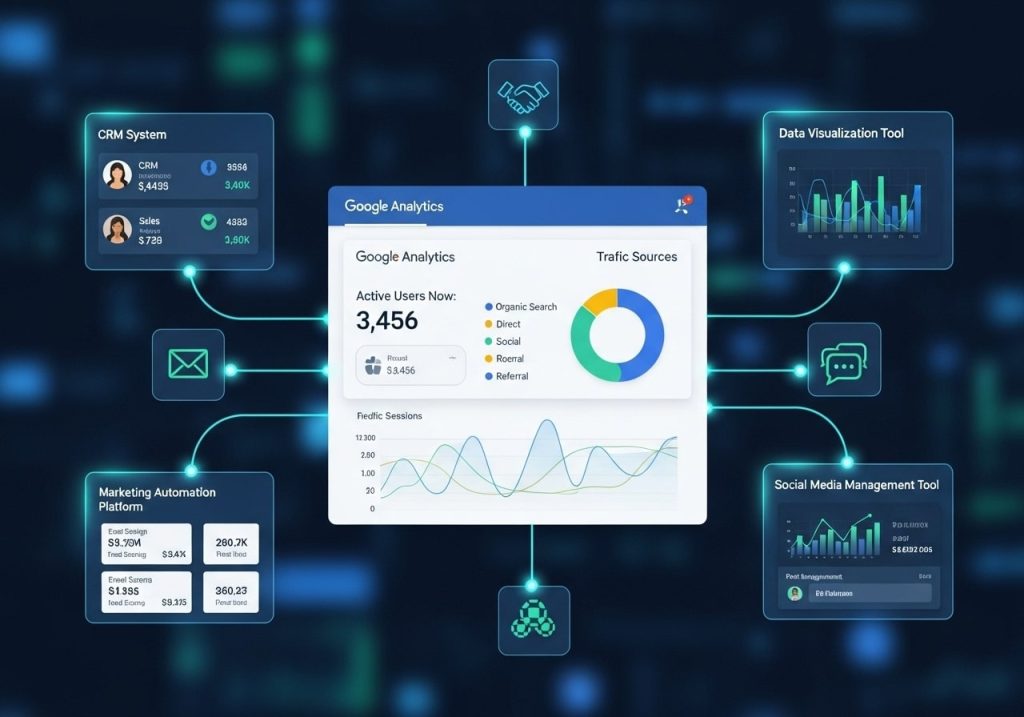
Maximizing the value of your SEO Google dashboard often requires integrating external data sources:
Search Console Integration
Connect Google Search Console to add:
- Keyword performance data
- Click-through rates for search results
- Average position for key terms
- Impression data for your content
Third-Party SEO Tool Connections
Popular integrations include:
- Connect Google Analytics to SEMrush for competitive insights
- Yoast SEO Google Analytics integration for WordPress users
- Ahrefs or Moz for backlink and ranking data
- 6sense Google Analytics integration for B2B attribution
Social Media and Content Tools
Enhance your dashboard with:
- Social media performance data
- Email marketing metrics
- Content management system data
- Customer support interactions
Measuring SEO Success with Your Dashboard
How to measure SEO in Google Analytics effectively requires focusing on the right metrics:
Primary SEO KPIs
- Organic traffic growth month-over-month and year-over-year
- Conversion rate from organic traffic
- Revenue or leads generated from organic search
- Brand vs. non-brand traffic distribution
Content Performance Indicators
- Top-performing content by organic traffic
- Content engagement metrics (time on page, bounce rate)
- Internal linking effectiveness
- Content freshness impact on rankings
Technical SEO Metrics
- Page load speed impact on organic traffic
- Mobile traffic percentage and performance
- Core Web Vitals correlation with rankings
- Crawl error impact on organic visibility
Long-term Trend Analysis
Your Google Analytics KPI dashboard should track:
- Seasonal traffic patterns
- Algorithm update impacts
- Competitive landscape changes
- Content strategy effectiveness
Common Mistakes to Avoid
When building your web analytics dashboards, avoid these common pitfalls:
Over-complicating Your Dashboard
- Don’t include too many metrics on one screen
- Avoid vanity metrics that don’t drive business decisions
- Keep visualizations simple and easy to understand
Ignoring Mobile Performance
- Always segment data by device type
- Monitor mobile-specific metrics
- Track mobile conversion rates separately
Focusing Only on Traffic
- Include conversion and revenue metrics
- Track user engagement beyond page views
- Monitor customer lifetime value from organic traffic
Not Setting Up Proper Attribution
- Configure goal tracking properly
- Use UTM parameters for campaign tracking
- Set up multi-channel funnel reporting
Creating effective Google Analytics SEO dashboards requires careful planning, the right metrics, and ongoing optimization. By following the strategies outlined in this guide, you’ll be able to build dashboards that not only track your SEO performance but also provide actionable insights for improving your search rankings and driving more qualified traffic to your website.
Remember that your dashboard should evolve with your business needs and SEO strategy. Regular reviews and updates ensure that you’re always tracking the most relevant metrics for your success. Start with a simple dashboard and gradually add more sophisticated features as your expertise grows and your requirements become more complex.
What metrics are most important for your SEO dashboard? Share your thoughts and experiences in the comments below, and don’t forget to subscribe for more SEO and analytics insights.
FAQs
What exactly is a Google Analytics SEO dashboard?
A Google Analytics SEO dashboard is a custom view that brings together all your important search engine optimization data in one place. Instead of clicking through different reports, you can see your organic traffic, keyword performance, page rankings, and conversion data on a single screen. This makes it much easier to track how well your SEO efforts are working.
Do I need to pay extra for SEO dashboard features in Google Analytics?
No, you don’t need to pay anything extra. Google Analytics 4 (the current version) includes all the SEO tracking features for free. You can create custom dashboards, track organic traffic, and monitor search performance without any additional costs. The only time you might consider paid tools is if you need more advanced keyword tracking or competitor analysis.
How do I create my first SEO dashboard in Google Analytics?
Start by logging into your Google Analytics account and going to the “Explore” section. Create a new custom report and add the metrics that matter most to you – like organic sessions, bounce rate, conversion rate, and top landing pages. You can also use pre-made templates or download dashboard templates from other marketers to get started faster.
Which metrics should I include in my SEO dashboard?
Focus on metrics that directly show your SEO success. Include organic traffic numbers, top-performing pages, average session duration, bounce rate, goal completions from organic traffic, and your most valuable keywords. Don’t overcrowd your dashboard – pick 6-8 key metrics that give you a clear picture of your SEO performance.
How often should I check my SEO dashboard?
Check your main dashboard weekly to spot trends and issues early. Daily monitoring isn’t necessary for most businesses since SEO changes happen gradually. However, if you’re running active SEO campaigns or just launched new content, you might want to check more frequently during the first few weeks.
Can I track keyword rankings directly in Google Analytics?
Google Analytics shows you some keyword data, but it’s limited compared to dedicated keyword tracking tools. You’ll see “not provided” for many keywords due to privacy settings. For detailed keyword rankings, you’ll want to connect Google Search Console to your Analytics account or use additional tools like SEMrush or Ahrefs.
What’s the difference between Google Analytics and Google Search Console for SEO?
Google Analytics shows you what happens after people visit your website from search engines – like how long they stay and what they do. Google Search Console shows you how your site appears in search results – like which keywords trigger your pages and your average ranking positions. Both tools work better when used together.
How do I know if my SEO dashboard is actually helping my business?
Your dashboard is working if it helps you make better decisions. Look for patterns like which pages bring in the most qualified visitors, which keywords lead to actual sales or sign-ups, and where you’re losing potential customers. If you can spot these trends and act on them, your dashboard is doing its job.
Should I create different dashboards for different types of content?
Yes, this can be really helpful. You might create separate dashboards for your blog content, product pages, and service pages since they have different goals. A blog dashboard might focus on engagement and social shares, while a product page dashboard would emphasize conversion rates and revenue from organic traffic.
What are the most common mistakes people make with SEO dashboards?
The biggest mistake is including too many metrics that don’t actually help with decision-making. People also forget to set up proper goal tracking, so they can’t see if their SEO work is leading to real business results. Another common issue is not connecting Google Search Console, which means missing out on valuable keyword and ranking data.