Technology moves fast, and staying on top of current trends in information technology can make or break your career success. Whether you’re a business professional, IT specialist, or team manager, understanding how emerging trends in information technology reshape your daily work helps you stay competitive and productive.
This guide explores the major technology shifts transforming workplaces right now. You’ll discover how automation technologies are changing your daily tasks, making routine work faster and freeing up time for strategic thinking. We’ll also dive into how digital collaboration platforms are revolutionizing team communication, especially as remote and hybrid work becomes the norm.
Finally, we’ll look at mobile-first technology and its impact on work flexibility, plus how data analytics is giving professionals new ways to make smarter business decisions. These trends in the information technology sector aren’t just buzzwords – they’re practical changes that directly affect how you get work done today and tomorrow.
Current Information Technology Trends Reshaping the Workplace
Artificial Intelligence and Machine Learning Integration
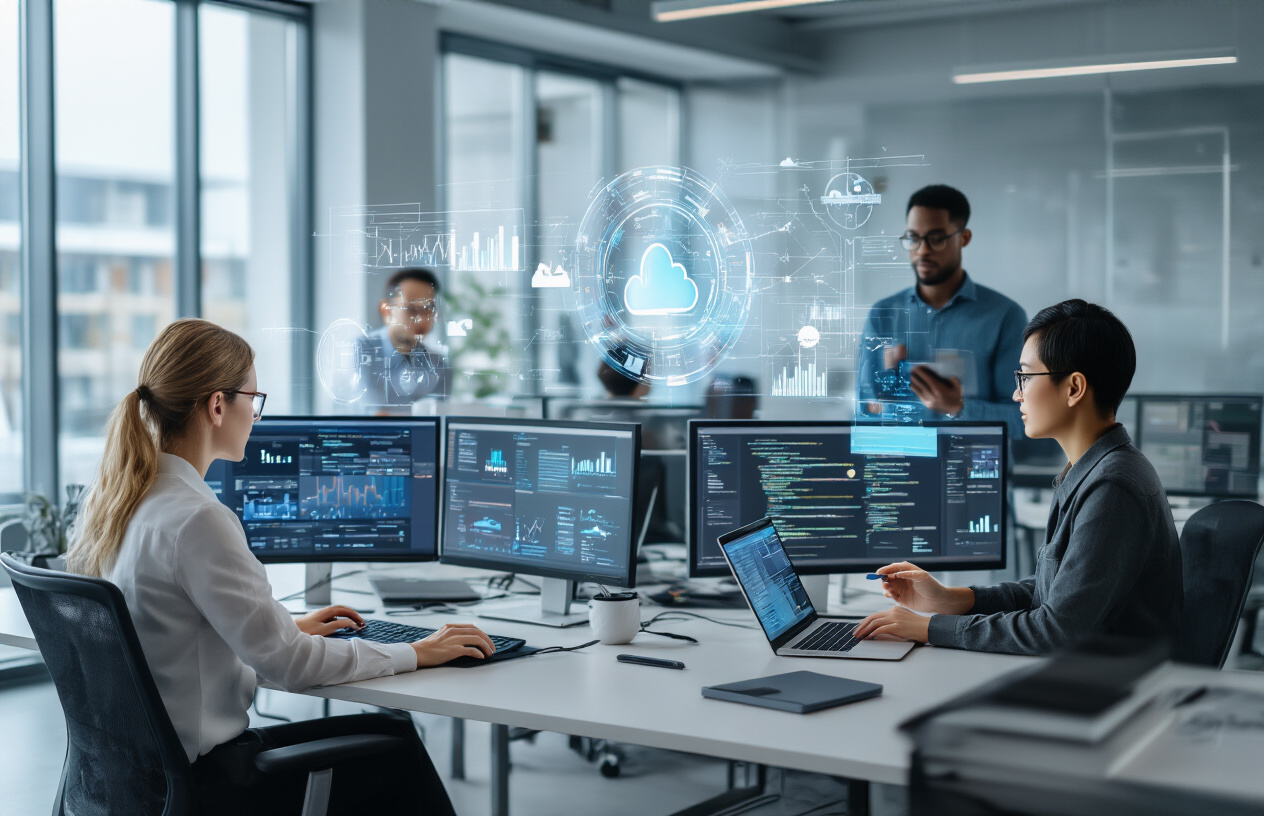
AI and machine learning technologies are becoming the backbone of modern workplaces, transforming how businesses operate and employees perform their daily tasks. Companies across industries now rely on AI-powered tools for everything from customer service chatbots to predictive analytics that guide strategic decisions.
The integration of AI into workplace systems creates smarter workflows that adapt to user behavior and automate repetitive processes. Machine learning algorithms analyze patterns in employee productivity, helping organizations optimize resource allocation and identify areas for improvement. These current trends in information technology enable businesses to make data-driven decisions faster than ever before.
Popular AI applications include:
- Intelligent document processing and automated data entry
- Smart scheduling systems that coordinate meetings across time zones
- Predictive maintenance for equipment and infrastructure
- Enhanced security systems with behavioral analysis
- Real-time language translation for global teams
Cloud Computing and Remote Work Solutions
Cloud technology has revolutionized how teams collaborate and access information, making remote work not just possible but highly efficient. Modern cloud platforms provide seamless integration between different software applications, allowing employees to work from anywhere without compromising productivity or security.
The shift to cloud-based solutions represents one of the most significant emerging trends in information technology, enabling businesses to scale operations quickly and reduce infrastructure costs. Cloud computing offers unprecedented flexibility, allowing teams to collaborate on projects in real-time regardless of their physical location.
Key cloud computing benefits include:
| Feature | Impact on Work |
|---|---|
| Scalability | Instant resource adjustment based on demand |
| Accessibility | 24/7 access to files and applications |
| Cost Efficiency | Reduced hardware and maintenance expenses |
| Collaboration | Real-time document sharing and editing |
| Backup & Recovery | Automated data protection and disaster recovery |
Internet of Things and Smart Office Systems
Smart office technology is transforming traditional workspaces into intelligent environments that respond to employee needs and optimize energy consumption. IoT sensors monitor everything from air quality and temperature to desk occupancy and equipment usage, creating data-driven insights that improve workplace comfort and efficiency.
These modern trends in information technology connect various office devices and systems, creating a network of intelligent tools that communicate with each other. Smart lighting systems adjust brightness based on natural light levels, while climate control systems learn usage patterns to optimize energy consumption throughout the day.
Smart office implementations typically include:
- Occupancy sensors for efficient space utilization
- Smart parking systems that guide employees to available spots
- Automated meeting room booking based on sensor data
- Energy management systems that reduce operational costs
- Health monitoring systems for air quality and ergonomics
Cybersecurity Advancements and Zero Trust Models
The evolution of cybersecurity has shifted from traditional perimeter-based defense to comprehensive zero trust architectures that verify every user and device before granting access. This approach assumes that threats can come from anywhere, both inside and outside the organization, requiring continuous verification and monitoring.
Zero trust models represent a fundamental change in how organizations approach security, moving away from the assumption that internal networks are safe. This security framework has become one of the leading trends in information technology as companies recognize the need for more robust protection against sophisticated cyber threats.
Core zero trust principles include:
- Continuous identity verification for all users and devices
- Micro-segmentation to limit access to specific resources
- Real-time monitoring and threat detection
- Encrypted communications across all network connections
- Least privilege access policies that minimize exposure risk
Modern cybersecurity solutions integrate artificial intelligence to detect unusual behavior patterns and respond to threats automatically. These systems learn normal user behavior and can identify potential security breaches before they cause significant damage, providing organizations with proactive protection against evolving cyber threats.
How Automation Technologies Transform Your Daily Tasks
Streamlined Workflow Management Systems
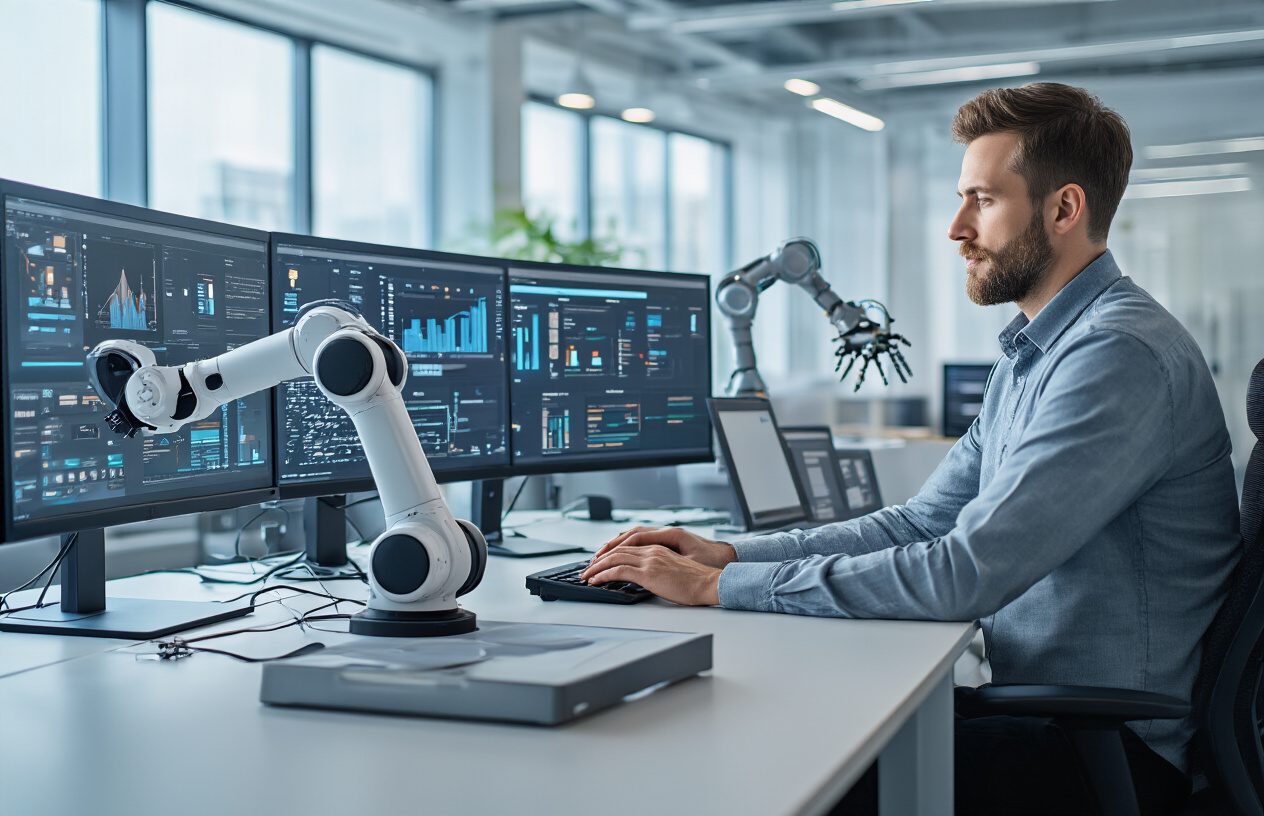
Modern workflow management systems have revolutionized how teams handle projects and daily operations. These platforms automatically route tasks between team members, track deadlines, and provide real-time status updates without manual intervention. Popular tools like Monday.com, Asana, and Notion use smart algorithms to prioritize work based on urgency, dependencies, and resource availability.
The biggest game-changer is how these systems eliminate the constant back-and-forth emails about project status. Instead of spending time updating spreadsheets or chasing down progress reports, automation handles the heavy lifting. Tasks automatically move through different stages, notifications go out to relevant team members, and bottlenecks get flagged before they become major problems.
Project managers now spend less time on administrative tasks and more time on strategic planning. Team members receive automated reminders about approaching deadlines, and managers get dashboard views showing real-time progress across multiple projects. This shift represents one of the most significant current trends in information technology that directly impacts workplace productivity.
Intelligent Data Processing and Analytics
Automation has transformed data handling from a time-consuming manual process into an instant, intelligent operation. Machine learning algorithms now process massive datasets in minutes rather than hours, identifying patterns and generating insights that would take human analysts days to uncover.
Tools like Power BI, Tableau, and Google Analytics automatically pull data from multiple sources, clean it up, and create visual reports. Sales teams get automated weekly performance summaries, marketing departments receive real-time campaign analytics, and executives access custom dashboards showing key business metrics without waiting for IT support.
The practical impact is enormous. Financial analysts who once spent entire days compiling reports now focus on interpreting results and making recommendations. Marketing professionals get instant feedback on campaign performance, allowing them to adjust strategies on the fly. Customer service representatives access automated sentiment analysis that helps them understand customer emotions before engaging in conversations.
Emerging trends in information technology show that predictive analytics is becoming more accessible to everyday workers, not just data scientists. These tools predict customer behavior, forecast inventory needs, and identify potential equipment failures before they happen.
Automated Communication and Scheduling Tools
Communication automation has eliminated many repetitive tasks that used to eat up significant portions of the workday. Chatbots handle initial customer inquiries, scheduling tools automatically find meeting times that work for multiple participants, and email automation sends follow-up messages based on specific triggers.
Calendar management has become particularly sophisticated. Tools like Calendly, Acuity, and Microsoft Bookings automatically handle appointment scheduling, send confirmation emails, and even reschedule meetings when conflicts arise. Meeting preparation gets streamlined through automated agenda creation and document sharing.
Internal communication benefits from smart routing systems that direct messages to appropriate team members based on content analysis. Slack and Microsoft Teams use automation to categorize conversations, create action items from discussions, and remind team members about pending responses.
The latest trends in information technology include AI-powered writing assistants. These tools help craft professional emails, generate meeting summaries, and suggest responses to common inquiries. Voice-activated assistants can schedule meetings, set reminders, and update project status. This makes multitasking more efficient than ever.
These communication improvements free up mental bandwidth for creative problem-solving and relationship building, areas where human skills remain irreplaceable despite technological advances.
The Rise of Digital Collaboration Platforms
Virtual Meeting and Conference Solutions
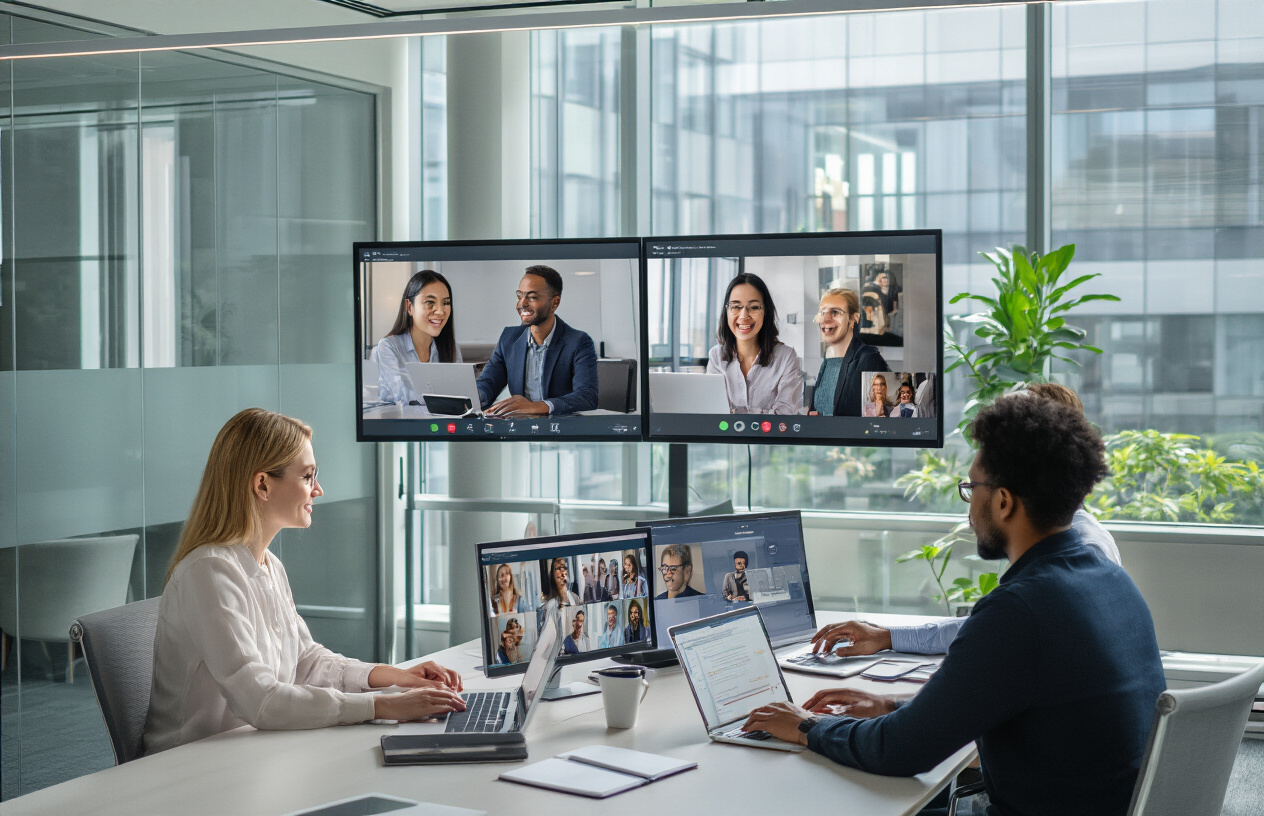
Video conferencing has become the backbone of modern workplace communication, transforming how teams connect across distances. Platforms like Zoom, Microsoft Teams, and Google Meet have evolved beyond simple video calls to offer advanced features including screen sharing, breakout rooms, and interactive whiteboards. These tools now support hybrid work models where some team members attend meetings in person while others join remotely.
The latest virtual meeting solutions incorporate AI-powered features such as real-time transcription, automatic meeting summaries, and intelligent noise cancellation. Some platforms even offer virtual backgrounds that can replace your entire environment with professional settings, making remote work more polished and distraction-free.
Enterprise-level solutions now provide advanced analytics that track meeting engagement, speaking time distribution, and participation patterns. This data helps managers optimize meeting efficiency and ensure balanced team participation.
Real-time Document Sharing and Editing
Collaborative document editing has revolutionized how teams work together on projects. Google Workspace and Microsoft 365 allow multiple users to edit documents, spreadsheets, and presentations simultaneously, with changes appearing instantly for all participants. Version control headaches are now history, as these platforms automatically save revisions and allow users to revert to previous versions when needed.
Cloud-based document sharing eliminates the constant email exchanges of file attachments. Team members can access the most current version of any document from anywhere, ensuring everyone works with the same information. Comment threads and suggestion modes enable structured feedback without disrupting the original content.
Advanced sharing controls let document owners set specific permissions, controlling who can view, edit, or share files. This granular access management protects sensitive information while maintaining collaboration flexibility.
Project Management and Team Coordination Tools
Project management platforms have transformed from simple task lists into comprehensive workflow orchestration systems. Tools like Asana, Trello, and Monday.com provide visual project timelines, resource allocation tracking, and automated progress reporting. Kanban boards offer intuitive task management, allowing teams to visualize work stages and identify bottlenecks quickly.
These platforms integrate time tracking, budget monitoring, and milestone management into single dashboards. Team leaders can assign tasks, set deadlines, and monitor progress without constant check-ins. Automated notifications keep everyone informed about project updates, approaching deadlines, and task dependencies.
Agile methodology support has become standard, with features like sprint planning, burndown charts, and retrospective tools built into most platforms. This enables development teams and other project-focused groups to maintain rapid iteration cycles while tracking progress effectively.
Cross-Platform Integration Capabilities
Modern collaboration tools excel at connecting different software systems through APIs and native integrations. Slack channels can pull updates from project management tools, calendars can sync with video conferencing platforms, and CRM systems can share data with communication apps. This interconnected ecosystem reduces the need to constantly switch between applications.
Single sign-on (SSO) solutions streamline access across multiple platforms, allowing employees to move seamlessly between tools without repeated login processes. This integration reduces security risks while improving user experience and productivity.
Workflow automation tools like Zapier and Microsoft Power Automate create custom connections between platforms. They trigger actions across multiple systems based on specific events. For example, when a new lead enters your CRM, tasks can be automatically created in project management tools. Notifications can also be sent through team chat platforms.
Mobile-First Technology Impact on Work Flexibility

Enhanced Productivity Through Mobile Applications
Mobile applications have transformed how professionals handle their workload, making productivity tools accessible anywhere at any time. Today’s workers can manage projects, respond to emails, and edit documents from their smartphones or tablets. They can also join video conferences on the go. Popular apps like Microsoft 365, Slack, Trello, and Zoom have optimized mobile interfaces. This ensures desktop-level functionality in a pocket-sized format.
The real game-changer comes from specialized productivity apps that leverage mobile-specific features. Voice-to-text applications allow professionals to dictate emails during commutes, while document scanning apps turn smartphones into portable scanners for instant digitization. Task management apps with location-based reminders help workers stay organized by triggering notifications when they arrive at specific locations.
Cloud integration has made mobile productivity seamless. Changes made on mobile devices sync instantly across all platforms, ensuring work continuity regardless of the device being used. This synchronization eliminates the traditional barriers between office-based and mobile work, creating a unified workflow experience.
Seamless Access to Work Resources Anywhere
Modern mobile-first approaches have eliminated geographical constraints on accessing work resources. Virtual Private Networks (VPNs) and secure mobile applications provide encrypted access to company databases, internal systems, and confidential files from any location with internet connectivity.
Cloud storage solutions like Google Drive, OneDrive, and Dropbox ensure all work documents are available instantly on mobile devices. Employees can access, edit, and share files without being tethered to office computers. This accessibility has proven especially valuable for industries requiring field work, client visits, or remote collaboration.
Mobile security features have evolved to match desktop-level protection. Biometric authentication, multi-factor authentication, and device management systems ensure that sensitive company data remains secure while being accessible. Remote wipe capabilities allow IT departments to protect data even if devices are lost or stolen.
Improved Work-Life Balance Opportunities
Mobile technology creates opportunities for better work-life integration by providing flexibility in when and where work gets done. Parents can attend school events while staying connected to urgent work matters, and professionals can handle quick tasks during downtime instead of extending office hours.
The ability to work from mobile devices reduces the pressure to be physically present in the office for routine tasks. Quick email responses, brief client calls, and document reviews can happen during commutes, breaks, or while traveling. This flexibility allows workers to maintain productivity without sacrificing personal time.
However, mobile work requires clear boundaries to prevent work from bleeding into personal time. Many professionals now use features like “Do Not Disturb” modes, separate work profiles, and designated work hours to maintain healthy separation between professional and personal life. The key lies in using mobile technology as a tool for flexibility rather than constant availability.
Smart notifications and AI-powered scheduling help workers manage their mobile work efficiently. These systems can prioritize urgent communications, schedule optimal times for focused work, and even suggest when to take breaks based on usage patterns.
Data Analytics and Business Intelligence Revolution
Real-time Performance Monitoring and Reporting
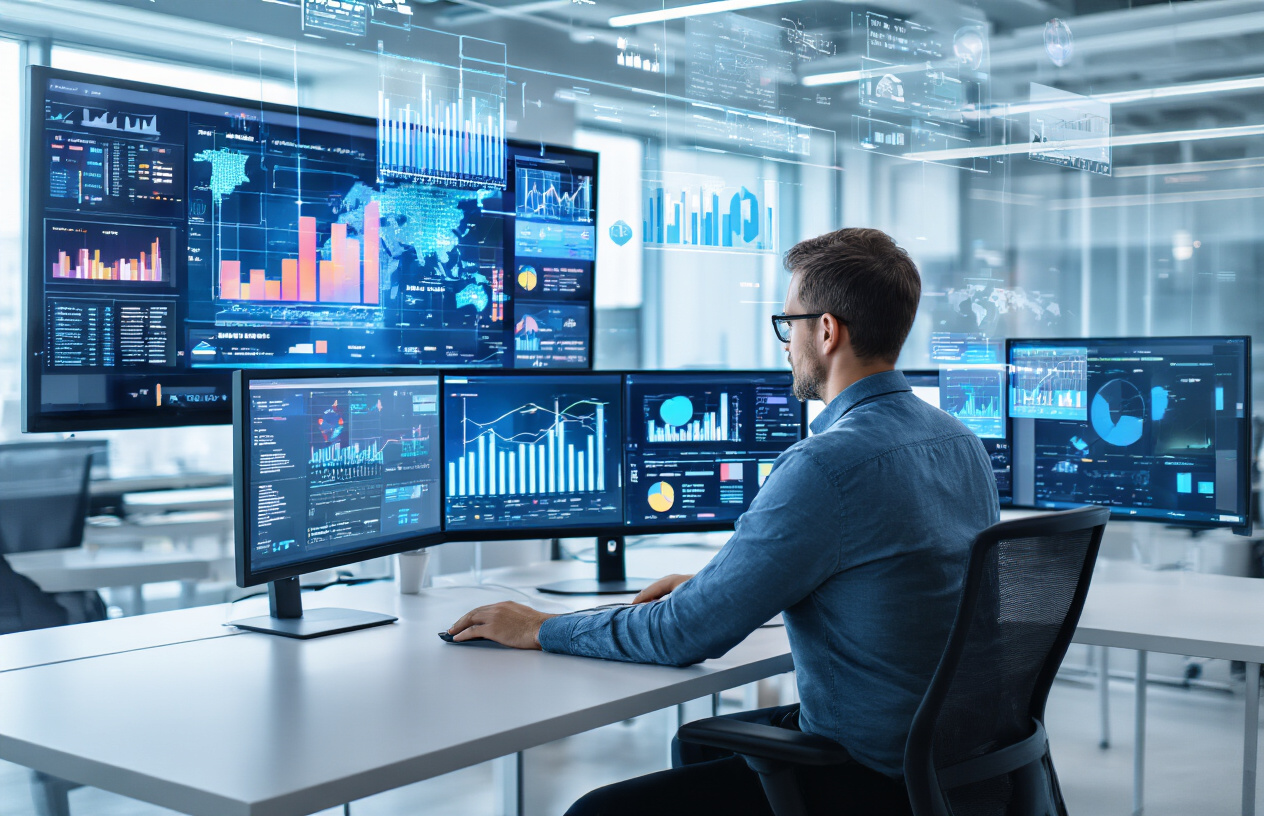
Companies are shifting away from traditional quarterly reports toward instant data insights that fuel smarter decisions. Real-time performance monitoring systems now track everything from sales conversions to employee productivity as events happen. These systems use live dashboards that refresh automatically, showing key performance indicators (KPIs) without delays that once left managers working with outdated information.
Modern monitoring tools integrate with existing software platforms, pulling data from customer relationship management systems, e-commerce platforms, and internal operations. Teams can spot problems immediately – like a sudden drop in website traffic or a spike in customer service tickets – and respond before small issues become major setbacks.
The technology behind these systems includes streaming data processing and cloud-based analytics platforms that handle massive amounts of information simultaneously. Workers across different departments now access the same real-time data, creating alignment between sales, marketing, operations, and leadership teams.
Predictive Analytics for Strategic Decision Making
Predictive analytics transforms raw historical data into forecasts that guide major business choices. Machine learning algorithms analyze patterns from past performance, customer behavior, and market conditions to predict future outcomes with remarkable accuracy.
These current trends in information technology help businesses anticipate customer needs. They also allow companies to forecast inventory and spot market opportunities months ahead of competitors. Sales teams use predictive models to score leads. This helps them prioritize prospects most likely to convert. Meanwhile, HR departments predict employee turnover. They can then plan recruitment more effectively.
The impact extends beyond simple forecasting. Predictive analytics helps organizations model different scenarios – like the effects of price changes, new product launches, or market expansions – before committing resources. This capability reduces risk and improves strategic planning across industries.
Customer Behavior Insights and Market Trends
Advanced analytics platforms now decode customer actions across multiple touchpoints, revealing preferences and purchasing patterns that were previously invisible. These systems track how customers interact with websites, mobile apps, social media, and physical stores, creating comprehensive profiles of individual and group behaviors.
The technology identifies micro-trends before they become mainstream, giving businesses competitive advantages in product development and marketing strategy. Companies can see which features customers use most, where they encounter friction in the buying process, and what factors influence their loyalty decisions.
Market trend analysis combines internal customer data with external signals like social media sentiment, search patterns, and economic indicators. This comprehensive view helps businesses adapt quickly to changing consumer preferences and market conditions.
Automated Data Visualization and Dashboard Creation
Manual chart creation and report formatting are becoming obsolete as automated visualization tools generate compelling graphics directly from raw datasets. These platforms recognize data types and relationships, then suggest appropriate chart formats, color schemes, and layouts without human intervention.
Smart dashboards adapt to user roles and preferences, showing relevant metrics to each team member while hiding unnecessary complexity. Sales representatives see pipeline progress and quota attainment, while executives view high-level performance summaries and strategic indicators.
The automation extends to report distribution and updates. Systems can generate and send customized reports to stakeholders on predetermined schedules, ensuring everyone receives current information without manual intervention from analysts.
Cost Optimization Through Data-Driven Strategies
Organizations use sophisticated analytics to identify spending inefficiencies and optimize resource allocation across departments. Data-driven cost optimization examines everything from vendor contracts and operational expenses to employee productivity and technology investments.
Emerging trends in information technology help companies uncover hidden costs. These include unused software licenses and processes that need excessive manual labor. Analytics platforms can model the financial impact of cost-cutting scenarios. This allows leaders to make informed decisions about reducing spending without harming performance.
Supply chain optimization uses data analytics to reduce inventory costs, improve vendor negotiations, and streamline logistics operations. Companies can predict demand fluctuations more accurately, reducing both overstock situations and stockouts that hurt customer satisfaction.
Emerging Technologies Preparing Your Career for the Future
Blockchain Applications in Business Operations
Blockchain technology is moving beyond cryptocurrency into mainstream business applications that will reshape how professionals work. Smart contracts are automating complex business processes, eliminating intermediaries and reducing transaction costs across industries. Supply chain professionals now use blockchain to track products from origin to consumer, creating transparent audit trails that were impossible before.
Financial services are experiencing the most dramatic transformation. Banking professionals are leveraging blockchain for cross-border payments, reducing settlement times from days to minutes. Insurance companies are implementing smart contracts that automatically process claims when predefined conditions are met, changing how claims adjusters and underwriters approach their roles.
Human resources departments are adopting blockchain for credential verification, making background checks instant and tamper-proof. This shift means HR professionals need to understand distributed ledger systems and digital identity management. Healthcare workers are using blockchain to secure patient records while enabling seamless data sharing between providers.
Emerging trends in information technology show blockchain creating new jobs. These include blockchain developers, smart contract auditors, and decentralized application designers. Traditional roles are also evolving. Accountants now need blockchain literacy to audit distributed systems. Project managers must understand decentralized governance models.
Virtual and Augmented Reality in Professional Training
VR and AR technologies are revolutionizing professional development and workplace training across multiple sectors. Medical professionals practice complex surgeries in risk-free virtual environments, while manufacturing workers learn equipment operation through immersive simulations that replicate real-world conditions without safety concerns.
Corporate training programs now use VR for soft skills development, allowing employees to practice presentations, negotiations, and conflict resolution in realistic virtual scenarios. Sales teams rehearse client meetings in virtual boardrooms, while customer service representatives handle difficult situations through AR-enhanced role-playing exercises.
Remote collaboration is being transformed through spatial computing platforms where teams meet in virtual workspaces that feel more natural than traditional video calls. Architects and engineers collaborate on 3D models in shared virtual spaces, making design reviews more intuitive and effective.
The current trends in information technology indicate that professionals in training and development roles must become familiar with VR content creation tools and learning experience design. IT professionals need skills in VR infrastructure management, while managers must understand how to integrate immersive technologies into existing workflows.
Training costs are dropping significantly as companies replace expensive physical simulations with virtual alternatives. This democratization means smaller organizations can now provide high-quality training experiences previously available only to large corporations with substantial training budgets.
Quantum Computing Readiness and Implications
Quantum computing is approaching practical applications that will fundamentally change how businesses process information and solve complex problems. Financial institutions are preparing for quantum computing to revolutionize risk modeling, portfolio optimization, and fraud detection through calculations that would take classical computers centuries to complete.
Cybersecurity professionals face both opportunities and challenges as quantum computing threatens current encryption methods while offering quantum-resistant security solutions. Organizations are beginning quantum-readiness assessments to understand vulnerabilities in their current systems and develop migration strategies for post-quantum cryptography.
Drug discovery and materials science are experiencing early quantum computing applications, with pharmaceutical companies using quantum simulations to model molecular interactions. This advancement means research professionals need to understand quantum algorithms and their applications in scientific computing.
The latest trends in information technology show that while full-scale quantum computers remain expensive and specialized, quantum-inspired algorithms are already improving classical computing performance. Data scientists are learning quantum machine learning techniques that offer advantages in pattern recognition and optimization problems.
Supply chain optimization, weather prediction, and traffic management are areas where quantum computing will provide significant advantages. Professionals in logistics, urban planning, and operations research should begin understanding quantum algorithms and their potential applications.
Quantum Computing for Businesses:
Cloud providers are making quantum computing accessible through quantum-as-a-service platforms, meaning businesses don’t need to invest in quantum hardware to experiment with quantum algorithms. This accessibility is accelerating adoption and requiring IT professionals to understand hybrid quantum-classical computing architectures.
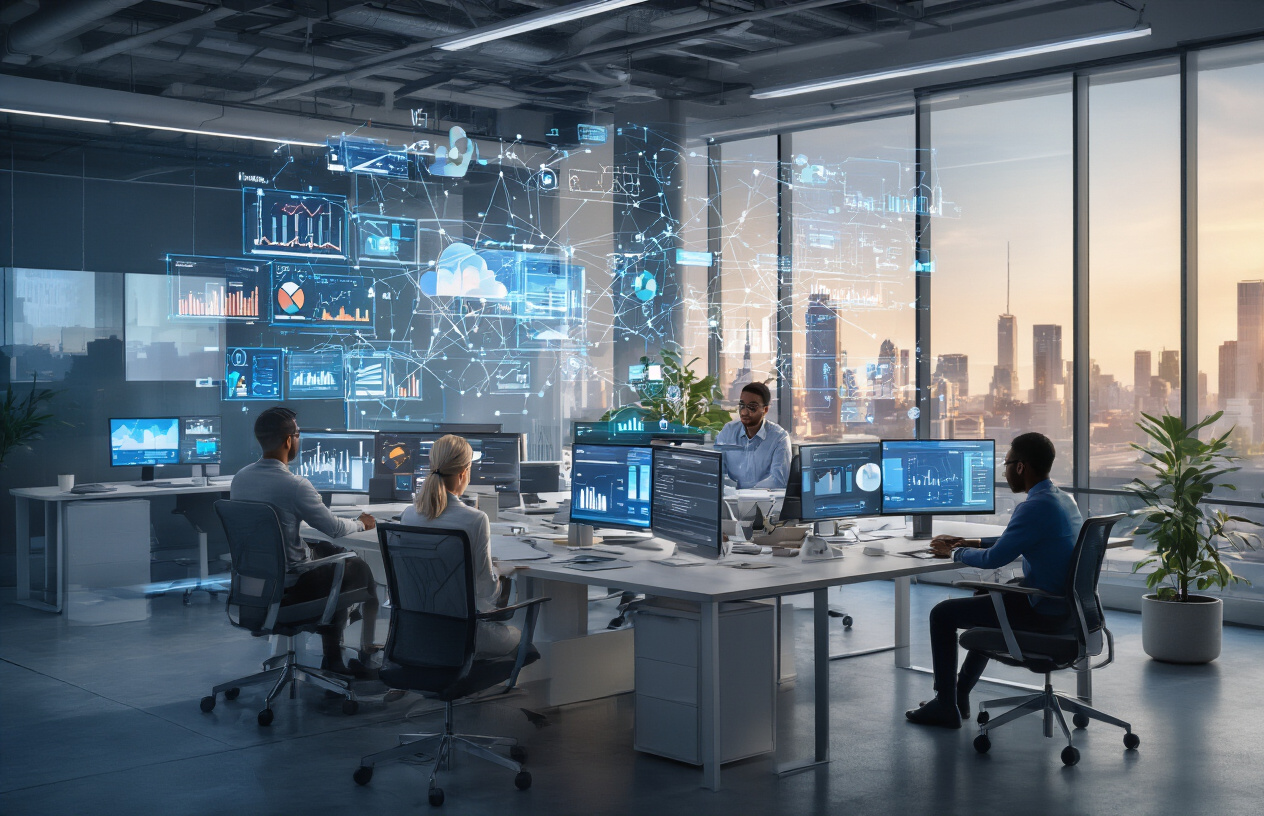
Technology is changing how we work faster than ever before. From AI automating routine tasks to cloud platforms letting teams collaborate from anywhere, these shifts are creating new opportunities while making some old ways of doing things obsolete. The companies embracing mobile-first approaches and data-driven decision making are staying ahead, while those clinging to outdated systems risk falling behind.
Your career success depends on staying current with these changes. Start by learning one new digital tool each month, whether it’s a collaboration platform, analytics software, or automation solution. Pay attention to how data is shaping decisions in your industry, and don’t ignore the growing importance of mobile accessibility in your work. The future belongs to professionals who can adapt to new technologies while using them to create better results for their teams and customers.
FAQs
What are the biggest IT trends changing how we work today?
The main trends include remote work tools, cloud computing, artificial intelligence helping with daily tasks, and mobile-first applications. These changes mean you can work from anywhere, access your files from any device, and get help from smart software that makes repetitive tasks easier.
How is artificial intelligence actually being used in everyday work?
AI shows up in simple ways like email filters that catch spam, calendar apps that suggest meeting times, and writing tools that check your grammar. Many people use AI chatbots for quick answers and automated scheduling without even realizing it. It’s not about robots taking over – it’s about small helpers making work smoother.
Do I need to learn coding to keep up with technology changes?
Not necessarily. While basic tech skills are helpful, most new tools are designed to be user-friendly. Focus on learning the software and platforms your industry uses. Understanding how to use new apps, navigate cloud services, and work with data is often more valuable than coding skills.
How has remote work technology changed what employers expect?
Employers now expect workers to be comfortable with video calls, file sharing, project management apps, and digital communication. You should know how to troubleshoot basic tech issues, keep your home internet stable, and use collaboration tools effectively. The bar for basic tech skills has definitely risen.
What should I do if my company is slow to adopt new technology?
Start by learning popular tools on your own time and showing how they could help your team. Suggest small pilot projects rather than big changes. Many companies are cautious about new tech, so demonstrating real benefits through examples works better than pushing for immediate adoption.
Are there specific skills I should focus on to stay relevant?
Data analysis, digital communication, and basic cybersecurity awareness are valuable across most fields. Learn to work with spreadsheets, understand online privacy basics, and get comfortable with the main software your industry uses. Adaptability matters more than mastering every new tool.
How do I keep my skills current when technology changes so fast?
Follow industry blogs, take short online courses, and join professional groups on social media. Set aside 30 minutes weekly to try new features in tools you already use. Don’t try to learn everything – focus on what directly impacts your work and gradually build from there.
What’s the difference between digital transformation and just using new software?
Digital transformation means changing how you actually work, not just switching tools. It’s about new workflows, different ways of communicating with customers, and rethinking processes. Using new software is just part of it – the real change is in how you approach problems and collaborate.
How important is cybersecurity knowledge for regular employees?
Very important. You need to recognize phishing emails, use strong passwords, and understand basic privacy settings. Many data breaches happen because employees accidentally click malicious links or share information incorrectly. Basic security awareness protects both you and your company.
Will these technology trends make certain jobs obsolete?
Some tasks will become automated, but most jobs will evolve rather than disappear completely. The key is staying flexible and focusing on skills that complement technology rather than compete with it. Creative thinking, problem-solving, and human interaction remain valuable as technology handles routine tasks.