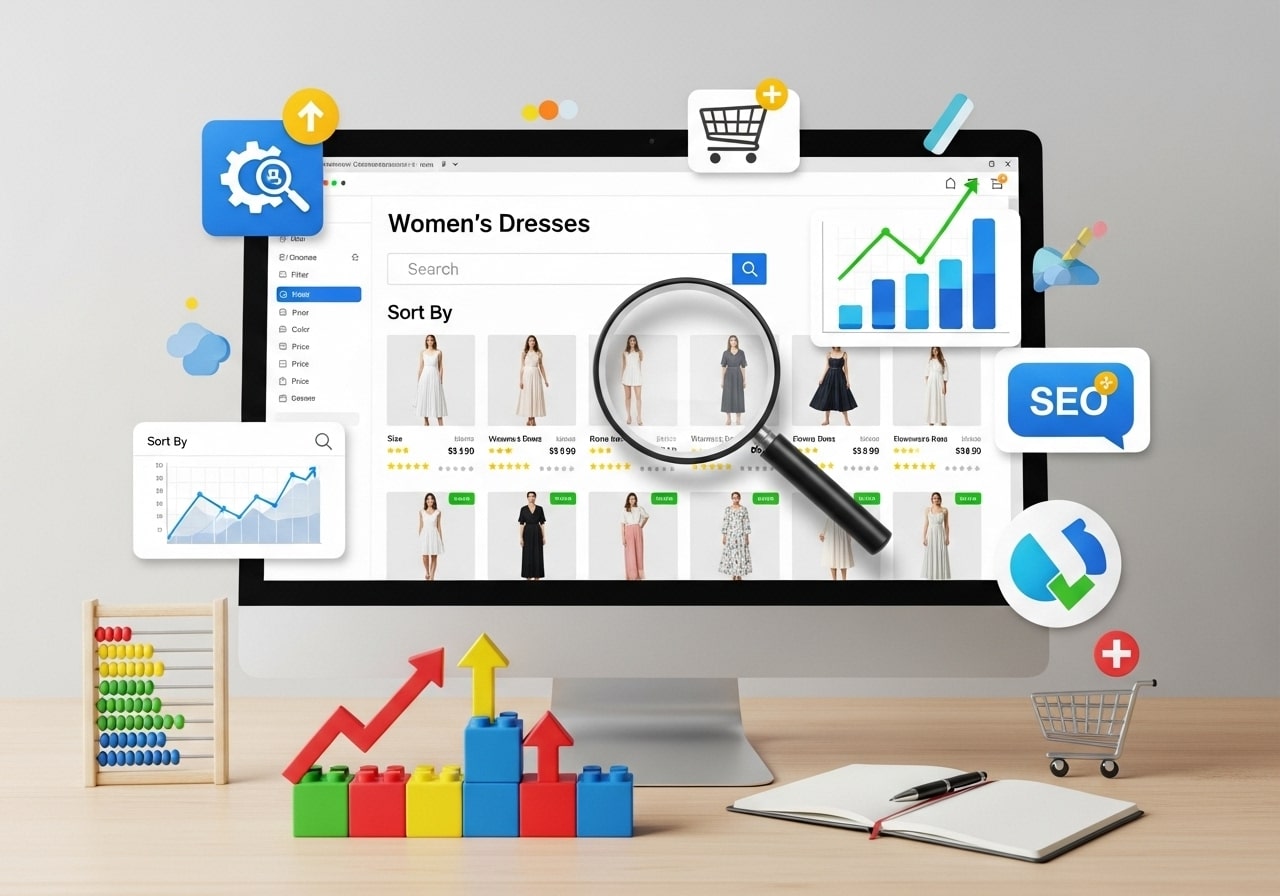
How to optimize product category pages can make the difference between a struggling online store and a thriving ecommerce business. Product category pages serve as the bridge between search engines and your individual products, making category optimization one of the most important aspects of your SEO strategy.
These pages often receive more traffic than individual product pages and play a crucial role in helping customers find what they’re looking for. When done right, optimized category pages can significantly boost your search rankings, improve user experience, and increase sales conversions.
Optimizing Product Category Pages for Better SEO Performance
Product category pages are the organizational hubs of your ecommerce website. They group related products together, making it easier for customers to browse and compare items. Unlike individual product pages that focus on a single item, category pages showcase multiple products within a specific niche or theme.
The main purpose of these pages goes beyond simple organization. They serve as landing pages for broad search terms, capture traffic for competitive keywords, and guide customers through their buying journey. When you optimize category pages effectively, you create multiple entry points for potential customers to discover your products.
Category pages typically include navigation elements, filtering options, product listings with images and basic information, sorting capabilities, and descriptive content about the category itself. The key is balancing all these elements while maintaining fast loading speeds and clear user pathways.
Why Category Page Optimization Matters
Ecommerce category page SEO directly impacts your bottom line in several ways. First, these pages often rank for high-volume, commercial keywords that indicate purchase intent. Someone searching for “running shoes” or “kitchen appliances” is likely ready to buy, making category pages valuable traffic magnets.
From a user experience perspective, well-optimized category pages help customers quickly find relevant products without feeling overwhelmed. This reduces bounce rates and increases the likelihood of conversions. Search engines notice these positive user signals and reward your site with better rankings.
Category pages also distribute link equity throughout your site. When they rank well, they pass authority to individual product pages through internal links. This creates a powerful SEO foundation that benefits your entire ecommerce site.
The business impact extends beyond SEO. Optimized category pages can increase average order values by showcasing related products, reduce customer acquisition costs by improving organic visibility, and provide valuable insights into customer behavior and preferences.
Essential SEO Elements for Category Pages
Title Tags and Meta Descriptions
Your title tag should include your target keyword naturally while remaining compelling to users. For example, instead of just “Women’s Shoes,” try “Women’s Shoes – Comfortable & Stylish Options for Every Occasion.” This approach targets the main keyword while adding descriptive terms that match user intent.
Meta descriptions for category pages should highlight the variety and benefits of products in that category. Include relevant keywords, but focus on encouraging clicks with clear value propositions. Mention special features like free shipping, exclusive brands, or extensive selection.
URL Structure
Clean, descriptive URLs help both users and search engines understand your category structure. Use a logical hierarchy like yoursite.com/category/subcategory rather than complex URLs with unnecessary parameters. Include your target keyword in the URL when possible, but keep it concise and readable.
Header Tags and Content Structure
Use H1 tags for your main category title, ensuring it includes your primary keyword. Structure your page with clear H2 and H3 headings that organize different sections like featured products, filters, or category descriptions. This hierarchy helps search engines understand your content organization.
Internal Linking Strategy
Create connections between related categories and link to relevant product pages. Include breadcrumb navigation to help users and search engines understand page relationships. Link to parent categories, subcategories, and related product categories to distribute authority effectively.
Best Practices for Category Page Design
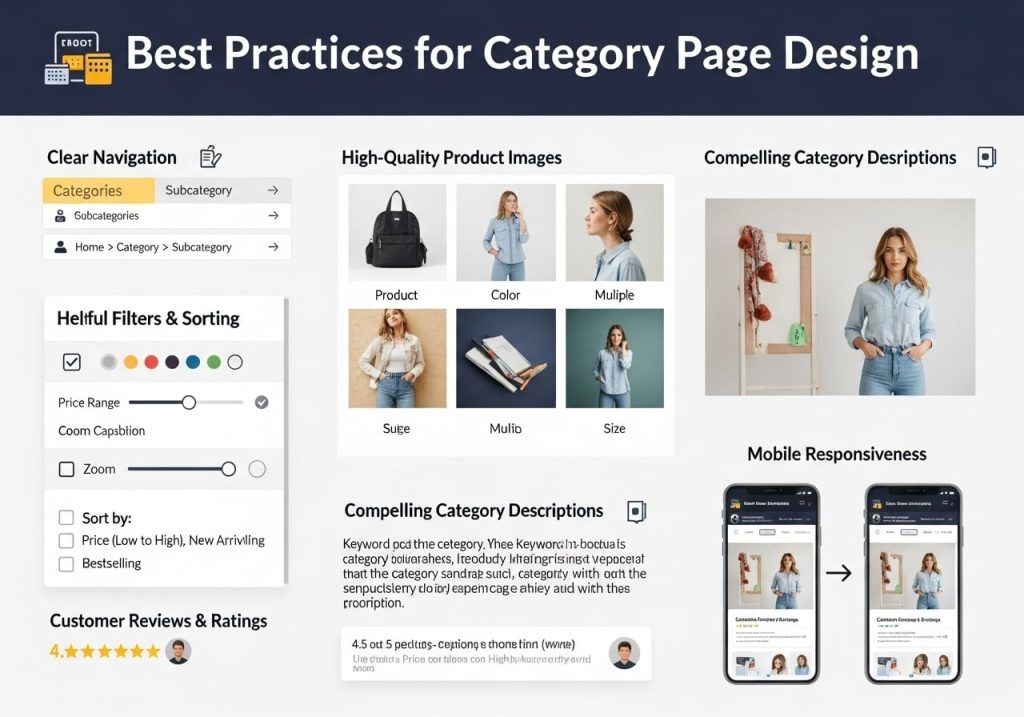
Three Essential Design Principles
- Clear Visual Hierarchy: Organize your page elements so customers can quickly scan and find what they need. Use consistent spacing, typography, and color schemes. Place the most important elements, like primary navigation and featured products, in prominent positions.
- Intuitive Navigation and Filtering: Provide robust filtering options that help customers narrow down choices without frustration. Include filters for price, brand, size, color, ratings, and other relevant attributes. Make it easy to clear filters and start over if needed.
- Mobile-First Approach: Design your category pages with mobile users in mind first, then adapt for desktop. Ensure touch-friendly buttons, readable text sizes, and fast-loading images. Mobile users often have different browsing patterns, so prioritize the most important information above the fold.
Product Display Optimization
Show product images that load quickly without sacrificing quality. Include key information like prices, ratings, and brief descriptions visible without requiring clicks. Provide multiple view options such as grid or list views to accommodate different user preferences.
Consider implementing quick view features that let customers see product details without leaving the category page. This reduces friction and helps customers compare multiple items efficiently.
Loading Speed and Performance
Category pages often contain many images and product listings, making speed optimization crucial. Implement lazy loading for images below the fold, compress images without losing quality, and minimize HTTP requests where possible.
Use content delivery networks (CDNs) to serve images and other assets quickly regardless of user location. Monitor your page speed regularly using tools like Google PageSpeed Insights and address any issues promptly.
Content Strategy for Ecommerce Category Pages
Writing Compelling Category Descriptions
Create unique, valuable content for each category that goes beyond simple product listings. Write descriptions that explain the benefits of products in that category, address common customer questions, and provide buying guidance.
Your category page content should help customers understand what makes products in this category special, who they’re designed for, and how to choose the right option. Include your target keywords naturally throughout this content, but prioritize readability and usefulness.
Balancing SEO and User Experience
While keyword optimization is important, never sacrifice user experience for search rankings. Write content that genuinely helps customers make informed decisions. Use keywords in a way that feels natural and adds value to the reading experience.
Consider including buying guides, size charts, care instructions, or other helpful resources that customers commonly need when shopping in that category. This additional value can improve your search rankings while building customer trust.
Dynamic Content Elements
Implement elements that keep your category pages fresh and engaging. This might include customer reviews, recently viewed products, trending items, or seasonal recommendations. Fresh content signals to search engines that your pages are active and relevant.
Consider adding user-generated content like customer photos or reviews to build social proof and provide unique content that competitors can’t easily replicate.
Technical Optimization Tips
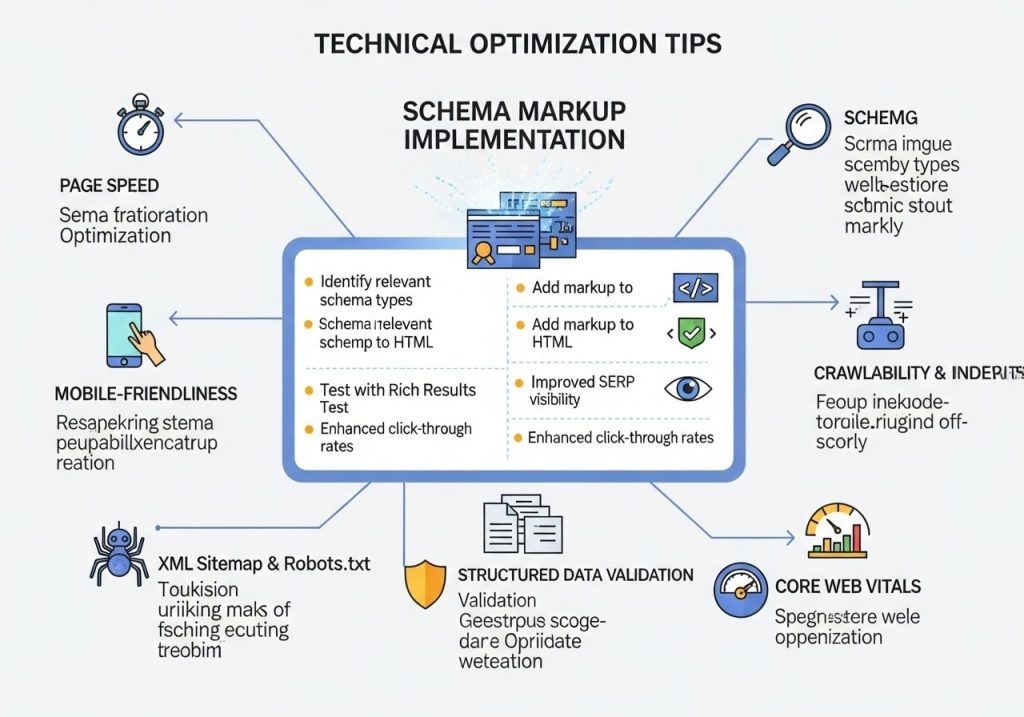
Schema Markup Implementation
Use structured data markup to help search engines understand your category pages better. Implement relevant schema types like Product, AggregateRating, and BreadcrumbList to enhance your search result listings with rich snippets.
Proper schema markup can lead to enhanced search results that show ratings, prices, and availability directly in search results, potentially improving click-through rates.
Pagination and Infinite Scroll
Handle large category inventories thoughtfully. If using pagination, implement rel=”next” and rel=”prev” tags to help search engines understand page relationships. For infinite scroll, ensure that individual products remain accessible via direct URLs.
Consider hybrid approaches that load additional products dynamically while maintaining clear URL structures for SEO purposes.
Image Optimization
Optimize all product images with descriptive alt text that includes relevant keywords when appropriate. Use modern image formats like WebP when possible to reduce file sizes without quality loss.
Implement responsive images that serve appropriate sizes based on device and screen resolution. This improves loading times and user experience across all devices.
Category Page Examples That Work
Successful ecommerce sites often excel at category page optimization through different approaches. Some focus on extensive filtering options that help customers narrow down large inventories quickly. Others prioritize editorial content that educates customers about products and builds brand authority.
Look for inspiration from companies in your industry, but also examine successful sites outside your niche. Pay attention to how they handle navigation, product presentation, content organization, and mobile optimization.
Notice how top-performing category pages balance commercial intent with helpful information. They make it easy to buy while also providing the information customers need to make confident purchase decisions.
Common Mistakes to Avoid
Duplicate Content Issues
Avoid using identical descriptions across multiple categories or copying manufacturer descriptions without adding unique value. Search engines prefer unique, original content that provides distinct value for each page.
Create templates for similar categories, but customize the content to reflect the specific products and customer needs for each category.
Over-Optimization Penalties
Don’t stuff keywords unnaturally into your content, titles, or meta descriptions. Focus on creating valuable content that naturally incorporates relevant terms. Search engines are sophisticated enough to understand context and synonyms.
Neglecting User Intent
Remember that people visiting category pages are often in research mode, comparing options before making decisions. Provide the information and tools they need to evaluate products effectively rather than pushing for immediate sales.
Technical Oversights
Regularly audit your category pages for broken links, missing images, slow loading times, and mobile usability issues. These technical problems can harm both user experience and search rankings.
Measuring Success
Track key metrics to evaluate your category page optimization efforts. Monitor organic traffic growth for target keywords, conversion rates from category pages to purchases, time spent on page, bounce rates, and click-through rates from search results.
Use Google Analytics to understand how users interact with your category pages. Look for patterns in user behavior that might indicate areas for improvement or successful elements to replicate.
Set up goal tracking to measure how effectively your category pages contribute to overall business objectives. This might include newsletter signups, account creations, or product page visits from category pages.
Regular performance analysis helps you identify what’s working and what needs adjustment. SEO is an ongoing process, and category pages require continuous optimization to maintain and improve their performance.
Successful product category page optimization requires balancing multiple elements, including SEO best practices, user experience design, and technical performance. By following these strategies and continuously monitoring results, you can create category pages that attract search traffic, engage customers, and drive sales growth for your e-commerce business.
Ready to optimize your category pages? Start by auditing your current pages using the checklist above, then implement improvements systematically while monitoring performance metrics.
FAQs
What are product category pages and why do they matter?
Product category pages are the main pages that group similar products together on your website, like “Men’s Shoes” or “Kitchen Appliances.” They matter because they help customers find what they want quickly and show search engines what your store sells, which can bring more visitors to your site.
How do I choose the right keywords for my category pages?
Start by thinking about what words your customers type when looking for your products. Use free tools like Google’s Keyword Planner or Ubersuggest to see which terms people search for most. Pick keywords that match what you sell and aren’t too competitive for smaller businesses.
What should I include in my category page titles and descriptions?
Your page title should include your main keyword and be under 60 characters so it shows fully in search results. Write descriptions that tell customers exactly what they’ll find on the page, include your keyword naturally, and keep them between 150-160 characters.
How many products should I show on each category page?
Most customers prefer seeing 12-24 products per page. Too few looks empty, and too many can overwhelm people. If you have lots of products, add page numbers or a “load more” button so people can see additional items without the page loading slowly.
Should I write unique content for each category page?
Yes, adding 150-300 words of original content helps both customers and search engines understand what the page is about. Write helpful information about the product type, buying tips, or how to use the items. Just make sure it adds value and doesn’t repeat the same text across different pages.
How do I organize products within categories to increase sales?
Put your best-selling or highest-profit items at the top where people see them first. Add filters like price, brand, or size so customers can narrow down choices easily. Group related products together and consider showing items that are on sale or newly added.
What technical things should I check on my category pages?
Make sure your pages load in under 3 seconds – slow pages lose customers and hurt search rankings. Check that your site works well on phones since most people shop on mobile. Also ensure your page URLs are clean and include your main keyword.
How do breadcrumbs help my category pages?
Breadcrumbs are those clickable links at the top of pages that show “Home > Electronics > Phones.” They help customers know where they are on your site and make it easy to go back to broader categories. Search engines like them too because they show how your site is organized.
Should I add customer reviews to category pages?
While individual product reviews belong on product pages, you can add brief category-level content like “Why customers love our electronics section” or star ratings for the whole category. This builds trust but keep it simple so it doesn’t distract from the products.
How often should I update my category pages?
Review your category pages monthly to add new products, remove sold-out items, and update any seasonal content. Check which pages get the most visitors and sales, then focus on improving the ones that could perform better. Regular updates show search engines your site stays current.