
Foxiz WordPress Theme Features, Download, and Setup Tutorial
Looking for a professional WordPress theme for your news or magazine website? The Foxiz WordPress theme might be exactly what you need. This comprehensive guide covers everything about the Foxiz newspaper news magazine WordPress theme, from download options to customization tips.
Foxiz Theme For WordPress
Get the Premium Foxiz Theme
What is Foxiz WordPress Theme?
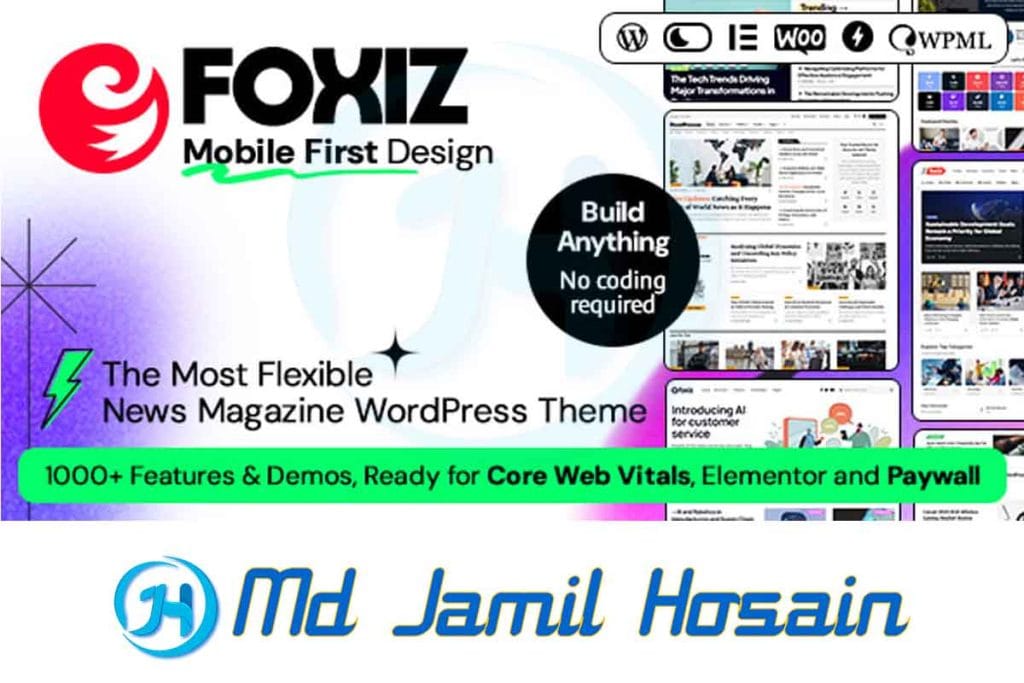
The Foxiz WordPress theme is a modern, responsive theme designed specifically for news websites, magazines, and blogs. Created for publishers who want a clean, professional look, this theme offers multiple layout options and customization features that make it stand out in the crowded WordPress theme market.
Foxiz combines functionality with aesthetics, providing users with a theme that loads quickly while maintaining visual appeal. The theme is built with modern web standards and follows WordPress coding best practices, ensuring compatibility with most plugins and hosting environments.
Why Choose Foxiz for Your Website?
When selecting a WordPress theme for your news or magazine site, several factors come into play:
- Performance: Fast loading times are crucial for user experience and SEO
- Design flexibility: Multiple layout options to match your brand
- Mobile responsiveness: Looks great on all devices
- SEO optimization: Built-in features to help your content rank better
- Regular updates: Ongoing support and improvements
The Foxiz theme addresses all these needs, making it a popular choice among content creators and publishers.
Key Features of Foxiz Theme
The Foxiz WordPress newspaper, news, and magazine theme comes packed with features designed to enhance your website’s functionality and appearance.
Design and Layout Options
- Multiple homepage layouts: Choose from various pre-designed layouts
- Customizable headers: Different header styles to match your brand
- Flexible sidebar options: Control where and how sidebars appear
- Post format support: Support for video, audio, gallery, and other post formats
- Typography controls: Extensive font and text customization options
Performance Features
- Optimized code: Clean, efficient code for faster loading
- Lazy loading: Images load only when needed
- Caching compatibility: Works well with popular caching plugins
- Minified CSS/JS: Reduced file sizes for better performance
Content Management
- Drag-and-drop builder: Easy page building without coding
- Widget areas: Multiple widget-ready areas
- Custom post types: Support for different content types
- Advanced search: Enhanced search functionality
- Social media integration: Built-in social sharing options
Where to Download Foxiz WordPress Theme
Finding a reliable source for the Foxiz WordPress theme download is important for security and updates. Here are the legitimate sources:
Official Sources
- ThemeForest: The primary marketplace for Foxiz Themeforest purchases
- Developer’s website: Direct purchase from the theme creator
- WordPress.org: If a free version is available
What’s Included in the Download
When you purchase the Foxiz WP theme, you typically receive:
- Main theme files
- Child theme
- Documentation
- Demo content
- PSD files (if applicable)
- Plugin licenses (for premium versions)
Important: Always download themes from official sources to ensure you receive updates and support. Avoid unofficial sites that might offer a Foxiz theme free download from questionable sources, as these could contain malware or outdated code.
Is Foxiz WordPress Theme Free?
Many people search for the Foxiz WordPress theme’s free options. Here’s what you need to know:
Free vs. Premium Versions
- Free version: Limited features, basic customization options
- Premium version: Full feature set, regular updates, customer support
Cost Considerations
The premium Foxiz theme typically costs between $59-$79 on ThemeForest, which includes:
- 6 months of support
- Future updates
- Documentation
- Demo content
Value for Money
Considering the features and ongoing support, the Foxiz newspaper news magazine WordPress theme offers good value for professional websites. The time saved on development often justifies the cost.
Foxiz Theme Installation Guide

Installing the Foxiz WordPress theme is straightforward. Here’s a step-by-step Foxiz theme tutorial for installation:
Method 1: Through WordPress Dashboard
- Download the theme files from your purchase source
- Log in to your WordPress admin panel
- Navigate to Appearance > Themes
- Click “Add New” then “Upload Them.e”
- Select the theme ZIP file
- Click “Install Now”
- Activate the theme
Method 2: Via FTP
- Unzip the theme files on your computer
- Connect to your server via FTP
- Upload the theme folder to /wp-content/themes/
- Go to WordPress admin > Appearance > Themes
- Activate Foxiz
Post-Installation Steps
After installing the Foxiz theme for WordPress, you should:
- Install recommended plugins
- Import demo content (optional)
- Configure basic settings
- Set up your homepage layout
Foxiz Theme Customization Options
Foxiz theme customization is one of its strongest features. The theme offers extensive options to personalize your website.
Using the WordPress Customizer
The Foxiz WordPress theme integrates seamlessly with the WordPress Customizer, allowing you to:
- Change colors and fonts
- Modify layout options
- Adjust header and footer settings
- Configure homepage sections
- Set up social media links
Advanced Customization
For users comfortable with code, the Foxis WP theme supports:
- Custom CSS additions
- Child theme modifications
- Hook and filter customizations
- Template file overrides
Page Builder Compatibility
Foxiz works well with popular page builders:
- Elementor
- Visual Composer
- Gutenberg
- Beaver Builder
Foxiz Theme Tutorial: Getting Started
This Foxiz theme tutorial section covers the essential steps to get your site running smoothly.
Initial Setup Checklist
After installing the Foxiz theme, follow this checklist:
- Install required plugins
- Configure theme options
- Set up your homepage
- Create essential pages (About, Contact, Privacy Policy)
- Configure menus
- Set up widgets
- Import demo content (if desired)
Homepage Configuration
The Foxiz news magazine WordPress theme offers several homepage layouts:
- Classic magazine layout
- Modern blog style
- Minimal design
- Grid-based layout
- List-style layout
Menu Setup
Creating effective navigation with Foxiz:
- Primary menu: Main site navigation
- Secondary menu: Additional links
- Footer menu: Legal and secondary pages
- Mobile menu: Optimized for mobile devices
Foxiz Theme Documentation and Support
Understanding Foxiz theme documentation is crucial for making the most of your theme.
Documentation Resources
The Foxiz theme documentation typically includes:
- Installation guide
- Configuration tutorials
- Customization examples
- Troubleshooting tips
- FAQ section
Getting Support
When you purchase the Foxiz WP theme, you get access to:
- 6 months of support (extendable)
- Theme updates
- Bug fixes
- Feature requests for consideration
Community Resources
Additional help for the Fox WordPress theme can be found through:
- WordPress forums
- Theme-specific communities
- YouTube tutorials
- Third-party blogs and guides
Foxiz Theme Review: Pros and Cons
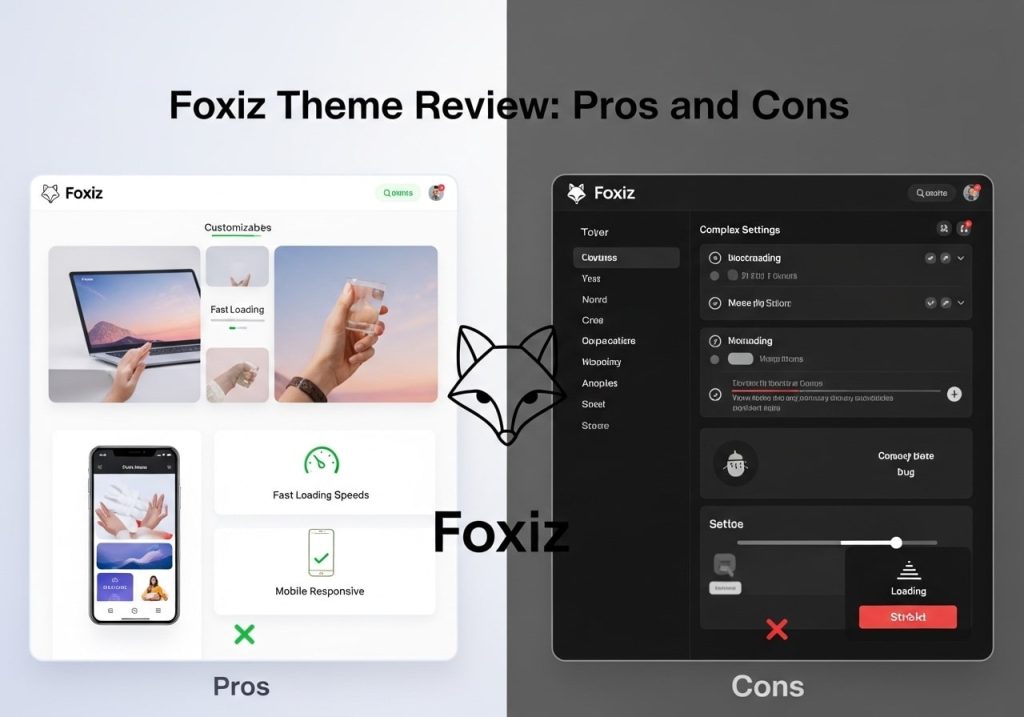
Here’s an honest Foxiz theme review based on user feedback and testing.
Pros
Strengths of the Foxiz WordPress theme:
- Fast loading speeds
- Mobile-responsive design
- SEO-friendly structure
- Regular updates
- Good customer support
- Extensive customization options
- Clean, professional code
- Multiple layout options
Cons
Potential drawbacks:
- Learning curve for beginners
- Limited free version features
- Requires some technical knowledge for advanced customization
- Not ideal for non-magazine/news sites
User Ratings
Most Foxiz theme review sources rate it highly:
- ThemeForest rating: 4.5-5 stars
- User satisfaction: Generally positive
- Support quality: Above average
Comparing Foxiz with Other WordPress Themes
When considering Foxiz reborn or similar themes, it’s helpful to compare options.
Popular Alternatives
Themes similar to Foxiz:
- Newspaper Theme
- Soledad
- JNews
- NewsUp
- ColorMag
Comparison Factors
When comparing themes:
- Price and value
- Feature set
- Performance
- Support quality
- Update frequency
- User reviews
Why Choose Foxiz?
Foxiz stands out because:
- Balanced feature set without bloat
- Good performance out of the box
- Regular updates and improvements
- Responsive support team
- Clean code structure
Best Practices for Using Foxiz Theme
To get the most from your Foxiz WordPress installation, follow these best practices.
Performance Optimization
- Use caching plugins like WP Rocket or W3 Total Cache
- Optimize images before uploading
- Choose a good hosting for your website
- Keep the theme updated
- Use a CDN for better global performance
SEO Best Practices
The Foxiz theme is SEO-friendly, but you can improve it further:
- Install an SEO plugin like Yoast or RankMath
- Create quality content regularly
- Optimize page titles and meta descriptions
- Use proper heading structure
- Add internal links between related content
Security Considerations
Protect your Foxiz website:
- Keep WordPress updated
- Use strong passwords
- Install security plugins
- Regular backups
- Monitor for suspicious activity
Content Strategy
Make the most of the Foxiz newspaper news magazine WordPress theme:
- Create a content calendar
- Mix different content types (articles, videos, galleries)
- Engage with your audience
- Use social media integration
- Monitor analytics to understand what works
The Foxiz WordPress theme offers a solid foundation for news and magazine websites. Whether you’re looking for Foxiz theme free download options or are ready to invest in the premium version, understanding its features and capabilities helps you make an informed decision. With proper setup, customization, and content strategy, Foxiz can help you create a professional, engaging website that serves your audience effectively.
Remember to always download from official sources, keep your theme updated, and follow WordPress best practices for security and performance. The Foxiz theme community and documentation provide excellent resources to help you succeed with your website project.