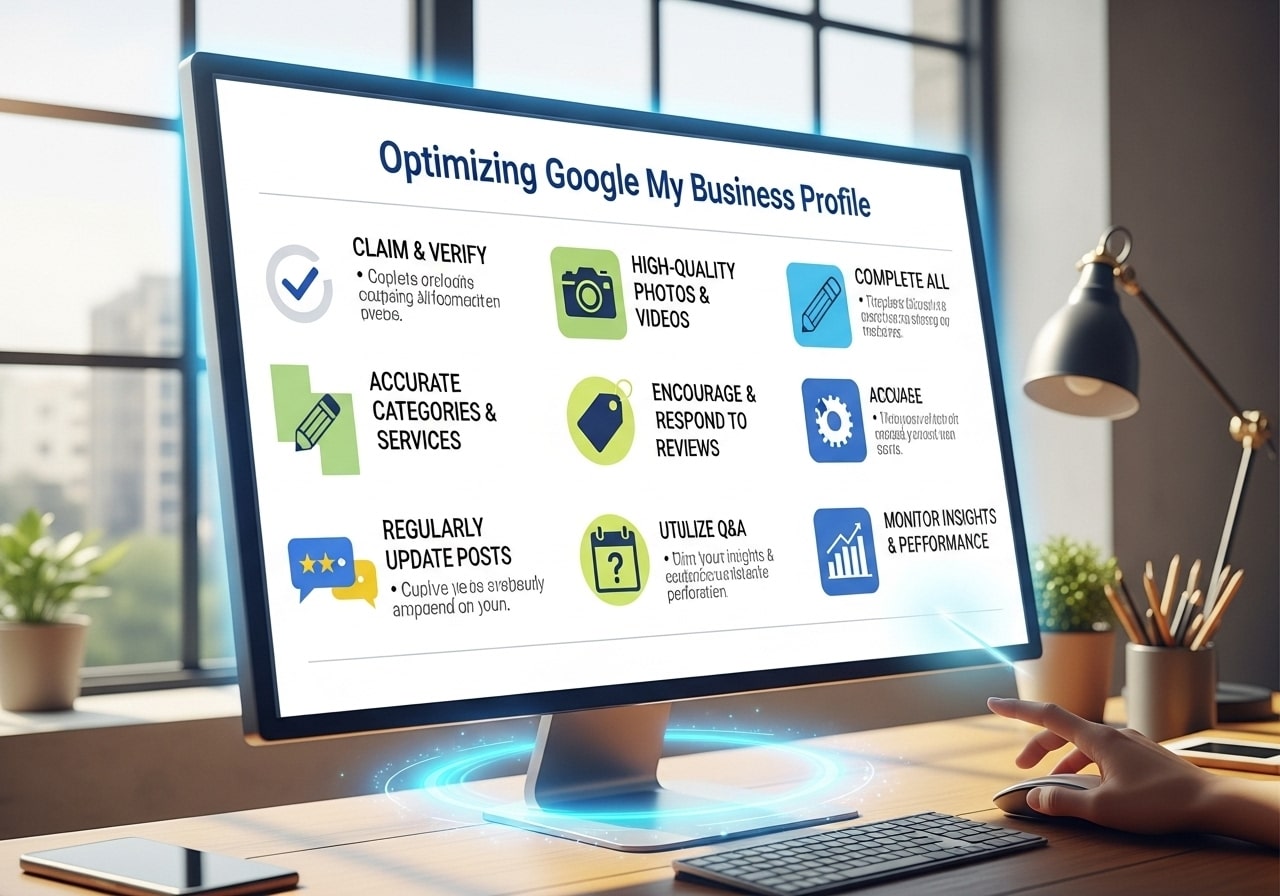
When potential customers search for businesses like yours, your Google My Business profile is often their first impression of your company. Learning how to optimize your Google My Business profile can make the difference between customers choosing you or your competitors. This guide will show you exactly how to optimize Google My Business for local SEO and turn your listing into a powerful customer magnet.
What is Google My Business Optimization
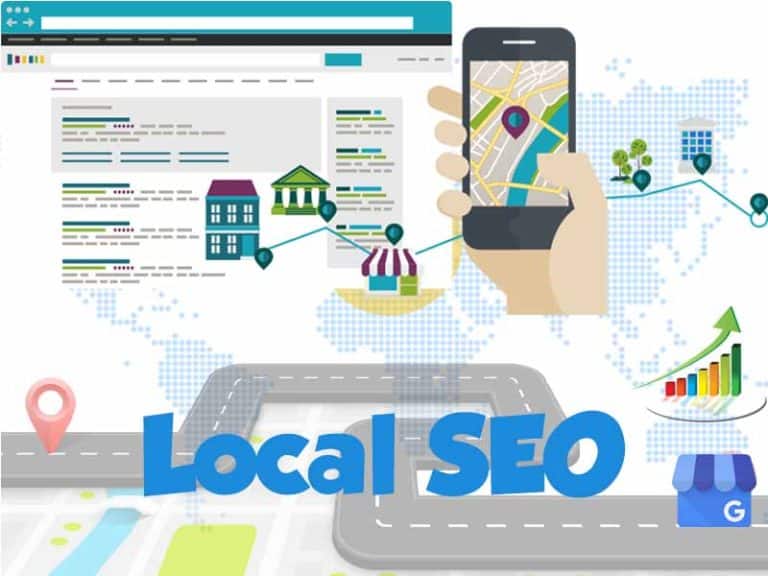
Google My Business optimization is the process of improving your business profile to appear higher in local search results and attract more customers. When you optimize your Google business page properly, you increase your chances of showing up in the coveted “local pack” – those three businesses that appear at the top of Google search results with a map.
The optimization process involves several key elements working together to create a complete and attractive business profile. This includes accurate business information, engaging photos, customer reviews, regular posts, and strategic keyword usage. When done correctly, Google My Business optimization can significantly increase your online visibility, drive more foot traffic to your physical location, and generate more phone calls and website visits.
Many business owners wonder what is Google My Business optimization and why it matters so much. The answer is simple: Google processes over 8.5 billion searches per day, and a significant portion of these searches have local intent. When someone searches for “pizza near me” or “plumber in Chicago,” Google uses your My Business profile to determine whether your business should appear in the results.
Complete Your Business Information
The foundation of learning how to optimize my Google business page starts with completing every section of your business information. Google rewards profiles that provide comprehensive, accurate details because this helps users make informed decisions about which businesses to visit or contact.
Start with your business name, which should match exactly what appears on your storefront, website, and other marketing materials. Consistency across all platforms helps Google verify your business and improves your local SEO rankings. Next, ensure your address is precise and matches your actual location. Even small discrepancies can confuse Google and hurt your visibility.
Your phone number should be a local number when possible, as this signals to Google that you’re truly a local business. If you serve customers in multiple locations, consider getting local phone numbers for each area. The website URL should direct to your homepage or a specific landing page that’s relevant to local customers.
Business hours deserve special attention because they directly impact customer experience. Include specific hours for each day of the week, and don’t forget to add holiday hours or special event hours when applicable. Many customers check business hours before visiting, so accurate information prevents frustration and lost sales.
The business description is your opportunity to explain what makes your company special. Use this 750-character space to highlight your unique selling points, years in business, specialties, and the areas you serve. Include relevant keywords naturally, but focus on writing for humans first and search engines second.
Choose the Right Business Categories
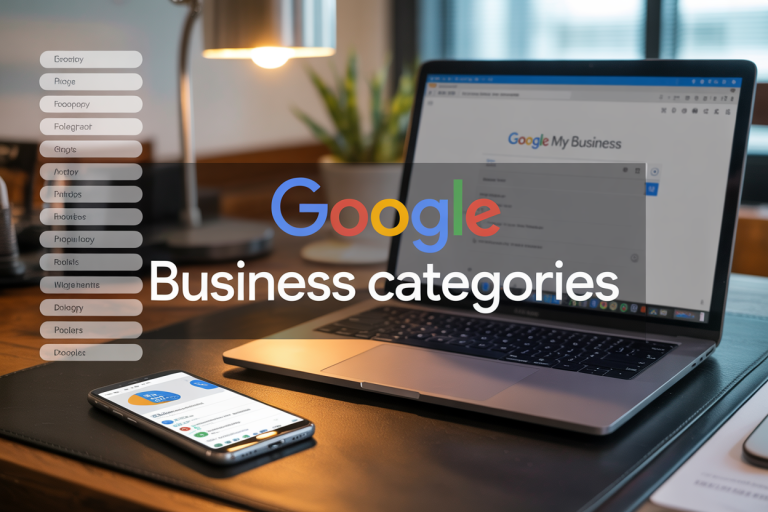
Selecting appropriate business categories is crucial when you optimize Google My Business listing because categories help Google understand what your business does and when to show your profile in search results. Google allows you to choose one primary category and several additional categories that describe your business.
Your primary category should be the most specific option that accurately describes your main business activity. For example, if you’re a Mexican restaurant, choose “Mexican restaurant” rather than just “restaurant.” The primary category carries the most weight in Google’s algorithm, so this choice significantly impacts your visibility for related searches.
Additional categories let you capture more search opportunities by describing other services or aspects of your business. A Mexican restaurant might also select categories like “takeout restaurant,” “catering service,” or “bar” if these services apply. However, avoid choosing categories that don’t genuinely represent your business, as this can hurt your rankings and disappoint customers.
When deciding how to optimize Google My Business for local SEO through categories, research what categories your successful competitors use. Look at businesses that consistently appear in local search results and note their category selections. This competitive research can reveal category opportunities you might have missed.
Google regularly updates and adds new categories, so review your selections periodically. New, more specific categories often become available that better describe your business than the general categories you initially selected.
Add High-Quality Photos and Videos

Visual content plays a massive role in how customers perceive your business, making photos and videos essential elements of how to optimize my Google My Business page effectively. Businesses with photos receive 42% more requests for directions and 35% more clicks to their websites compared to businesses without photos.
Start by uploading a high-quality logo that clearly represents your brand. This image appears in search results and helps customers quickly identify your business. The logo should be at least 720×720 pixels and maintain clarity when displayed at smaller sizes.
Cover photos create the first impression of your business, so choose images that showcase your best features. For restaurants, this might be your most popular dish or an inviting interior shot. For service businesses, consider showing your team in action or your clean, professional workspace. Update cover photos regularly to keep your profile fresh and highlight seasonal offerings or new services.
Interior and exterior photos help customers know what to expect when they visit your location. Include multiple angles of your storefront, parking area, and key interior spaces. If you’re a retail business, show your product displays and shopping areas. Service businesses should highlight clean, professional workspaces and any special equipment or certifications.
Product and service photos directly impact purchasing decisions. Upload images of your best-selling items, completed projects, or your team providing services. These photos should be well-lit, properly composed, and accurately represent what customers will receive.
Videos add another dimension to your profile and can significantly improve engagement. Create short videos that showcase your business in action, introduce your team, or explain your services. Videos don’t need to be professionally produced, but they should be stable, well-lit, and provide value to viewers.
Collect and Manage Customer Reviews
Customer reviews are one of the most important ranking factors for local SEO and a key component of how to optimize Google My Business for SEO success. Reviews not only influence your search rankings but also directly impact customer decisions, with 93% of consumers reading reviews before choosing a business.
The first step in building a strong review profile is asking satisfied customers to leave reviews. The best time to ask is immediately after providing excellent service when the positive experience is fresh in their minds. Train your staff to naturally incorporate review requests into their customer interactions, or include review requests in follow-up emails or receipts.
Make leaving reviews as easy as possible for customers by providing direct links to your Google My Business review section. You can create shortened URLs or QR codes that take customers directly to the review form. Include these links in email signatures, on business cards, and in thank-you messages.
Response strategy is crucial for how to improve Google My business profile through reviews. Respond to every review, both positive and negative, in a professional and timely manner. Thank customers for positive reviews and address any concerns mentioned in negative reviews. Your responses show potential customers that you care about customer satisfaction and are actively engaged with your community.
When responding to negative reviews, avoid getting defensive or argumentative. Instead, acknowledge the customer’s concerns, apologize if appropriate, and offer to resolve the issue offline. This professional approach often leads to updated reviews and demonstrates your commitment to customer service to future customers.
Encourage detailed reviews by asking specific questions about customers’ experiences. Instead of just asking for a review, ask customers to mention specific services they used or aspects of their experience they enjoyed. Detailed reviews provide more value to potential customers and often include keywords that help your SEO.
Create Regular Google My Business Posts
Google My Business posts are an often overlooked but powerful way to optimize Google My Business posts for SEO while keeping your audience engaged. These posts appear directly in your business profile and can include text, photos, videos, and call-to-action buttons that drive specific actions.
There are several types of posts you can create, each serving different purposes. Update posts share general news about your business, such as new services, team additions, or company milestones. Event posts promote upcoming events, sales, or special occasions. Offer posts highlight current promotions, discounts, or special deals. Product posts showcase specific items you sell with photos, descriptions, and pricing.
Consistency in posting helps maintain an active, fresh profile that Google favors in search results. Aim to post at least once per week, though more frequent posting can provide additional benefits. Create a content calendar that includes various post types to keep your content diverse and engaging.
Each post should include relevant keywords naturally while providing genuine value to readers. If you’re a fitness center, posts might include keywords like “personal training,” “group fitness classes,” or “weight loss programs” while sharing workout tips or member success stories.
Call-to-action buttons in posts can drive specific business results. Use “Learn More” buttons to direct traffic to specific pages on your website, “Call Now” buttons to generate phone calls, or “Sign Up” buttons for event registration. Track which call-to-action buttons generate the most engagement and adjust your strategy accordingly.
Photos and videos significantly increase post engagement, so include visual content whenever possible. Posts with images receive more clicks and engagement than text-only posts. Use high-quality, relevant images that support your post content and represent your brand professionally.
Use Local Keywords Effectively
Strategic keyword usage is fundamental to how to optimize Google My Business listing for maximum local visibility. Local keywords help Google understand what your business does and when to display your profile to potential customers in your area.
Location-based keywords should be naturally incorporated throughout your profile. Include your city, neighborhood, and surrounding areas in your business description, posts, and responses to reviews. For example, a bakery in Austin might use phrases like “fresh pastries in downtown Austin” or “wedding cakes for Austin couples.”
Service keywords describe what your business does and should match the terms your customers use when searching. Research the language your target customers use by looking at competitor profiles, reading customer reviews, and using keyword research tools. A hair salon might target keywords like “hair cuts,” “color services,” “bridal styling,” and “men’s grooming.”
Long-tail keywords often convert better than broad terms because they capture more specific search intent. Instead of just targeting “restaurant,” a Mexican restaurant might target “authentic Mexican food,” “family-friendly Mexican restaurant,” or “best tacos in [city name].” These longer phrases face less competition and attract more qualified customers.
Avoid keyword stuffing, which involves unnaturally cramming keywords into your content. Google penalizes profiles that overuse keywords, and customers find keyword-stuffed content difficult to read. Instead, focus on creating natural, helpful content that includes relevant keywords where they fit logically.
Monitor which keywords drive the most visibility and customer actions through your Google My Business insights. This data helps you understand which terms are most valuable for your business and should be emphasized in future content.
Keep Your Business Hours Updated
Accurate business hours are essential for customer satisfaction and local SEO success. Nothing frustrates potential customers more than arriving at a business only to find it closed when Google said it should be open. These negative experiences lead to poor reviews and lost sales.
Regular business hours should reflect your actual operating schedule, including any variations between weekdays and weekends. If you’re open different hours on different days, make sure each day is accurately represented. Many businesses lose customers by listing generic hours that don’t match their actual schedule.
Special hours for holidays, events, or seasonal changes require immediate attention. Update your hours before holidays and create posts announcing any temporary schedule changes. This proactive communication prevents customer frustration and shows that you’re actively managing your profile.
If your business operates by appointment only or has irregular hours, use the hours section to communicate this clearly. You might set your hours to show when you’re available to answer calls or schedule appointments, then use the business description to explain your appointment-based model.
Temporary closures for renovations, vacations, or emergencies should be immediately reflected in your profile. Google provides options for marking your business as temporarily closed, which is better than leaving customers guessing about your availability.
Add Products and Services
The products and services section helps customers understand exactly what you offer and provides additional opportunities to include relevant keywords. This section appears prominently in your profile and can influence customer decisions and local search rankings.
Each product or service listing should include a clear name, detailed description, and price when appropriate. High-quality photos make your offerings more appealing and help customers visualize what they’ll receive. If you’re a restaurant, include appetizing photos of your most popular dishes. Service businesses should show before-and-after photos or images of their work process.
Descriptions should be detailed enough to help customers understand what’s included while incorporating relevant keywords. A landscaping company might describe their “Complete Lawn Care Service” as including “weekly mowing, edging, trimming, and seasonal fertilization for residential properties in [city name].”
Pricing information helps customers make informed decisions and can reduce time spent answering basic pricing questions. You don’t need to list exact prices for everything, but general price ranges or starting prices give customers helpful guidance.
Categories and labels help organize your offerings and make it easier for customers to find what they need. Group related products or services together and use clear, descriptive category names that customers would naturally search for.
Regular updates to your products and services keep your profile current and give you reasons to create posts about new offerings. When you add new services or discontinue others, update this section promptly and consider creating posts to announce the changes.
Monitor Your Performance
Understanding how your Google My Business profile performs helps you identify what’s working and where you need improvement. Google provides detailed insights that show how customers find and interact with your business listing.
Search queries data reveals which terms customers use to find your business. This information helps you understand whether you’re attracting the right audience and which keywords are driving the most visibility. Look for opportunities to better optimize your profile around high-performing search terms.
Customer actions tracking shows what people do after viewing your profile. Monitor metrics like website clicks, direction requests, and phone calls to understand which aspects of your profile drive the most business results. If you’re getting lots of profile views but few website clicks, you might need to improve your website call-to-action or add more compelling content.
Photo performance data shows which images get the most views and engagement. Use this information to guide future photo selections and identify which types of visual content resonate most with your audience.
Review your insights regularly, at least monthly, to track trends and identify seasonal patterns in customer behavior. This data can inform your posting schedule, help you prepare for busy periods, and guide your overall optimization strategy.
Compare your performance to previous periods to measure the impact of optimization efforts. If you recently updated your photos or started posting more frequently, monitor whether these changes improve your key metrics.
Advanced Optimization Tips
Once you’ve mastered the basics of how to completely optimize your Google My Business listing, several advanced strategies can further improve your results. These techniques require more effort but can provide significant competitive advantages.
Local citation building involves ensuring your business information appears consistently across other websites and directories. Google uses these citations to verify your business information and improve your local search rankings. Focus on high-quality directories that are relevant to your industry and location.
Schema markup on your website helps Google understand your business information and can improve how your website appears in search results alongside your Google My Business profile. Implement local business schema markup that includes your name, address, phone number, hours, and other relevant details.
Integration with other Google services can boost your profile’s visibility and functionality. Connect your Google Ads account to use location extensions, link your YouTube channel to showcase video content, and ensure your Google Analytics tracks traffic from your My Business profile.
Community engagement through local events, sponsorships, and partnerships can generate more reviews, backlinks, and local awareness. These activities often lead to natural mentions and links that strengthen your overall local SEO.
Competitor analysis helps you identify optimization opportunities you might have missed. Regularly review the profiles of successful competitors to see what categories they use, how they structure their descriptions, and what types of content they post.
Multi-location management becomes important if you expand to additional locations. Each location needs its own optimized profile with location-specific content, photos, and customer engagement. Maintain consistency in branding while tailoring each profile to its specific market.
Understanding how to optimize Google My Business profile effectively requires ongoing attention and regular updates. Your profile is never truly “finished” because customer expectations, Google’s algorithm, and your business itself continue to evolve. By following these comprehensive strategies and consistently applying them, you’ll create a powerful local SEO asset that drives more customers to your business.
Start implementing these optimization techniques today, beginning with the basics like completing your business information and adding high-quality photos. As you build momentum, gradually incorporate more advanced strategies to maximize your profile’s impact. Remember that small, consistent improvements often produce better long-term results than trying to change everything at once.
Ready to transform your Google My Business profile into a customer magnet? Start with one section today and gradually work through each optimization area. Your future customers are searching for businesses like yours right now – make sure they find you first.
FAQs
What is Google My Business and why do I need it?
Google My Business is a free tool from Google that lets you manage how your business appears in Google searches and on Google Maps. When people search for your business or services in your area, your profile shows up with your hours, location, phone number, and customer reviews. Having an optimized profile helps customers find you easily and builds trust in your business.
How do I claim my Google My Business profile?
Go to business.google.com and search for your business name and address. If your business already exists, click “Claim this business” and follow the steps to verify ownership. If it doesn’t exist, click “Add your business to Google” and fill out the required information. Google will usually verify your business by mail, phone, or email within a few days.
What information should I include in my business profile?
Fill out every section completely: business name, address, phone number, website, business hours, and category. Add a detailed business description that explains what you do and what makes you special. Include your service areas if you serve customers beyond your physical location. The more complete your profile, the better it performs in searches.
How many photos should I add to my profile?
Add as many high-quality photos as possible – Google recommends at least 3-5 photos to start. Include photos of your storefront, interior, products, services, team members, and customers enjoying your business. Update photos regularly to keep your profile fresh. Businesses with photos get more clicks and engagement than those without.
How do I encourage customers to leave reviews?
Ask happy customers directly for reviews – you can do this in person, through email, or by including a review request in your receipt. Make it easy by providing a direct link to your Google review page. Respond to all reviews, both positive and negative, to show you care about customer feedback. Never buy fake reviews as Google can detect and penalize this.
What should I do when I get a negative review?
Respond quickly and professionally to negative reviews. Apologize for the customer’s experience, take responsibility where appropriate, and offer to resolve the issue offline. Keep your response brief and avoid getting defensive. This shows potential customers that you care about service quality and handle problems well.
How often should I update my Google My Business profile?
Update your profile whenever business information changes – hours, phone number, services, or location. Post updates regularly (weekly is ideal) about special offers, events, new products, or company news. Keep your photos current by adding new ones monthly. Regular activity signals to Google that your business is active and relevant.
What are Google Posts and how do I use them?
Google Posts are short updates that appear directly in your business profile on Google searches. You can share news, events, offers, or products with photos and call-to-action buttons. Posts stay visible for 7 days (or until the event date), so post regularly to keep fresh content visible. These posts help engage customers and can drive more traffic to your website.
How do I track if my Google My Business profile is working?
Use the Insights section in your Google My Business dashboard to see how customers find and interact with your profile. Track metrics like search views, map views, website clicks, and phone calls. Monitor which photos get the most views and what search terms bring people to your profile. Check these numbers monthly to see what’s working.
Can I manage multiple business locations on Google My Business?
Yes, if you have multiple locations, you can manage them all through one Google My Business account. Each location needs its own separate profile with unique information. You can bulk upload locations if you have many, but make sure each one has accurate, specific details. This is especially helpful for franchises or businesses with multiple branches.