
Elementor Pro – Powerful WordPress Page Builder
Are you thinking about upgrading to Elementor Pro but wondering if it’s worth the investment? With thousands of WordPress users asking questions like “What is Elementor Pro?” and “How to get Elementor Pro for free?”, it’s clear that many people want to understand this popular page builder better before making a decision.
Elementor Pro Plugin WordPress
Get the Premium Elementor Pro Plugin
What is Elementor Pro?
Elementor Pro is the premium version of Elementor, one of the most popular WordPress page builders available today. While the free Elementor page builder offers basic drag-and-drop functionality, Elementor Pro takes things to the next level with advanced features, premium widgets, and professional templates.
The Elementor Pro plugin transforms your WordPress website creation experience by providing tools that were previously only available to developers. You can create custom headers, footers, single post layouts, and even entire websites without writing a single line of code.
Key Differences from Free Version
When people ask, “Is Elementor Page Builder free?”, the answer is yes – but with limitations. The free version includes:
- Basic widgets (text, image, button, etc.)
- Limited templates
- Basic styling options
- Standard support through forums
Elementor Pro, on the other hand, includes everything from the free version plus:
- 90+ premium widgets
- 300+ professional templates
- Theme Builder functionality
- WooCommerce Builder
- Form Builder
- Popup Builder
- Priority support
Key Features of Elementor Pro
Theme Builder
The Theme Builder is perhaps the most powerful feature of Elementor Pro. It allows you to design every part of your website, including:
- Headers and Footers: Create custom headers and footers that work across your entire site
- Single Post Templates: Design how your blog posts and pages look
- Archive Pages: Customize category, tag, and author archive pages
- 404 Pages: Create engaging error pages that keep visitors on your site
Advanced Widgets
Elementor Pro comes with over 90 premium widgets that extend functionality significantly:
- Posts Widget: Display your blog posts in various layouts
- Portfolio Widget: Showcase your work professionally
- Testimonials Widget: Build trust with customer reviews
- Price Table Widget: Create compelling pricing pages
- Countdown Timer: Add urgency to your offers
- Social Media Widgets: Integrate your social platforms seamlessly
WooCommerce Builder
For online store owners, the WooCommerce Builder in Elementor Pro is a game-changer. You can customize:
- Product pages
- Shop pages
- Cart and checkout pages
- My Account pages
- Thank you pages
Form Builder
Create professional contact forms, registration forms, and surveys without additional plugins. The Form Builder includes:
- Multiple field types
- Conditional logic
- Email integrations
- CRM connections
- Anti-spam protection
Elementor Pro Pricing and Plans
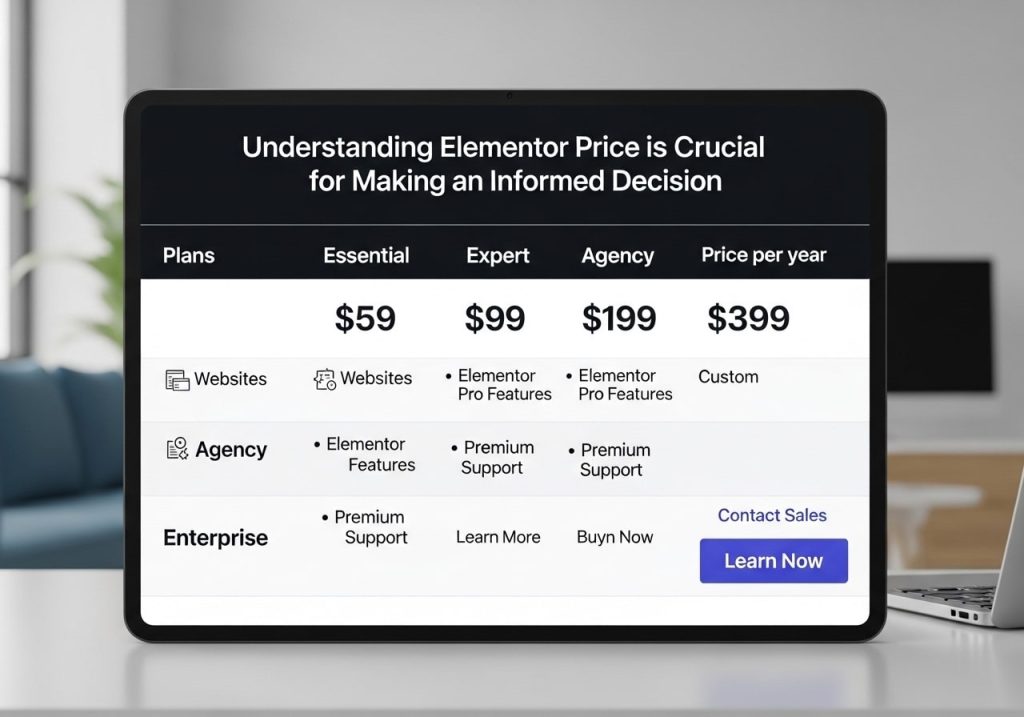
Understanding Elementor Pro’s price is crucial for making an informed decision. As of 2024, Elementor offers several pricing tiers:
Essential Plan – $59/year
- 1 website
- 1 year of updates and support
- All Pro features included
Advanced Plan – $99/year
- 3 websites
- 1 year of updates and support
- All Pro features included
Expert Plan – $199/year
- 1000 websites
- 1 year of updates and support
- All Pro features included
Studio Plan – $399/year
- 1000 websites
- Advanced features for agencies
- White-label options
How Much is Elementor Pro in Bangladesh?
For users asking “How much is Elementor Pro in BD?”, the pricing remains the same in USD. However, local payment methods and currency conversion may apply additional charges. The Elementor Pro price in Bangladeshi Taka approximately converts to:
- Essential Plan: ~৳6,200 BDT
- Advanced Plan: ~৳10,400 BDT
- Expert Plan: ~৳20,900 BDT
Note: These conversions are approximate and may vary based on current exchange rates and payment processor fees.
Is There a Way to Get Elementor Pro for Free?
Many users search for “How to get Elementor Pro for free?” or “Elementor Pro free download”. While there’s no official free version of the Pro features, there are legitimate ways to try it:
Official Free Trial
Elementor occasionally offers free trials or money-back guarantees. Check their official website for current promotions.
Educational Discounts
Students and educational institutions may qualify for special pricing.
Agency Partnerships
Web development agencies can join Elementor’s partner program for discounted rates.
Why You Should Avoid Nulled Versions
Searching for “Elementor Pro nulled” or “Elementor Pro GPL” versions might seem tempting, but it comes with serious risks:
Security Risks
- Malware and viruses
- Backdoors for hackers
- Compromised website security
Legal Issues
- Copyright infringement
- Potential lawsuits
- Terms of service violations
Technical Problems
- No updates or support
- Compatibility issues
- Broken functionality
Reputation Damage
- Google penalties
- Loss of client trust
- Professional credibility issues
Instead of risking these problems, consider the official pricing or look for legitimate alternatives.
Elementor Pro Templates Library
One of the biggest advantages of Elementor Pro is access to the premium templates library. With over 300 professionally designed templates, you can:
- Launch websites quickly
- Maintain professional design standards
- Save time on design work
- Access regularly updated templates
The Elementor Pro templates cover various industries, including:
- Business and corporate
- E-commerce and online stores
- Restaurants and food
- Health and medical
- Education and courses
- Photography and portfolios
- Real estate
- Non-profit organizations
How to Login and Download the Latest Version
Once you purchase Elementor Pro, accessing your account and downloading the latest Elementor Pro version is straightforward:
Elementor Pro Login Process
- Visit the official Elementor website
- Click on “My Account” or “Elementor Pro login.“
- Enter your credentials
- Navigate to “My Downloads”
- Download the latest version
Keeping Updated
Elementor Pro receives regular updates that include:
- New features and widgets
- Security patches
- Bug fixes
- Performance improvements
- WordPress compatibility updates
Always use the official update mechanism through your WordPress dashboard to ensure you have the latest Elementor Pro version.
Lifetime vs Annual Plans
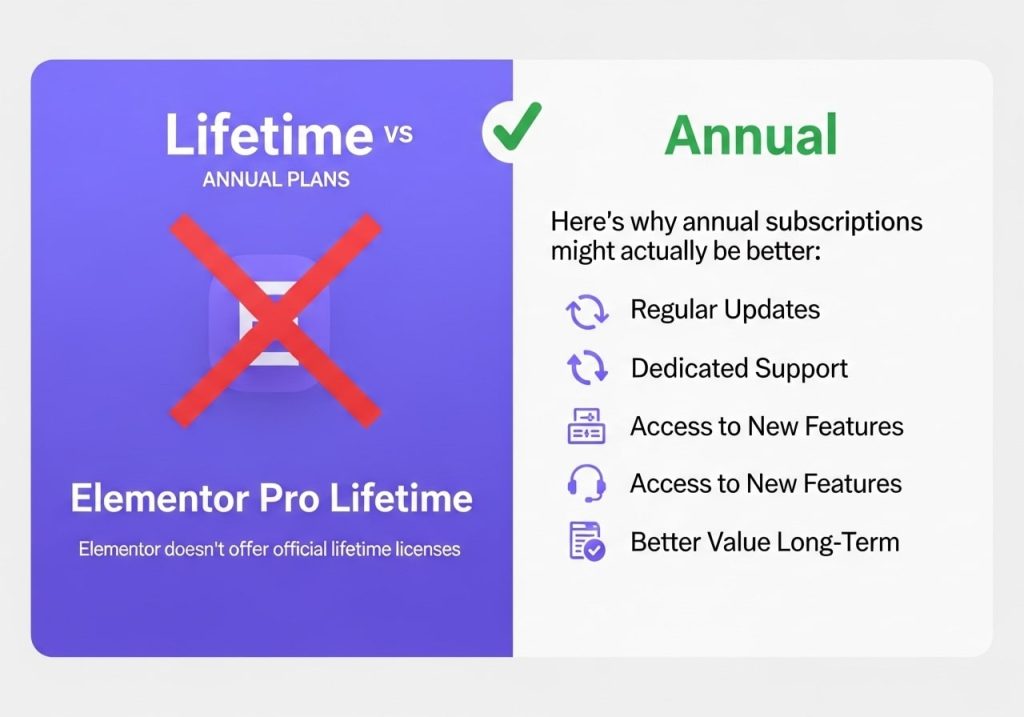
When considering Elementor Pro, you might wonder about “Elementor Pro Lifetime” deals. Currently, Elementor doesn’t offer official lifetime licenses. Here’s why annual subscriptions might actually be better:
Benefits of Annual Subscriptions
- Guaranteed updates and support
- Regular feature additions
- Security patches
- WordPress compatibility
- Official customer support
Red Flags with “Lifetime” Offers
- Usually unofficial or illegal
- No guaranteed updates
- Potential security risks
- No official support
- May violate terms of service
Performance and Speed Considerations
Elementor Pro is designed with performance in mind, but proper usage is important:
Optimization Tips
- Use caching plugins
- Optimize images before uploading
- Minimize widget usage where possible
- Keep the plugin updated
- Choose quality hosting
Performance Features
- Clean code output
- Lazy loading for images
- CSS and JavaScript optimization
- Mobile-responsive designs
- Fast loading templates
Learning Resources and Support
Investing in Elementor Pro means accessing comprehensive learning resources:
Official Documentation
- Step-by-step tutorials
- Video guides
- Best practices
- Troubleshooting guides
Community Support
- Facebook groups
- YouTube tutorials
- Third-party courses
- Web developer forums
Priority Support
Elementor Pro users receive priority customer support, including:
- Faster response times
- Expert assistance
- Direct access to developers
- Comprehensive troubleshooting
Making the Decision
Deciding whether Elementor Pro is worth the investment depends on your specific needs:
Choose Elementor Pro If You:
- Need advanced design flexibility
- Want to create custom post types
- Require WooCommerce integration
- Need professional templates
- Value priority support
- Plan to build multiple sites
Stick with the Free Version If You:
- Have basic design needs
- Work with simple layouts
- Have a limited budget
- Only need occasional updates
- Can work with basic widgets
Elementor Pro represents a significant upgrade from the free version, offering professional-grade tools for serious website builders. While the pricing might seem steep initially, the time saved and professional results achieved often justify the investment. Remember to always purchase from official sources to ensure you receive legitimate updates, support, and security patches. Whether you’re a freelancer, agency, or business owner, Elementor Pro can significantly improve your website development workflow and final results.