
Ultimate Addons for Elementor – The Complete Guide to Building Professional WordPress Websites
Building a professional WordPress website can be challenging, especially when you want to stand out from the crowd. That’s where Ultimate Addons comes in – a powerful WordPress plugin that extends your page builder’s capabilities and helps you create beautiful websites with Ultimate-Addons’ extensive collection of widgets and modules.
Ultimate Addons Premium Plugin WordPress
Get the Premium Ultimate Addons Plugin
What is Ultimate Addons?
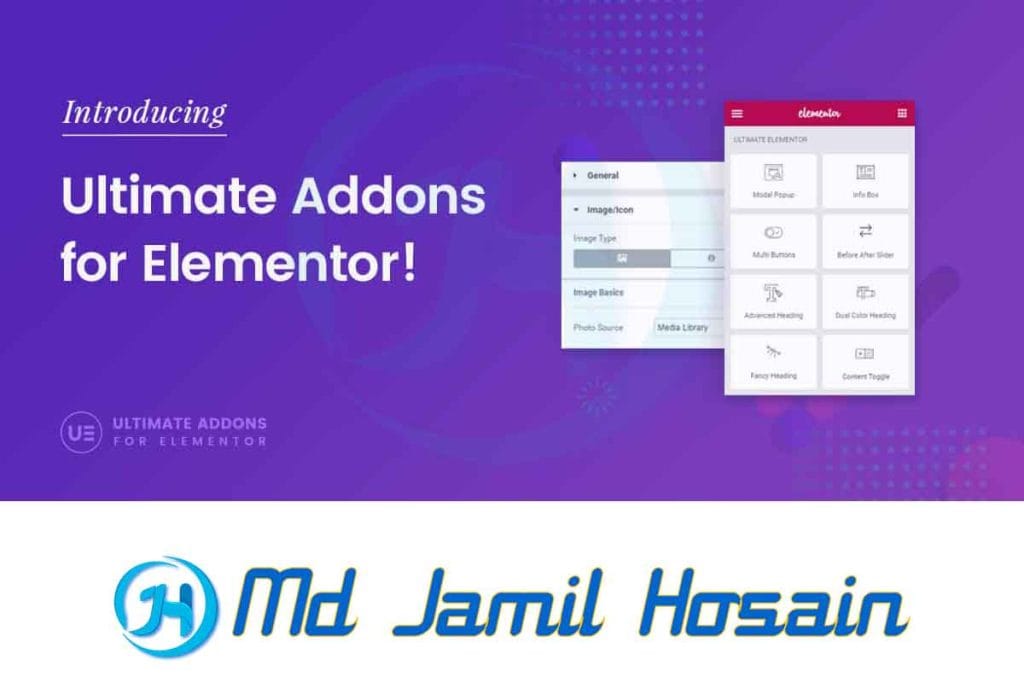
Ultimate Addons is a premium WordPress plugin designed to enhance popular page builders like Elementor, WPBakery, and Gutenberg. This comprehensive addon collection provides website owners with advanced widgets, creative modules, and professional design elements that aren’t available in standard page builders.
The plugin has gained popularity among WordPress users because it bridges the gap between basic page builder functionality and professional web design requirements. Whether you’re a beginner or an experienced developer, Ultimate-Addons offers tools that make custom website design for WordPress projects more efficient and visually appealing.
Why Choose Ultimate Addons?
When searching for the best addons for Elementor or other page builders, you’ll find countless options. However, Ultimate-Addons stands out for several reasons:
- Extensive Widget Library: Over 40+ premium widgets and counting
- Regular Updates: Consistent improvements and new features
- Performance Optimized: Lightweight code that doesn’t slow down your website
- Professional Support: Dedicated customer service team
- Cross-Platform Compatibility: Works with multiple page builders
Key Features of Ultimate Addons
Advanced Design Widgets
Ultimate-Addons includes widgets that go far beyond basic text and image modules. Some standout features include:
- Advanced Heading: Create stunning typography with custom fonts, gradients, and animations
- Info Box: Professional information displays with icons, images, and call-to-action buttons
- Timeline: Perfect for showcasing company history, process steps, or project milestones
- Price Table: Responsive pricing tables with comparison features
- Team Member: Professional team showcases with social media integration
Interactive Elements
The plugin excels in creating engaging, interactive content:
- Image Gallery: Multiple layout options with lightbox functionality
- Modal Popup: Custom popups triggered by various user actions
- Flip Box: Eye-catching hover effects for service showcases
- Counter: Animated counters for statistics and achievements
- Progress Bar: Visual representation of skills, progress, or completion rates
Marketing-Focused Modules
For businesses looking to improve conversions, Ultimate-Addons provides:
- Call-to-Action: Highly customizable CTA sections
- Contact Form: Advanced form builder with multiple field types
- Testimonials: Customer reviews display with various layouts
- Logo Carousel: Client or partner logo showcases
- Social Share: Custom social media sharing buttons
Ultimate Addons for Elementor vs Other Addons
When comparing Ultimate-Addons for Elementor with other popular Elementor addons, several factors set it apart:
Design Quality
Ultimate Addons focuses on professional, business-ready designs rather than flashy but impractical elements. Each widget is crafted with real-world usage in mind, ensuring your website maintains a professional appearance across all devices.
Performance Considerations
Unlike many WordPress design plugins that load unnecessary scripts, Ultimate Addons uses selective loading. This means only the widgets you actually use on a page will load their associated CSS and JavaScript files, keeping your website fast.
Customization Options
The level of customization available in Ultimate-Addons often exceeds what you’ll find in free alternatives. Every widget includes extensive styling options, allowing you to match your brand’s exact requirements without writing custom CSS.
Documentation and Support
Premium plugins like Ultimate-Addons typically offer superior documentation and customer support compared to free alternatives. This can save significant time during development and troubleshooting.
Ultimate Addons Pricing Plans
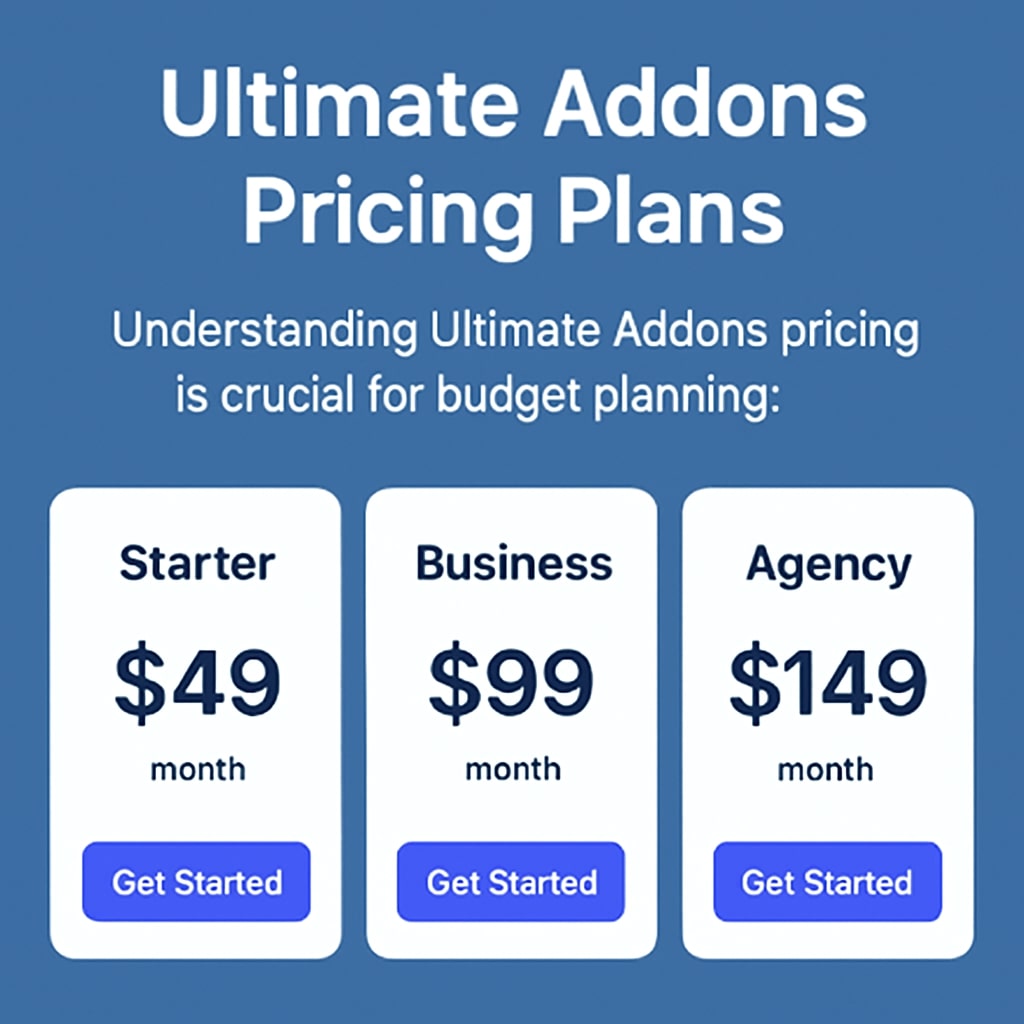
Understanding Ultimate Addons pricing is crucial for budget planning:
Personal Plan
- Price: $69/year
- Sites: 1 website
- Support: 1 year
- Updates: 1 year
- Best For: Individual websites or small businesses
Plus Plan
- Price: $139/year
- Sites: 3 websites
- Support: 1 year
- Updates: 1 year
- Best For: Web designers with multiple client projects
Growth Plan
- Price: $239/year
- Sites: 25 websites
- Support: 1 year
- Updates: 1 year
- Best For: Agencies and freelancers
All Plans Include:
- Complete widget library
- Premium templates
- White-label options
- Regular updates
- Priority support
Installation Guide
1. Ultimate Addons Download
After purchasing your license:
- Log in to your account dashboard
- Navigate to the downloads section
- Download the plugin ZIP file
- Keep your license key handy for activation
2. WordPress Installation
- Access your WordPress admin dashboard
- Go to Plugins > Add New
- Click Upload Plugin
- Select the downloaded ZIP file
- Click Install Now
- Activate the plugin
3. License Activation
- Find Ultimate Addons in your admin menu
- Navigate to the license activation page
- Enter your license key
- Click Activate License
- Verify activation success
Configuration
- Access the Ultimate Addons settings
- Enable/disable specific widgets as needed
- Configure global settings
- Save your preferences
How to Use Ultimate Addons
Learning how to use Ultimate Addons effectively can significantly improve your website-building workflow:
Basic Widget Usage
- Open Elementor Editor: Edit any page or post with Elementor
- Locate Ultimate Addons Widgets: Find them in the Elementor widget panel
- Drag and Drop: Add widgets to your page layout
- Customize: Use the extensive styling options
- Preview: Check your design before publishing
Advanced Techniques
Template Creation
Create reusable templates with Ultimate-Addons widgets:
- Design a section using multiple Ultimate-Addons widgets
- Save as a template in Elementor
- Reuse across different pages for consistency
Global Widget Styling
Set default styles for widgets site-wide:
- Access the Ultimate-Addons global settings
- Define default colors, fonts, and spacing
- Apply consistent branding across all widgets
Performance Optimization
Optimize widget loading for better performance:
- Disable unused widgets in settings
- Use selective loading features
- Optimize images within widgets
Best Ultimate Addons Features for Website Design

Professional Business Websites
For custom website design WordPress projects targeting businesses:
Advanced Heading Widget
- Multi-line headings with different styles per line
- Gradient text effects
- Custom typography with Google Fonts integration
- Icon integration with positioning options
Info Box Widget
- Perfect for services or features sections
- Multiple layout options (icon top, left, right)
- Custom hover animations
- Call-to-action button integration
Price Table Widget
- Responsive pricing displays
- Feature comparison capabilities
- Custom styling for featured plans
- Integration with payment gateways
Creative Portfolios
For designers and creative professionals:
Image Gallery Widget
- Multiple layout options (grid, masonry, carousel)
- Custom hover effects
- Lightbox functionality
- Filter options for portfolio categories
Timeline Widget
- Showcase project progression
- The company’s history displays
- Process step visualization
- Custom icons and styling
E-commerce Enhancements
For online stores using WooCommerce:
Modal Popup Widget
- Product quick views
- Newsletter signups
- Special offer promotions
- Exit-intent popups
Counter Widget
- Display sales numbers
- Customer satisfaction rates
- Product quantities
- Animated counting effects
Ultimate Addons Performance
Ultimate Addons performance is a crucial consideration for any WordPress website:
Loading Speed Optimization
The plugin implements several performance optimization techniques:
Selective Loading
- Only loads CSS/JS for widgets actually used on each page
- Reduces overall page load times
- Minimizes server resource usage
Minified Assets
- Compressed CSS and JavaScript files
- Reduced file sizes for faster downloads
- Optimized for production environments
CDN Compatibility
- Works seamlessly with popular CDN services
- Optimized asset delivery
- Global performance improvements
Performance Best Practices
To maximize Ultimate-Addons performance:
- Disable Unused Widgets: Turn off widgets you don’t plan to use
- Optimize Images: Use appropriate image sizes within widgets
- Cache Integration: Ensure compatibility with caching plugins
- Regular Updates: Keep the plugin updated for the latest optimizations
Performance Monitoring
Track your website’s performance with Ultimate-Addons:
- Use tools like GTmetrix or Google PageSpeed Insights
- Monitor Core Web Vitals scores
- Test on mobile devices for mobile performance
- Regular performance audits after adding new widgets
Free Ultimate Addons Alternatives
While Ultimate Addons offers premium features, there are free Ultimate Addons alternatives worth considering:
Essential Addons for Elementor
- Pros: Free version available, good widget selection
- Cons: Limited customization options, premium features locked
- Best For: Basic website requirements
ElementsKit
- Pros: Large widget library, active development
- Cons: Some features require a premium version
- Best For: Intermediate users wanting variety
Happy Addons
- Pros: Lightweight, clean code
- Cons: Smaller widget selection
- Best For: Performance-focused websites
Premium Addons for Elementor
- Pros: Creative widgets, good documentation
- Cons: Limited free widgets
- Best For: Creative projects
Comparison Considerations
When evaluating alternatives:
- Widget Quality: Premium plugins typically offer higher quality widgets
- Support: Free plugins may have limited support options
- Updates: Premium plugins receive more frequent updates
- Customization: Paid options usually provide more styling flexibility
Ultimate Addons for Different Page Builders
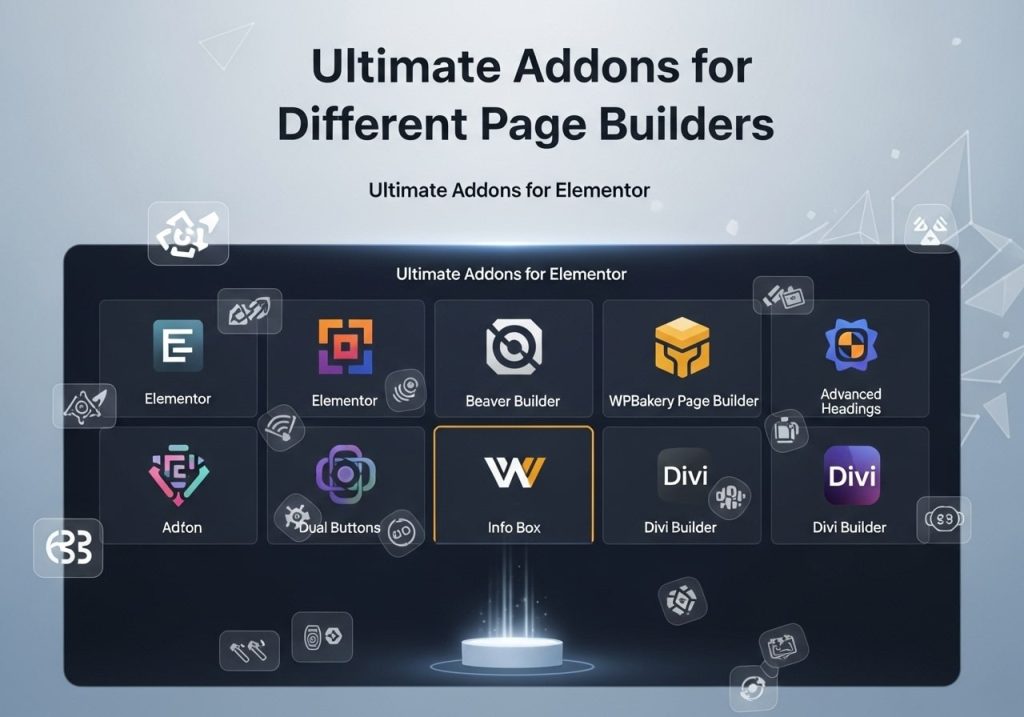
Ultimate Addons for Elementor
The most popular version of Ultimate-Addons is designed specifically for Elementor:
Integration Features
- Seamless Elementor interface integration
- Theme Builder compatibility
- Global widget settings
- Template library access
Exclusive Elementor Features
- Dynamic content support
- Custom CSS integration
- Responsive editing controls
- Animation and motion effects
Ultimate Addons for WPBakery
Ultimate Addons for WPBakery (formerly Visual Composer) offers:
WPBakery-Specific Features
- Backend and frontend editor compatibility
- Row and column integration
- Template system support
- Responsive design controls
Migration Considerations
If switching from WPBakery to Elementor:
- Content will need to be rebuilt
- Templates won’t transfer directly
- Training may be required for the new interface
Ultimate Addons for Gutenberg
The newer Ultimate Addons for Gutenberg provides:
Block Editor Integration
- Custom Gutenberg blocks
- Block pattern library
- Full site editing compatibility
- WordPress 5.0+ optimization
Gutenberg Advantages
- Native WordPress integration
- Better long-term support prospects
- Improved performance with WordPress core
- No third-party page builder dependency
Choosing the Right Version
Consider these factors when selecting:
- Current Page Builder: Use the version matching your existing setup
- Future Plans: Consider long-term website strategy
- Team Skills: Choose based on team familiarity
- Performance Requirements: Evaluate speed and optimization needs
Common Questions About Ultimate Addons
Is Ultimate Addons Worth the Investment?
For most professional websites, Ultimate Addons provides excellent value through:
- Time savings during development
- Professional design quality
- Ongoing updates and support
- Extensive customization options
How Does Ultimate Addons Affect Website Speed?
When properly configured, Ultimate-Addons has minimal impact on website speed due to:
- Selective asset loading
- Optimized code structure
- Performance-focused development
- CDN compatibility
Can I Use Ultimate Addons with Any Theme?
Ultimate-Addons works with most WordPress themes, especially those optimized for page builders. However, the best results come from:
- Elementor-compatible themes
- Lightweight, performance-optimized themes
- Themes with minimal built-in styling conflicts
What Happens If I Cancel My License?
If you don’t renew your Ultimate-Addons license:
- Widgets continue working on your website
- No updates or new features
- No access to customer support
- Security updates may be missed
Ultimate-Addons represents a significant step forward for WordPress website builders who want to create professional, engaging websites without extensive coding knowledge. This WordPress plugin transforms standard page builders into powerful design tools capable of producing stunning, conversion-focused websites.
The extensive widget library, performance optimization, and ongoing development make Ultimate-Addons a smart investment for serious WordPress users. Whether you’re building a single business website or managing multiple client projects, the time saved and professional results achieved often justify the investment many times over.
Ready to transform your WordPress website? Download Ultimate Addons today and experience the difference professional-grade widgets can make for your online presence. Visit the official website to explore pricing options and start your journey toward better website design.